PERU MAP MAXI ZARICH
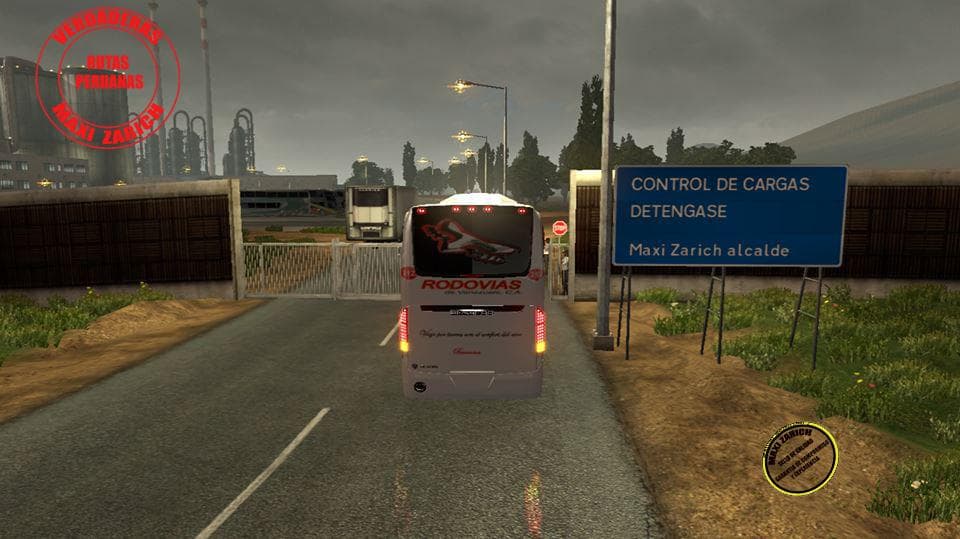
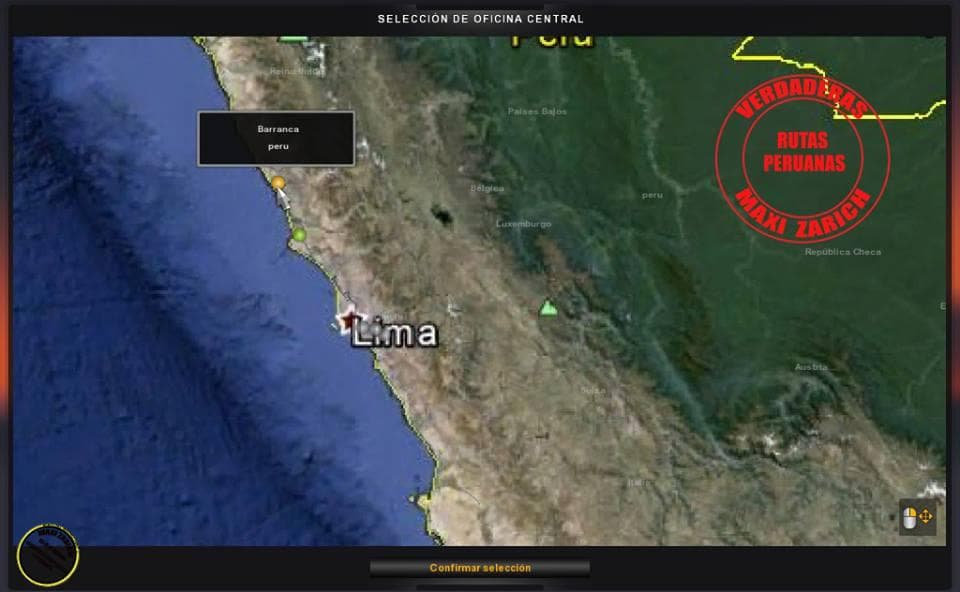
PERU MAP MAXI ZARICH is a map modification for Euro Truck Simulator 2 that adds new drivable areas focused on Peru. This kind of mod typically expands the base game by introducing fresh roads, cities, and landscapes, giving players more ground to cover beyond the original map. Since it involves altering the world layout, it usually comes as one or more .scs files that must be loaded in a particular order to function correctly with other map mods or DLC content.
Map mods like this one often require careful attention to load order because conflicts can arise if multiple map expansions overwrite the same game files or regions. It's common advice to start with a clean profile when adding large-scale maps to avoid potential issues. Additionally, some map mods depend on certain official base-map DLCs being installed; while the exact requirements for PERU MAP MAXI ZARICH are unknown, this is something users should keep in mind.
In a modded setup where multiple maps are combined, ensuring compatibility is key. Players might need to use tools or patches that help blend different map expansions smoothly. Such mods are well-suited for truckers who want to explore beyond Europe and try out landscapes from South America in ETS2. It broadens the game's scope significantly compared to standard routes.
This mod targets enthusiasts who appreciate driving through less commonly represented regions and want to experience new environments and challenges on the road. Those interested in South American geography or looking for fresh destinations in their trucking career will find this addition interesting. Just remember that integrating it into an existing mod collection requires some planning regarding compatibility and load order.
How to install
1. Download every .scs file from the source page (map mods often ship multiple files). 2. Copy all files to `Documents/Euro Truck Simulator 2/mod/`. 3. Enable each file in Mod Manager **in the order documented by the modder**. Load order matters for maps. 4. Start a new save or use an existing save that already supports the map's base regions.
After the mod loads, save your game inside a safe area (parking lot or service) before deciding whether to keep it. If the game refuses to load with the mod enabled, check that all required DLCs are installed and that the supported ETS2 version chips on this page include your installed game patch.
Known conflicts
No conflicts reported for this mod yet. Running a big mod list? Check your whole setup for conflicts →
Reviews
No ratings yetNo reviews yet — be the first to rate this mod.





