PANJELAJERS INDO MAP V1.3
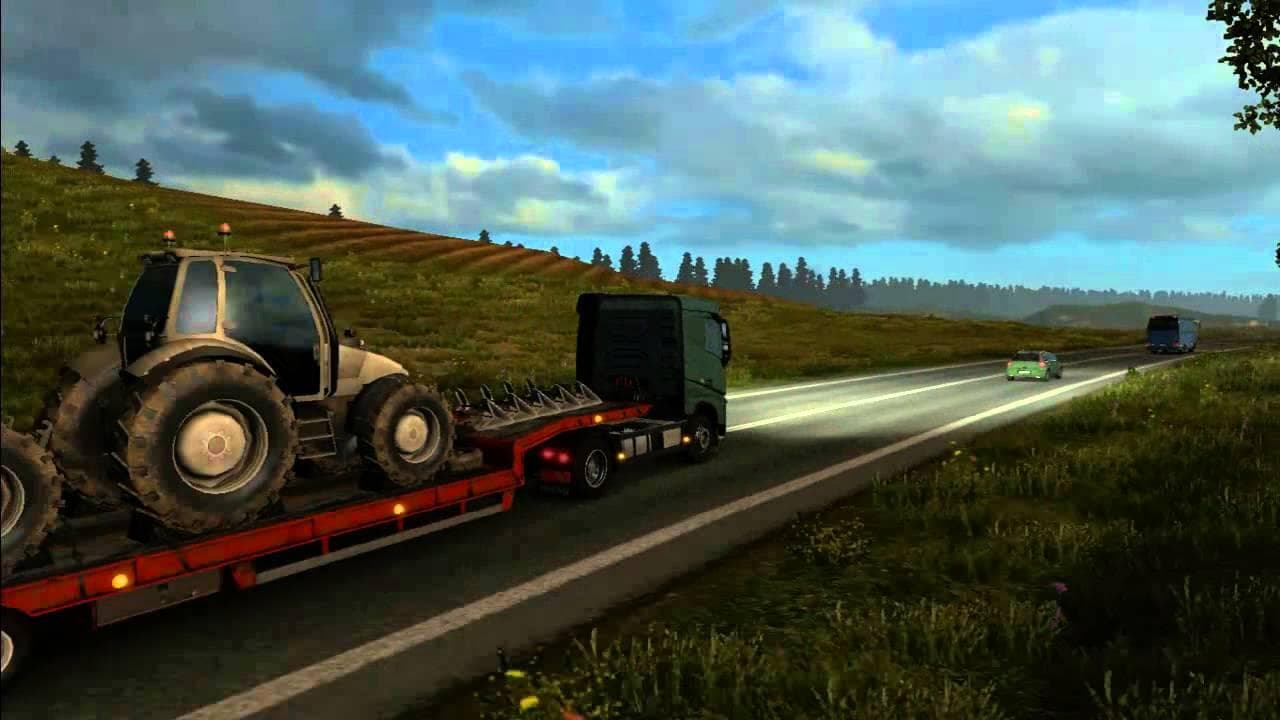
PANJELAJERS INDO MAP is an ETS2 unknown. Listed compatible with ETS2 1.3, 1.21.
PANJELAJERS INDO MAP V1.3 is a map mod that adds an Indonesian-themed region to Euro Truck Simulator 2, blending it with the familiar European environment. This extension offers players a chance to explore new roads and locations beyond the base game’s usual settings. In this version, a notable update includes the addition of a ferry connection from Calais, enhancing travel options within the expanded world.
Map mods like this one typically come as .scs files and modify or expand the playable area by introducing fresh routes, cities, and landscapes. They often require attention to load order since conflicts can arise if multiple map mods overlap or alter similar areas. Using them may sometimes call for starting a new profile to avoid issues with saved progress or game stability.
This particular map supports older ETS2 versions such as 1.3 and 1.21, so it fits well in setups running those game builds. When integrating into a modded environment, players should ensure compatibility with any base-map DLCs they own, as some maps depend on these for proper functioning. The ferry addition suggests some focus on connectivity improvements between existing and new zones.
Players who enjoy exploring beyond European borders but still want a somewhat familiar visual style might find this mod appealing. Its blend of Indonesian elements with Europe-style roads makes it suitable for those wanting diverse scenery while keeping the gameplay grounded in recognizable surroundings.
For those managing several map mods, careful load order management is key to preventing overlaps or crashes. Since details about creator and file size are unknown, users should approach installation with general caution typical for community-made maps of this type.
How to install
1. Download every .scs file from the source page (map mods often ship multiple files). 2. Copy all files to `Documents/Euro Truck Simulator 2/mod/`. 3. Enable each file in Mod Manager **in the order documented by the modder**. Load order matters for maps. 4. Start a new save or use an existing save that already supports the map's base regions.
After the mod loads, save your game inside a safe area (parking lot or service) before deciding whether to keep it. If the game refuses to load with the mod enabled, check that all required DLCs are installed and that the supported ETS2 version chips on this page include your installed game patch.
Known conflicts
No conflicts reported for this mod yet. Running a big mod list? Check your whole setup for conflicts →
Reviews
No ratings yetNo reviews yet — be the first to rate this mod.





