PAINTED ACCESSORIES
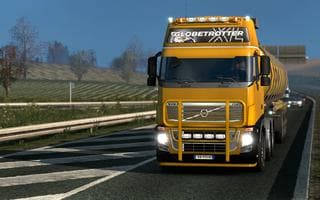
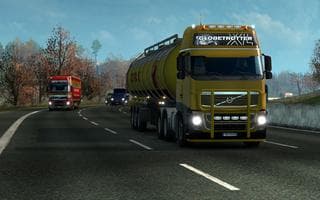
The "PAINTED ACCESSORIES" mod by Euro Truck Simulator 2 changes roof, front, and bumper bars to the truck's primary color. The modifications are made to the aut
PAINTED ACCESSORIES is a parts mod that alters the appearance of certain truck components by matching their color to the truck's primary paint. It specifically targets roof bars, front bars, and bumper bars, changing their color through adjustments made in the game's automat files. This means these accessories will visually blend with the truck's main body color rather than standing out as separate elements.
In Euro Truck Simulator 2, parts mods like this one are designed to enhance customization options by adding or modifying accessories such as bull bars, lights, exhausts, and mirrors. They are usually accessed through the truck customization menu where players can tailor their trucks to personal taste. Mods that change colors of existing parts offer a more cohesive look without adding new physical components.
For those who run multiple mods, this kind of color adjustment mod typically fits well within a modded setup because it doesn't introduce new models but modifies existing textures or configurations. Load order might be important if you use other parts or skin mods that affect the same truck areas; placing this mod appropriately can prevent conflicts or unwanted overrides.
Players who enjoy customizing their trucks to create a more unified look will find this mod useful. It's especially handy if you prefer subtle changes over flashy add-ons and want your accessories to match your paint job automatically. Since it relies on changing default color assignments, it should work smoothly alongside many other tuning mods without requiring complicated tweaks.
How to install
1. Download the file(s) from the original source linked above. 2. Drop them into `Documents/Euro Truck Simulator 2/mod/`. 3. Enable in Mod Manager and restart the game.
After the mod loads, save your game inside a safe area (parking lot or service) before deciding whether to keep it. If the game refuses to load with the mod enabled, check that all required DLCs are installed and that the supported ETS2 version chips on this page include your installed game patch.
Reviews
No ratings yetNo reviews yet — be the first to rate this mod.