Off the grid - Russia v3.6 1.60
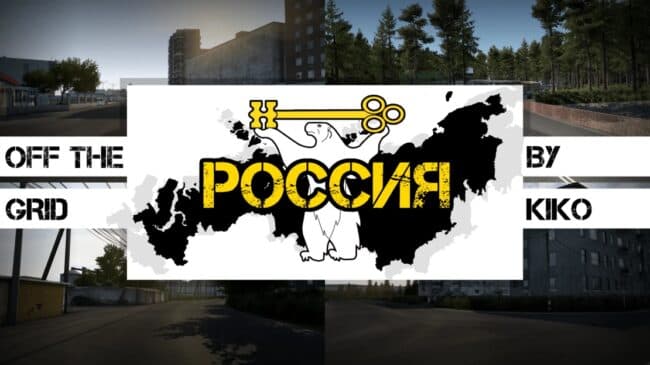
Explore the untamed wilderness of Russia with the 'Off the grid - Russia 1.60' map mod by ets2mods. Version 3.6 is compatible with ETS2 1.60, offering an unforg
Off the Grid - Russia v3.6 for ETS2 version 1.60 is a map mod that broadens the game's world by adding a detailed Russian landscape to explore. This version updates compatibility to the latest game release, ensuring it runs smoothly without conflicts. Maps like this one typically come as .scs files and extend the drivable area with new cities, roads, and unique environments beyond the base game.
Map mods such as Off the Grid allow players to experience fresh routes and scenery that aren't available in standard ETS2. They often require careful attention to load order, placing them after core map expansions but before any mods altering traffic or economy. Using a dedicated profile is usually recommended since these mods can significantly alter gameplay and save data.
Integrating Off the Grid into a modded setup means ensuring you have any required base map DLCs installed, particularly those covering Eastern Europe or Russia if applicable. Compatibility with other map mods might vary, so testing for conflicts or overlapping regions is wise before committing to long hauls across its terrain.
This mod suits players who want to venture deeper into Russia's less-traveled roads rather than sticking to Western Europe’s highways. If you're looking for extended exploration with more remote locations and varied driving challenges, Off the Grid offers an expanded landscape that enriches your trucking routes.
As with all extensive map additions, expect longer loading times and potentially heavier system requirements due to increased detail and size. Still, for those interested in diversifying their European trucking experience with Russian backcountry routes, this mod presents an intriguing option.
How to install
1. Download every .scs file from the source page (map mods often ship multiple files). 2. Copy all files to `Documents/Euro Truck Simulator 2/mod/`. 3. Enable each file in Mod Manager **in the order documented by the modder**. Load order matters for maps. 4. Start a new save or use an existing save that already supports the map's base regions.
After the mod loads, save your game inside a safe area (parking lot or service) before deciding whether to keep it. If the game refuses to load with the mod enabled, check that all required DLCs are installed and that the supported ETS2 version chips on this page include your installed game patch.
Known conflicts
No conflicts reported for this mod yet. Running a big mod list? Check your whole setup for conflicts →
Reviews
No ratings yetNo reviews yet — be the first to rate this mod.





