Northern Scandinavia for 1.20x (standalone)
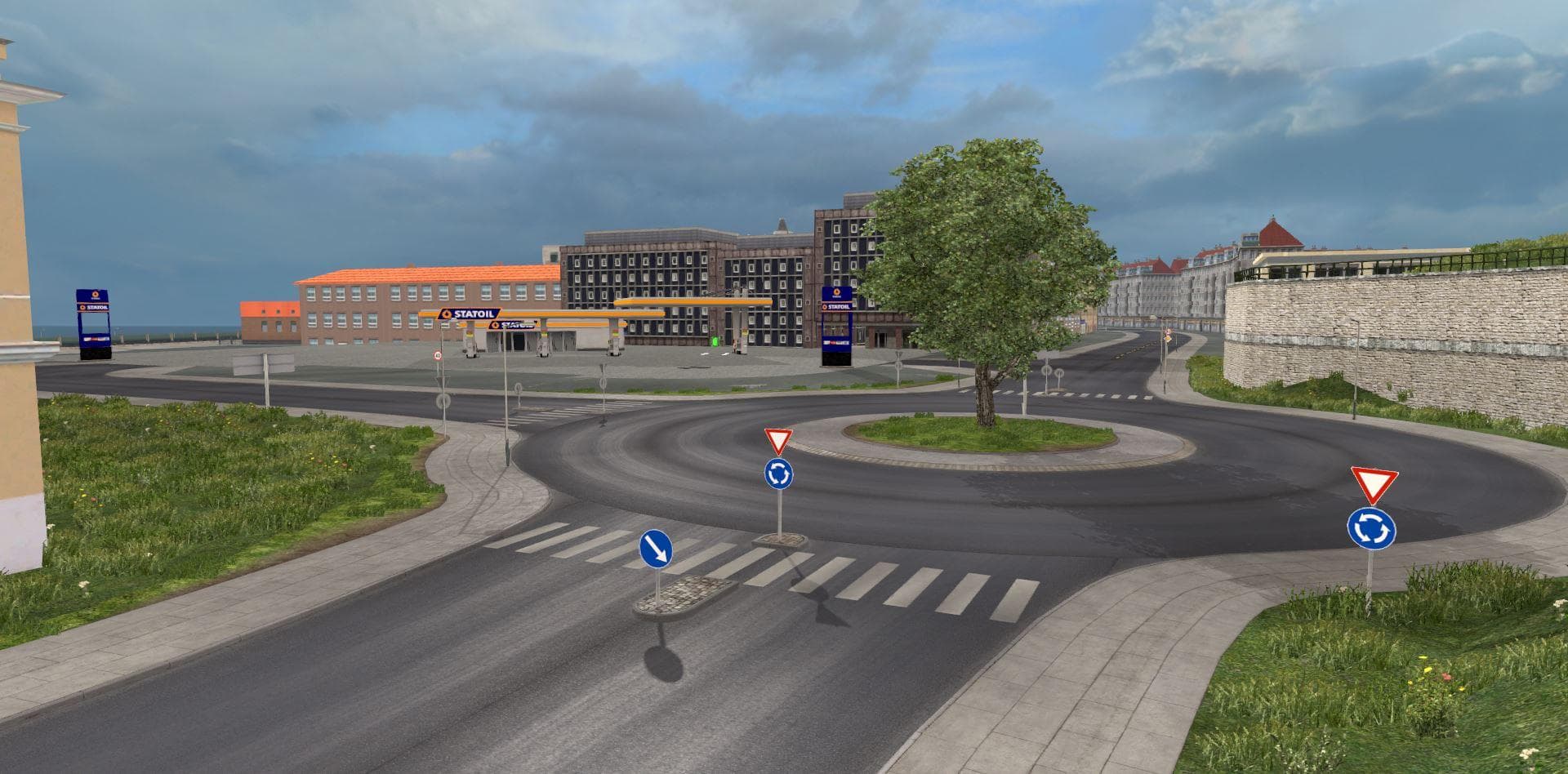
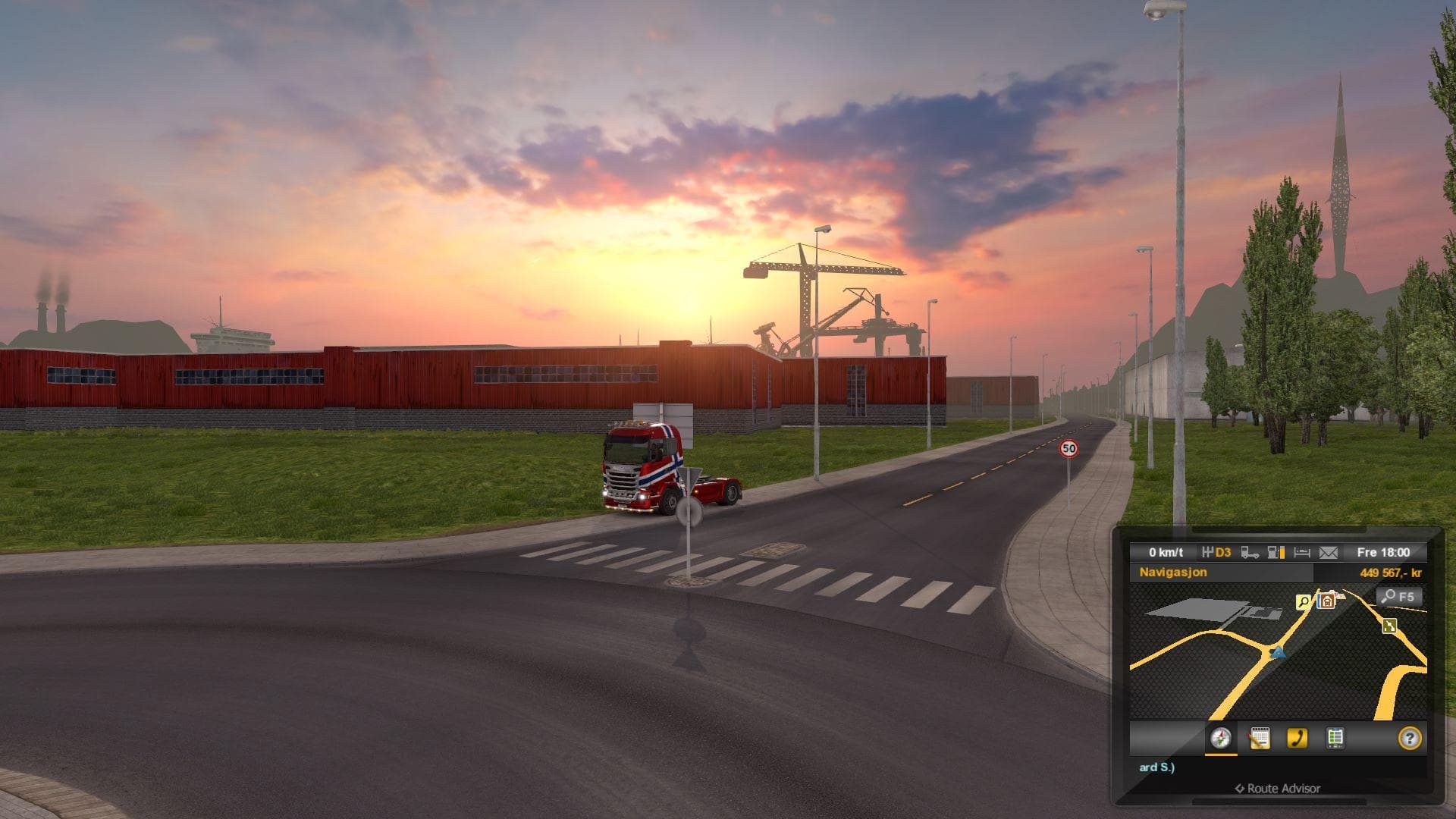
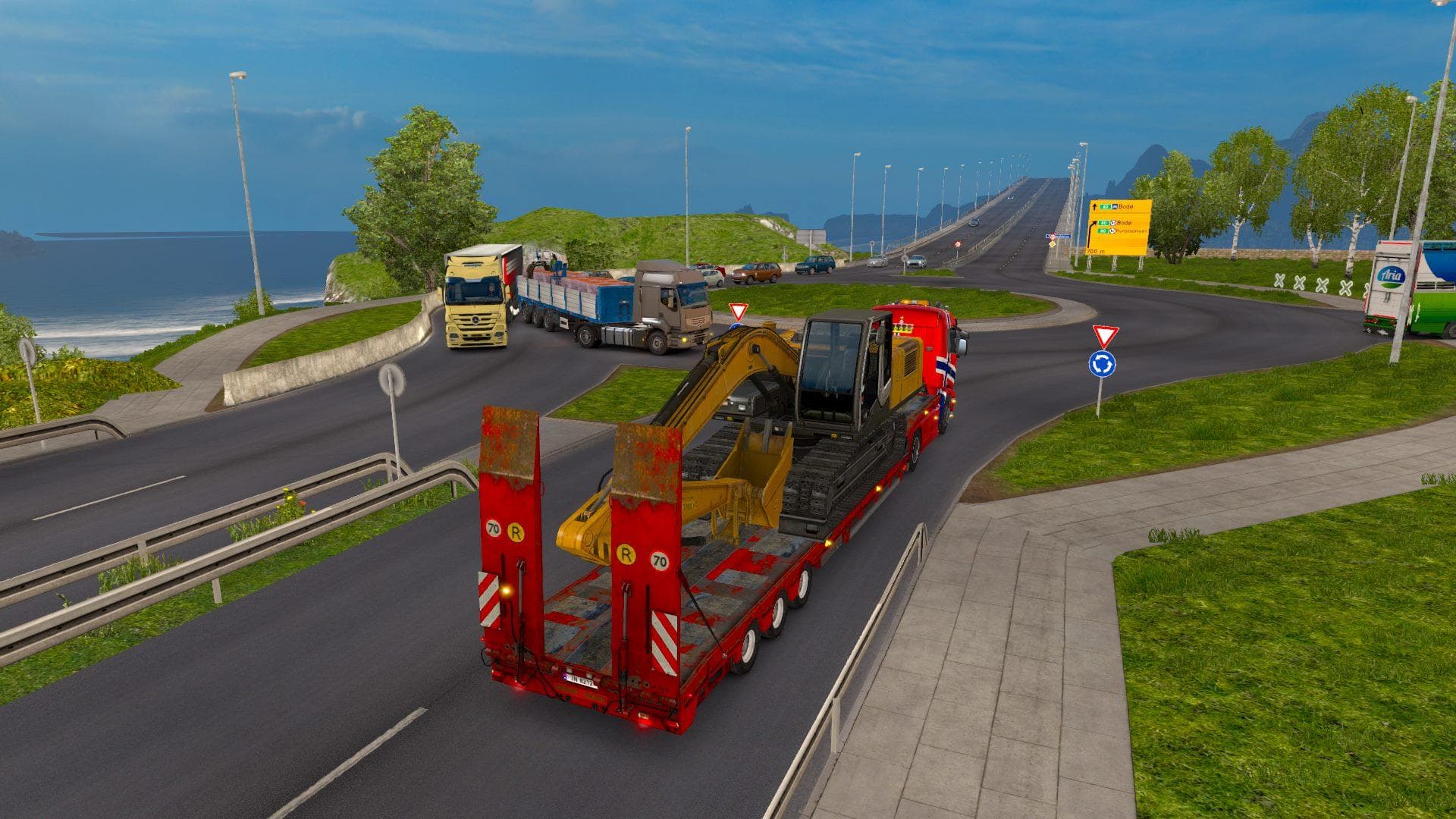
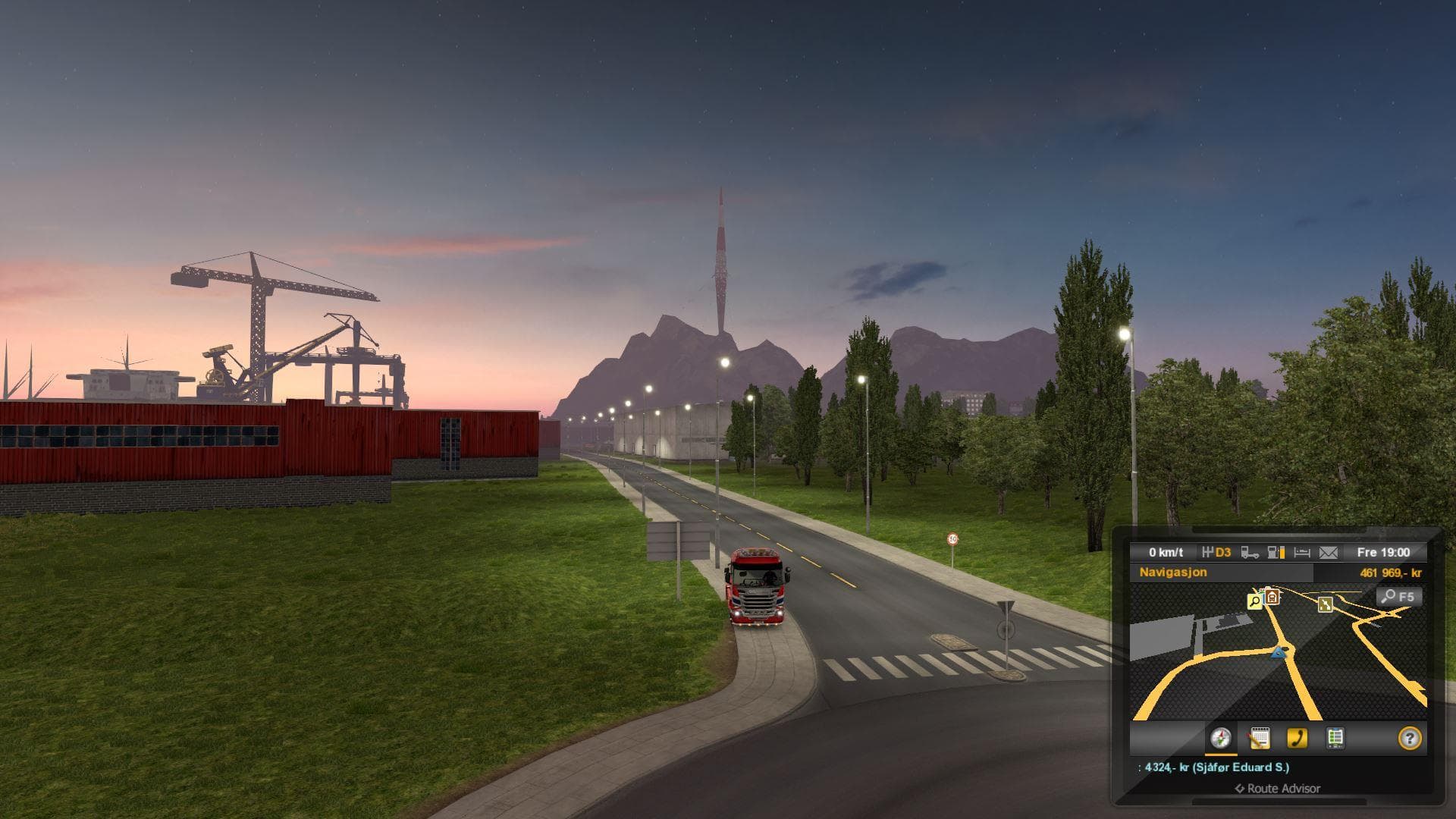
The Northern Scandinavia map mod version 0.98.8 is a standalone addition for ETS2 version 1.20, created by Euro truck simulator 2. Explore new territories in th
Northern Scandinavia for 1.20x is a standalone map mod designed to bring a fresh driving experience focused on the northern parts of Scandinavia. It’s tailored for ETS2 version 1.20, making it compatible with the latest updates without needing additional tweaks. This kind of map expansion adds new territories and routes that aren’t part of the base game, giving players more variety in their virtual trucking careers.
Map mods like this one generally come as .scs files that you load alongside or instead of the official maps. Because they add or replace large areas, they can be quite demanding on your setup and often require careful attention to load order. For Northern Scandinavia, it's crucial to ensure it loads correctly to avoid conflicts with other map mods or DLCs such as those covering Nordic countries.
Using Northern Scandinavia fits well within a modded ETS2 environment where players want to explore less common regions beyond the usual Germany, France, or Poland routes. Since it’s standalone, it doesn’t rely on other maps but may still benefit from compatible weather or traffic mods if you use them. Just remember that starting a new profile might be necessary if you want to experience the map fully without issues.
This mod is suited for truckers who want to expand their in-game geography and drive through colder northern climates with different road layouts and city placements than found in southern Europe or central regions. If you’re into exploring new landscapes and testing out various haul jobs across Scandinavia’s remote areas, this will add some fresh challenges and scenery to your sessions.
How to install
1. Download every .scs file from the source page (map mods often ship multiple files). 2. Copy all files to `Documents/Euro Truck Simulator 2/mod/`. 3. Enable each file in Mod Manager **in the order documented by the modder**. Load order matters for maps. 4. Start a new save or use an existing save that already supports the map's base regions.
After the mod loads, save your game inside a safe area (parking lot or service) before deciding whether to keep it. If the game refuses to load with the mod enabled, check that all required DLCs are installed and that the supported ETS2 version chips on this page include your installed game patch.
Known conflicts
No conflicts reported for this mod yet. Running a big mod list? Check your whole setup for conflicts →
Reviews
No ratings yetNo reviews yet — be the first to rate this mod.





