NO DAMAGE FOR HARSH RUSSIAN MAP R11 1.22
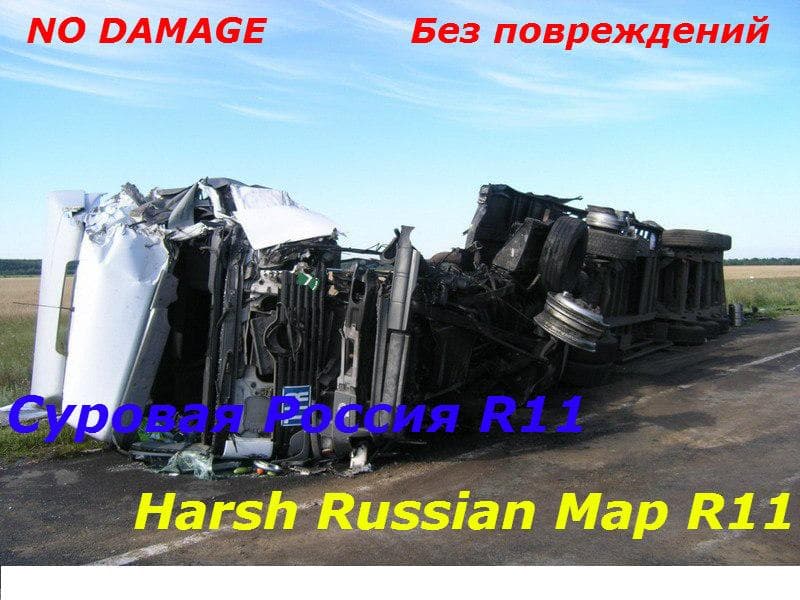
This mod, titled "NO DAMAGE FOR HARSH RUSSIAN MAP R11 1.22," is a small mod for Euro Truck Simulator 2 that disables damage on the Russian map. It is compatible
The NO DAMAGE FOR HARSH RUSSIAN MAP R11 1.22 mod is designed to disable vehicle damage specifically on the Harsh Russian Map for Euro Truck Simulator 2 version 1.22. It targets the map environment rather than gameplay mechanics, allowing players to explore this particular modded region without worrying about wear and tear on their trucks.
Map mods like this one generally add or modify large areas of the drivable world, including new roads and regions. They come as .scs files that need to be loaded in a certain order with other map mods or DLCs. Since this mod alters damage settings, it should be compatible with the base Harsh Russian Map but might require careful load ordering to avoid conflicts with other map-related modifications.
For those who run a heavily modded ETS2 setup featuring extensive map expansions, adding a no-damage patch can ease some of the challenges involved in long hauls through rugged terrain. It helps reduce frustration by preventing accidental damage during delivery routes in harsh environments, which fits well for players focusing more on exploration or relaxed driving rather than strict simulation realism.
Keep in mind that map mods often demand a clean profile or specific base maps installed beforehand. While no special installation steps are outlined for this mod, it’s wise to check compatibility if you have multiple map expansions active. Damage-related changes may also interact differently depending on your existing mod list and load order.
Players interested in trucking across Russia within ETS2 who want less concern about their truck's condition will find this mod useful. It’s particularly suited for those who appreciate open-world drives without interruptions from frequent repairs, making cross-country journeys smoother on the Harsh Russian Map.
How to install
1. Download every .scs file from the source page (map mods often ship multiple files). 2. Copy all files to `Documents/Euro Truck Simulator 2/mod/`. 3. Enable each file in Mod Manager **in the order documented by the modder**. Load order matters for maps. 4. Start a new save or use an existing save that already supports the map's base regions.
After the mod loads, save your game inside a safe area (parking lot or service) before deciding whether to keep it. If the game refuses to load with the mod enabled, check that all required DLCs are installed and that the supported ETS2 version chips on this page include your installed game patch.
Known conflicts
No conflicts reported for this mod yet. Running a big mod list? Check your whole setup for conflicts →
Reviews
No ratings yetNo reviews yet — be the first to rate this mod.





