New Road Texture Mod v2 1.20.x
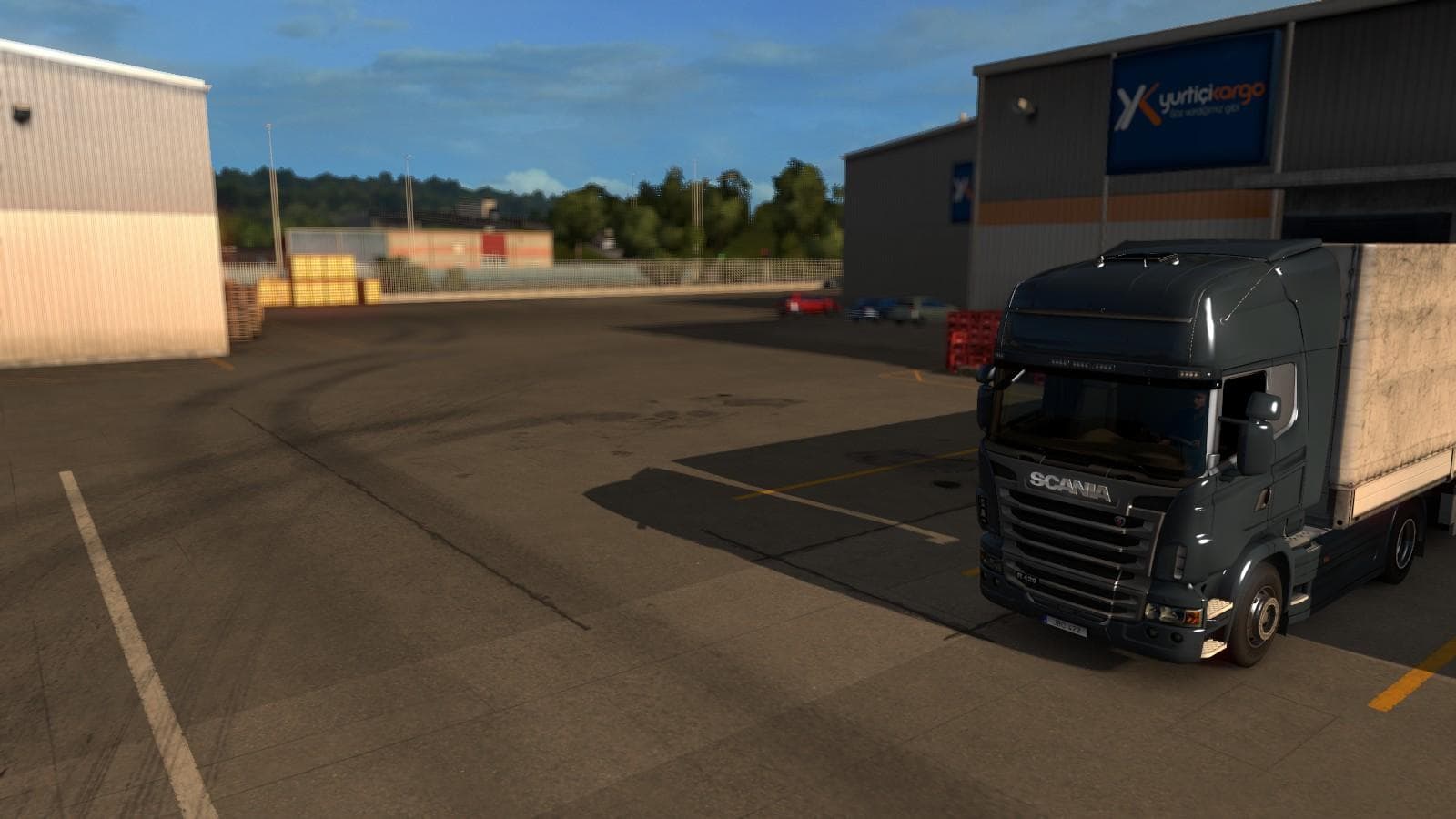
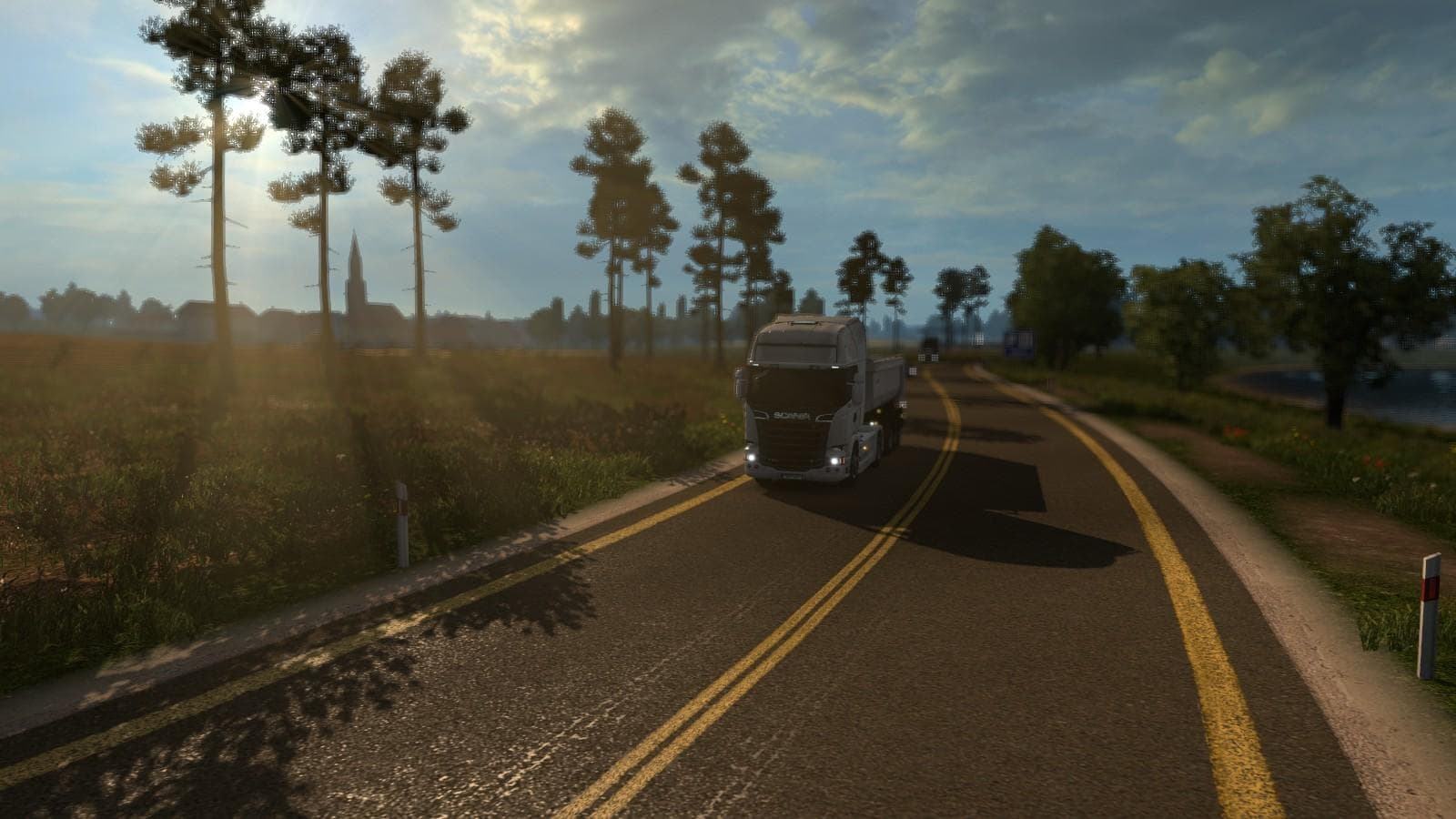
New Road Texture Mod v2 1.20.x - ETS2 mods download is an ETS2 unknown. Listed compatible with ETS2 1.20.
New Road Texture Mod v2 1.20.x brings an updated look to the roads in Euro Truck Simulator 2, focusing on refreshing road surfaces and adding more realistic sidewalks and yellow line markings. This type of mod changes the appearance of roads across the map, improving visual detail without altering the actual map layout or adding new locations. It works by replacing default textures with enhanced versions, which can make driving feel a bit more immersive when combined with other mods.
Map mods like this one usually come as .scs files that need to be loaded correctly within ETS2's mod manager. Since this mod deals specifically with road textures, it's important to place it properly in the load order to avoid conflicts with other map or graphics mods that also modify road visuals. Players might want to test their setups carefully if using multiple map enhancements or texture packs together.
This version is designed for ETS2 1.20, so compatibility is tied to that game version. It doesn't require a fresh profile or specific base-map DLCs but should fit well into most modded setups aiming for improved realism on existing roads. Because it focuses solely on texturing rather than adding new routes, it complements other map expansions nicely without overriding them.
Truckers who enjoy fine-tuning the look of their driving environment will appreciate this mod’s subtle but clear improvements. It's particularly useful if you're running a heavily modded game and want your roads to match the quality of other graphical upgrades. Drivers who prefer a more authentic feel while cruising through familiar territories will find this texture refresh worthwhile.
How to install
1. Download every .scs file from the source page (map mods often ship multiple files). 2. Copy all files to `Documents/Euro Truck Simulator 2/mod/`. 3. Enable each file in Mod Manager **in the order documented by the modder**. Load order matters for maps. 4. Start a new save or use an existing save that already supports the map's base regions.
After the mod loads, save your game inside a safe area (parking lot or service) before deciding whether to keep it. If the game refuses to load with the mod enabled, check that all required DLCs are installed and that the supported ETS2 version chips on this page include your installed game patch.
Known conflicts
No conflicts reported for this mod yet. Running a big mod list? Check your whole setup for conflicts →
Reviews
No ratings yetNo reviews yet — be the first to rate this mod.





