MHAPRO MAP EU V2.3
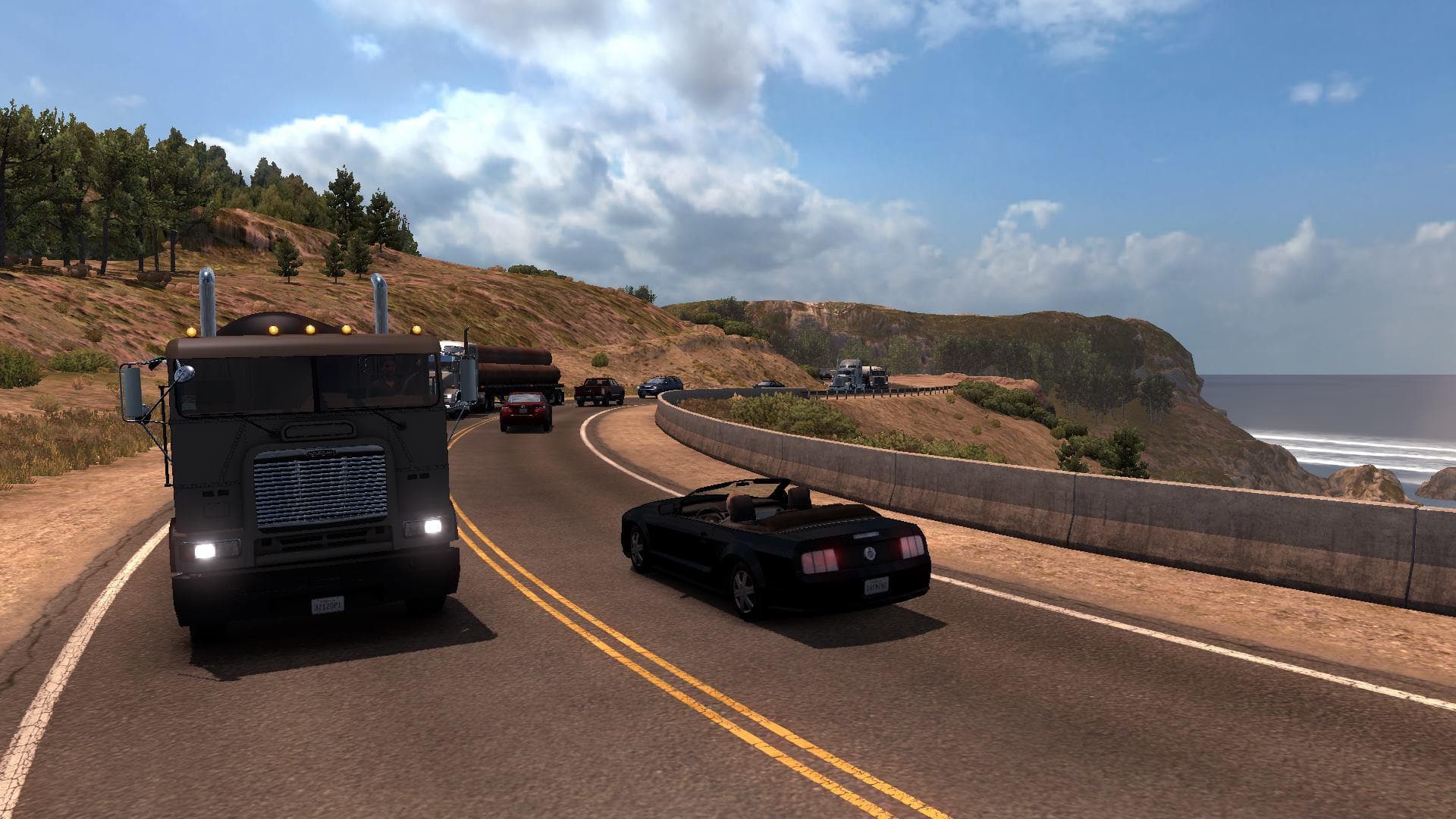
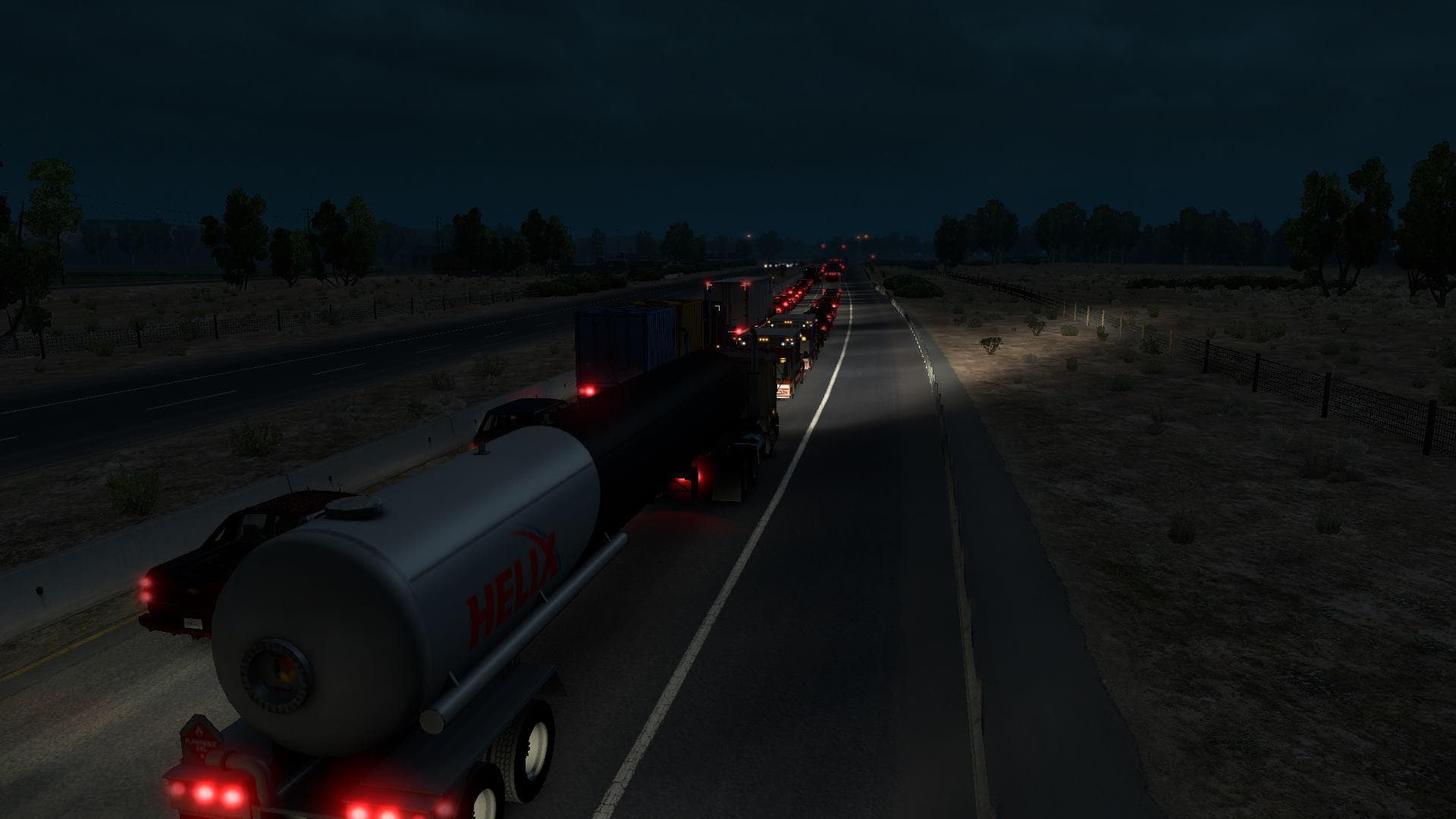
MHAPRO MAP EU version 2.3 is a map mod for ETS2, created by Euro Truck Simulator 2. It adds a new highway road A30 in the UK, running from Plymouth to Exeter. C
MHAPRO MAP EU V2.3 is a map modification for Euro Truck Simulator 2 compatible with version 1.22. It adds new road infrastructure, including a highway segment in the United Kingdom connecting Plymouth to Exeter. Map mods like this one typically expand or alter the drivable world by introducing fresh routes and sometimes new cities or regions, enriching the game's geographic variety beyond the base content.
In ETS2, map mods are delivered as .scs files that you place in your mod folder and then activate via the in-game mod manager. The order in which these mods load can affect stability and functionality, especially if you run multiple maps simultaneously. Some map mods may require a clean profile or specific base map DLCs to function properly, so it's wise to check compatibility before combining them with other add-ons.
This particular mod fits well within a setup focused on enhancing UK roads or expanding European coverage. Players who enjoy driving through British landscapes or want more route options between southern English cities might find it useful. As always with map expansions, users should pay attention to load order and potential conflicts with other large-scale maps to avoid issues during gameplay.
Those interested in extended exploration of the United Kingdom in ETS2 will appreciate what MHAPRO MAP EU V2.3 offers. It's not for everyone but serves players looking for extra highways and more detailed road networks in Europe’s western regions.
If you're building a collection of map mods for ETS2 that includes areas like the United Kingdom or surrounding European countries, this addition could slot into your setup without major adjustments if handled carefully.
How to install
1. Download every .scs file from the source page (map mods often ship multiple files). 2. Copy all files to `Documents/Euro Truck Simulator 2/mod/`. 3. Enable each file in Mod Manager **in the order documented by the modder**. Load order matters for maps. 4. Start a new save or use an existing save that already supports the map's base regions.
After the mod loads, save your game inside a safe area (parking lot or service) before deciding whether to keep it. If the game refuses to load with the mod enabled, check that all required DLCs are installed and that the supported ETS2 version chips on this page include your installed game patch.
Known conflicts
No conflicts reported for this mod yet. Running a big mod list? Check your whole setup for conflicts →
Reviews
No ratings yetNo reviews yet — be the first to rate this mod.





