MF Farms
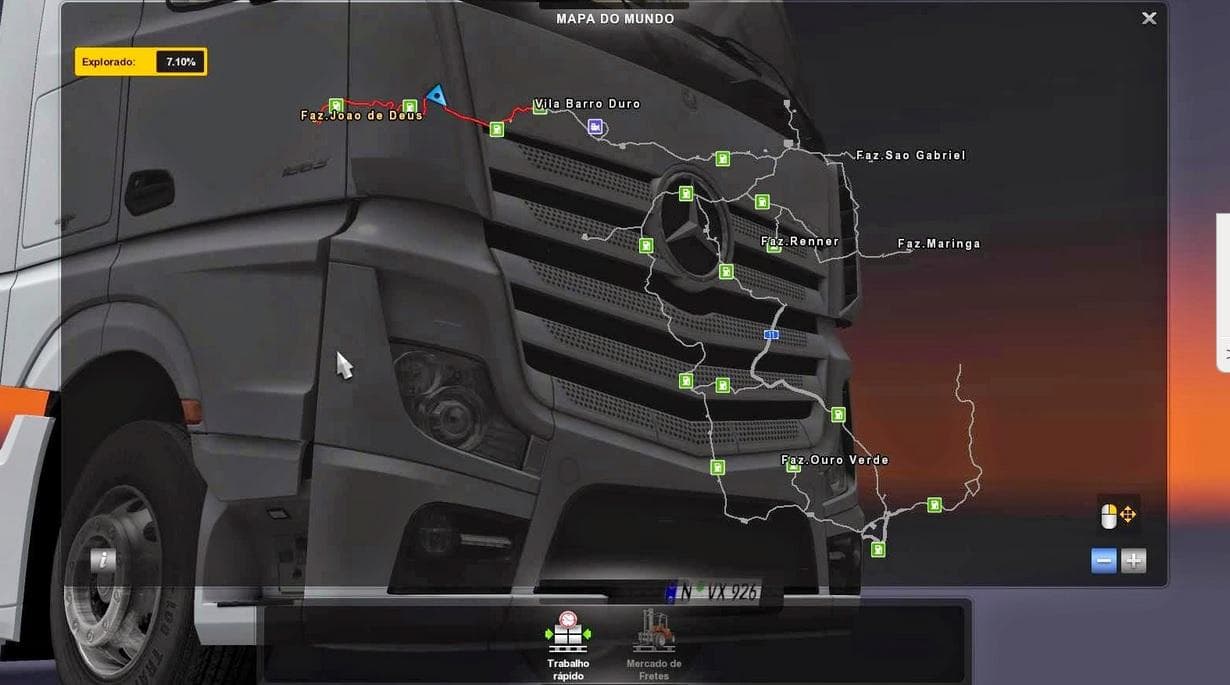
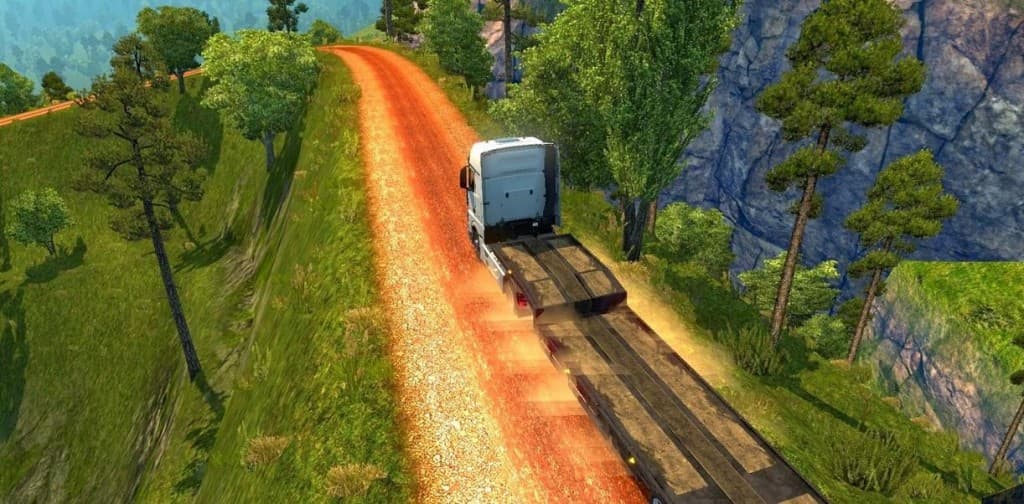
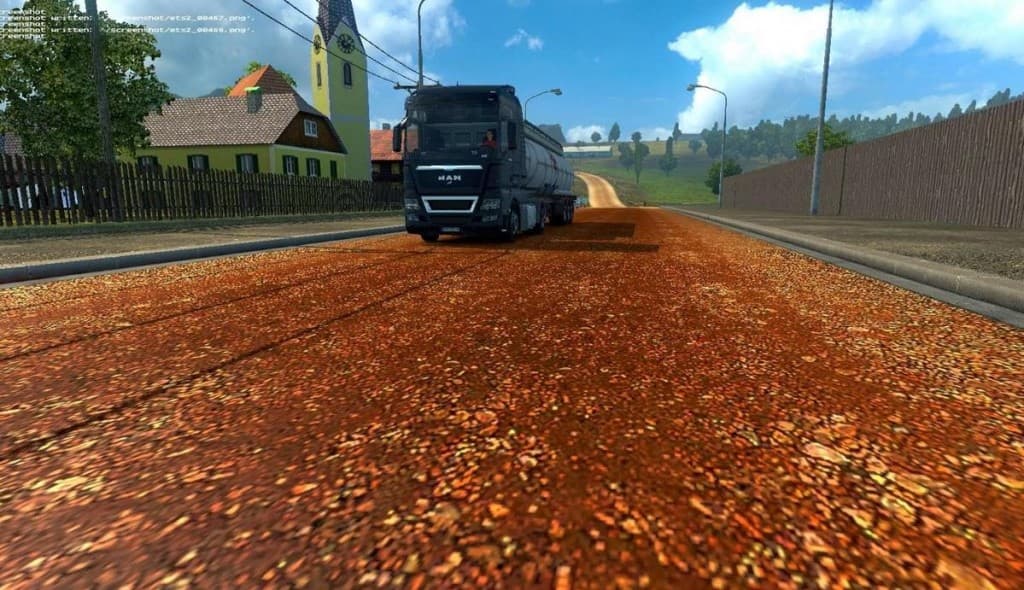
MF Farms is a map mod for Euro Truck Simulator 2 that brings new driving areas centered around farm environments. As a version 1.3 release compatible with ETS2 version 1.3, it adds fresh rural roads and landscapes, expanding the base game world with agricultural themes. Map mods like this typically come as .scs files that you add to your mod folder and enable through the game's mod manager.
Map mods in ETS2 alter or extend the drivable map by introducing new regions, roads, and sometimes cities or points of interest. This type of mod changes how you can explore the world and often requires attention to load order since conflicts may arise between different map expansions. Sometimes starting a new profile or owning certain base map DLCs helps ensure smooth functionality.
In a modded setup, MF Farms fits well if you're looking to add more variety beyond standard highways and urban centers, especially if your current mods focus on American or European farm-rich areas. Since it's focused on farming zones, it pairs nicely with cargo mods featuring agricultural products or truck mods suited for rural deliveries.
When using multiple map mods simultaneously, you should check their compatibility carefully. Load order matters here; placing MF Farms after larger map overhauls could help prevent issues like missing textures or broken routes. Always back up your profiles before introducing any significant new maps.
Players interested in trucking across countryside environments will find MF Farms appealing for the change of pace it offers from busy city traffic. It's a good pick for those wanting to simulate hauling goods through farmland and experience quieter roads with scenic views outside typical industrial hubs.
How to install
1. Download every .scs file from the source page (map mods often ship multiple files). 2. Copy all files to `Documents/Euro Truck Simulator 2/mod/`. 3. Enable each file in Mod Manager **in the order documented by the modder**. Load order matters for maps. 4. Start a new save or use an existing save that already supports the map's base regions.
After the mod loads, save your game inside a safe area (parking lot or service) before deciding whether to keep it. If the game refuses to load with the mod enabled, check that all required DLCs are installed and that the supported ETS2 version chips on this page include your installed game patch.
Known conflicts
No conflicts reported for this mod yet. Running a big mod list? Check your whole setup for conflicts →
Reviews
No ratings yetNo reviews yet — be the first to rate this mod.





