MEX SKINS FOR G7 4X2 BY LINUX
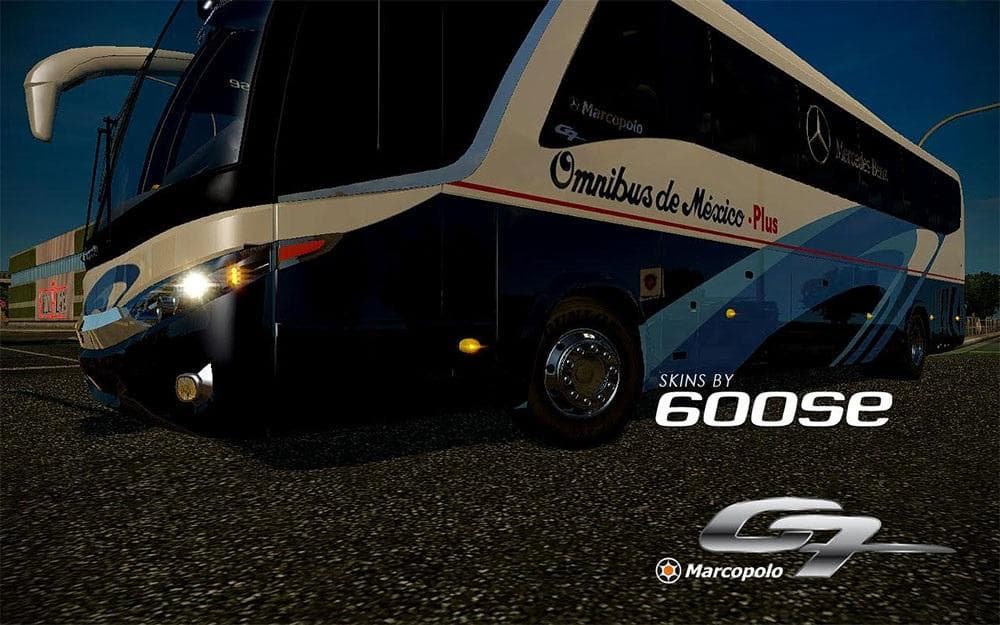
This mod provides Mexican skins for the G7 4x2 truck by LINUX in Euro Truck Simulator 2. Installation involves unzipping the file and placing it in the mod fold
The MEX SKINS FOR G7 4X2 BY LINUX is a repaint mod designed for the G7 1200 truck model in Euro Truck Simulator 2. Skin mods like this one apply new visual designs to existing truck models without altering their structure or performance. They’re usually selected and applied through the paint shop menu, allowing players to customize their vehicles' appearance while keeping the base model intact.
Skin mods depend heavily on the specific truck model they were created for, so this particular skin will only work correctly with the G7 4x2 variant. If you’re running a modded setup with multiple trucks and skins, it’s important to keep track of compatibility to avoid conflicts or missing textures. Typically, skins load after the main truck model mods in your mod manager to ensure they override default paint jobs properly.
Installing this type of skin mod is straightforward: you unzip the files into your ETS2 mod folder within your documents directory and activate it in-game. Since the version and compatibility details are unknown, it’s wise to test it with your current ETS2 version and other active mods before committing to long haul runs. It’s always good practice to back up your profiles when adding new cosmetic mods.
This skin would appeal to players who enjoy customizing their trucks visually without changing gameplay elements or mechanics. If you like running a varied fleet with different looks or want a specific aesthetic for your G7 4x2 truck, these skins add fresh options for personalization. They fit well alongside other cosmetic mods that don’t interfere with core game functions.
While the exact design themes of these Mexican-inspired skins aren’t specified here, users interested in regional or cultural truck liveries might find this mod aligns nicely with such preferences. It’s a simple way to add variety and style without extra complexity or performance impact.
How to install
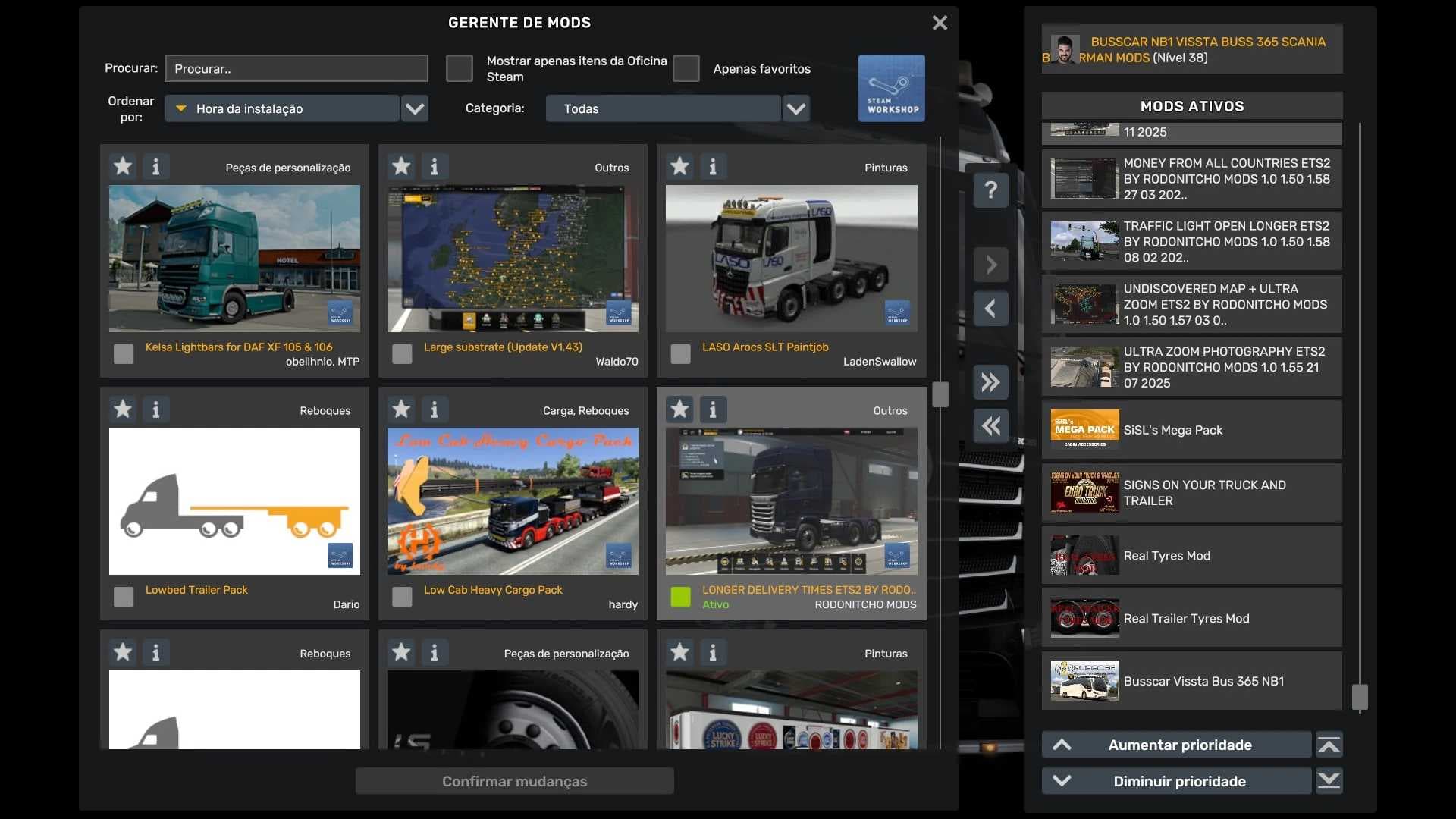
1. Download the .scs file. 2. Drop it into `Documents/Euro Truck Simulator 2/mod/`. 3. Enable in Mod Manager. 4. Apply the skin in the truck/trailer paint shop.
After the mod loads, save your game inside a safe area (parking lot or service) before deciding whether to keep it. If the game refuses to load with the mod enabled, check that all required DLCs are installed and that the supported ETS2 version chips on this page include your installed game patch.
Reviews
No ratings yetNo reviews yet — be the first to rate this mod.