MERCEDES SPRINTER LONG 2015 V0.5 BETA
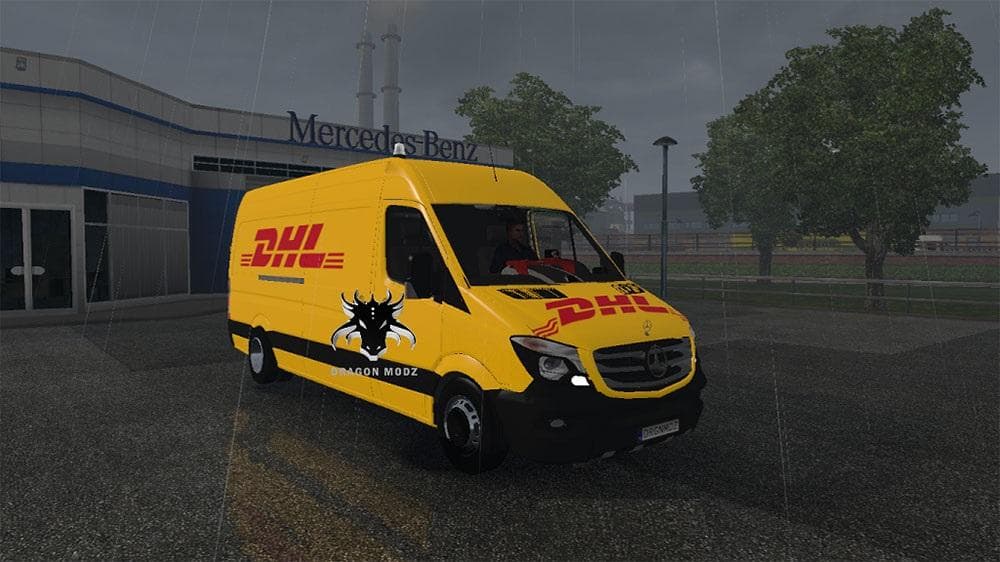
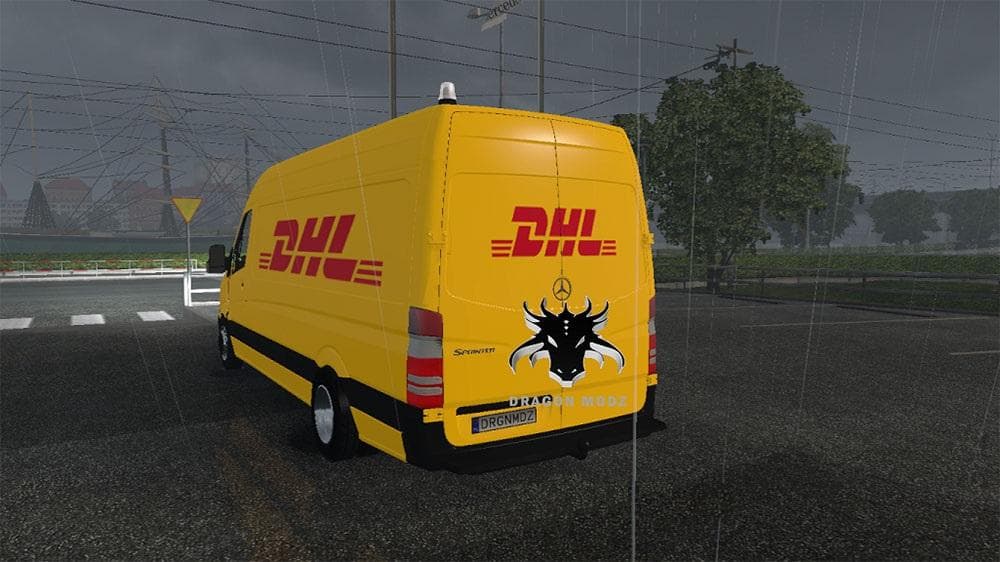
The MERCEDES SPRINTER LONG 2015 BETA is a truck mod for ETS2 version 0.5 by Euro truck simulator 2. It includes engine capacity adjustments to fix errors relate
This mod introduces the Mercedes Sprinter Long 2015 as a drivable truck in ETS2, expanding the roster of vehicles available to players. Truck mods like this add new cabs and chassis that you can buy from dealers, often bringing unique interiors and engine options to enhance your driving experience. The Sprinter model here fits into that category, offering a different choice for those who prefer lighter commercial vehicles over traditional heavy trucks.
In general, truck mods come with their own set of engine and transmission configurations along with paint slots to customize the look. This mod seems to require adjusting engine capacities from 1 up to 7 to avoid errors related to cylinder volume, which is a common fix when adding or tweaking engines in ETS2 mods. Such adjustments help ensure the vehicle runs smoothly without game crashes or glitches.
For players running multiple mods, it's useful to be aware that truck mods usually need proper placement in your mod manager's load order. Placing this one correctly helps prevent conflicts especially if you have other vehicle or gameplay mods installed. Since detailed compatibility info isn't provided here, testing it alongside your current setup is recommended before long hauls.
This Mercedes Sprinter would appeal to players looking for something smaller and more maneuverable than typical big rigs. It’s suited for urban deliveries or roleplaying scenarios where a light commercial van makes more sense than a full-sized tractor unit. Those who enjoy customizing their fleet with varied trucks will find this addition interesting.
While specifics about supported ETS2 versions or file size aren't mentioned, installing truck mods generally involves placing the .scs file into your mod folder and activating it through the game’s menu. Always back up saves and check for any conflicting mods before loading new trucks like this one.
How to install
1. Download the .scs file from the original source linked above. 2. Copy the file to `Documents/Euro Truck Simulator 2/mod/`. 3. Launch ETS2, open the Mod Manager from the main menu, enable the mod, restart the game. 4. Visit any truck dealer to spawn the new truck.
After the mod loads, save your game inside a safe area (parking lot or service) before deciding whether to keep it. If the game refuses to load with the mod enabled, check that all required DLCs are installed and that the supported ETS2 version chips on this page include your installed game patch.
Reviews
No ratings yetNo reviews yet — be the first to rate this mod.





![Fuso Supergreat Hi Cab Truck [1.50 – 1.60] – Trucks mod for Euro Truck Simulator 2](/_next/image?url=https%3A%2F%2F802software.s3.us-east-1.amazonaws.com%2Fets2modspot%2Fscreenshots%2F7494%2F0.jpg&w=3840&q=75)