MERCEDES SPRINTER CDI211 2014
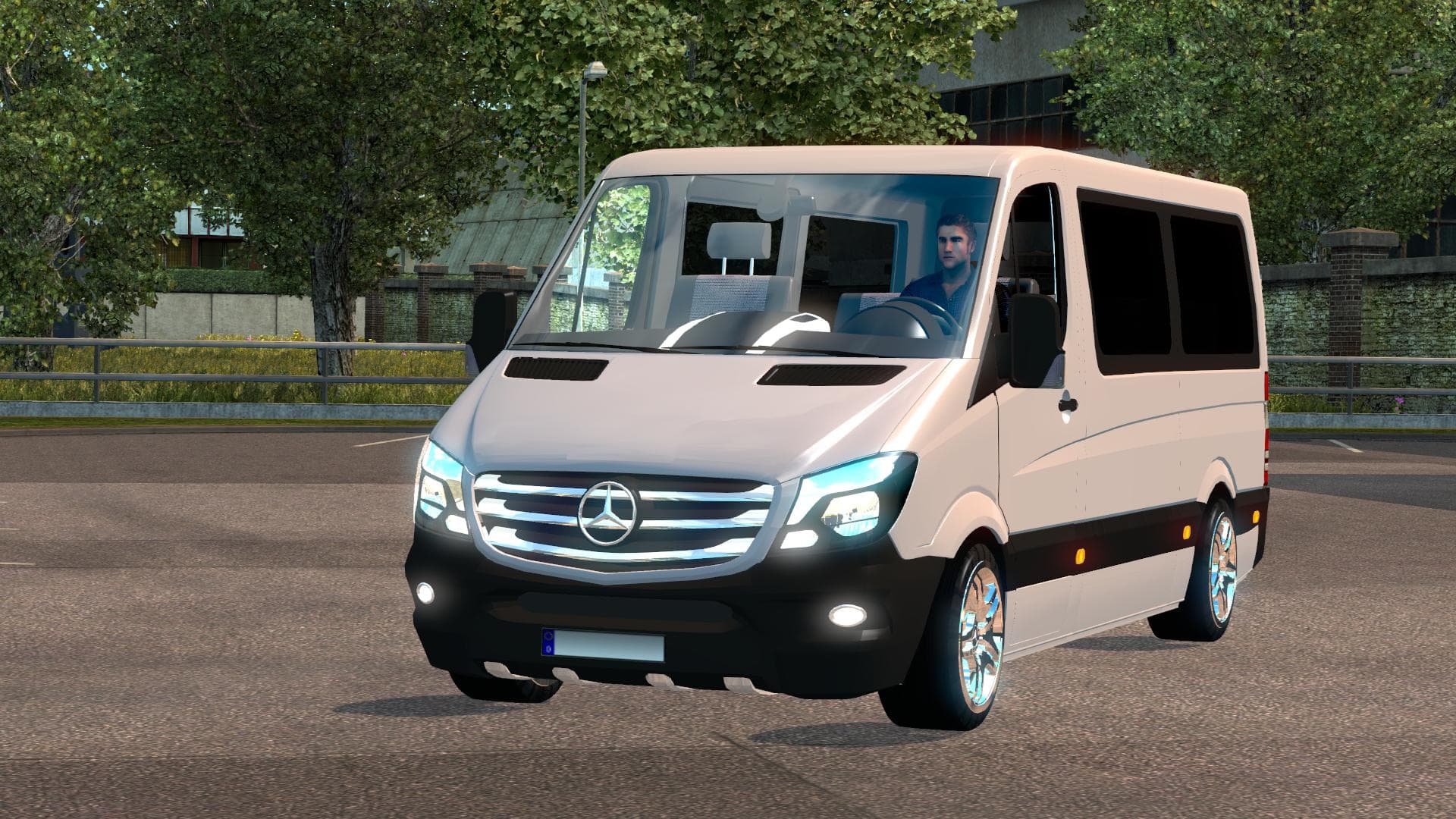
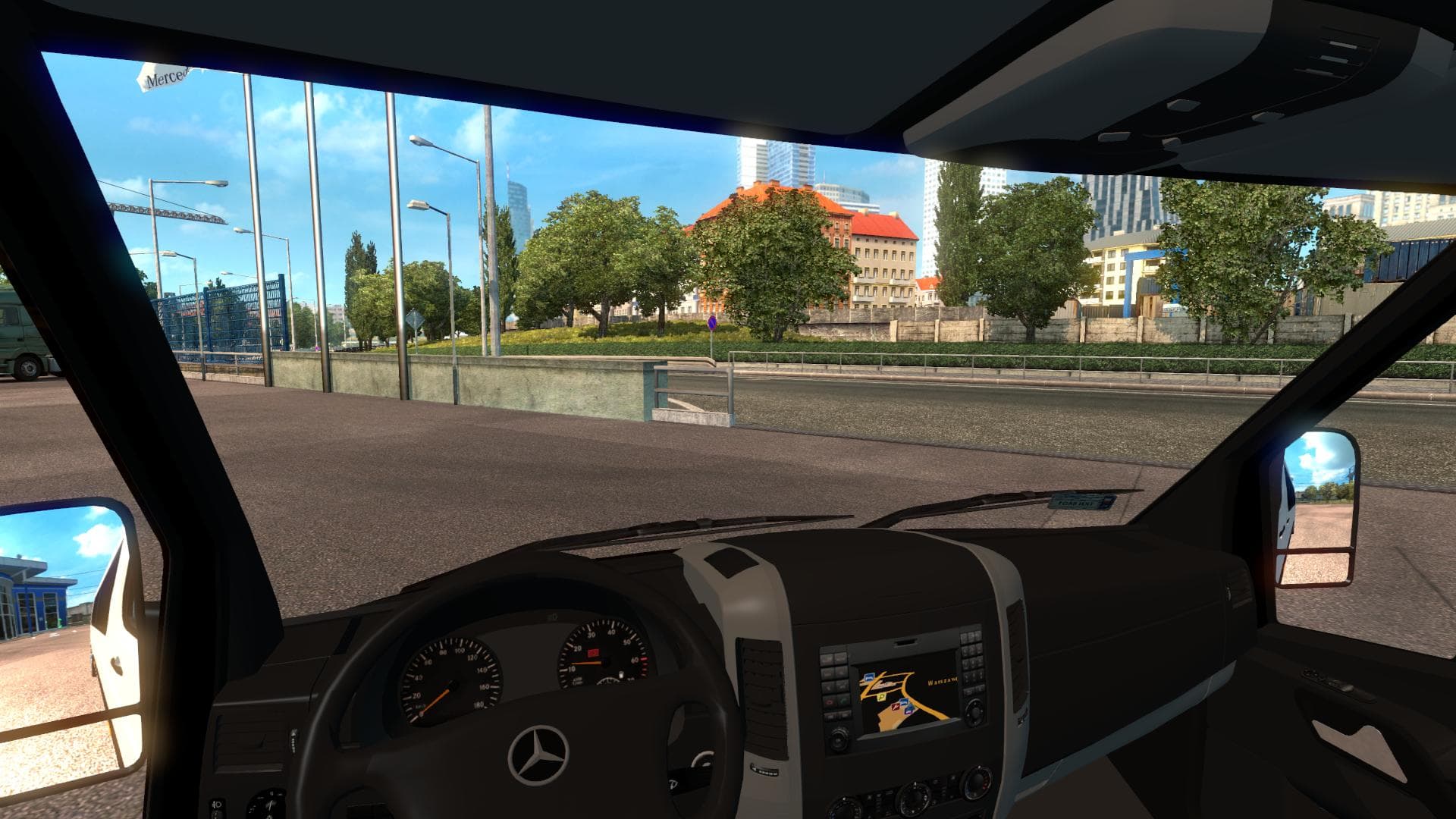
The "MERCEDES SPRINTER CDI211 2014" mod for Euro Truck Simulator 2 adds a Mercedes Sprinter CDI211 2014 truck with original interior and gearbox. Created by Eur
The Mercedes Sprinter CDI211 2014 mod adds a new truck to Euro Truck Simulator 2, letting you drive this specific model with its original interior and gearbox features. Truck mods like this one introduce fresh cab and chassis options, often purchasable at in-game dealers, giving you a chance to experience different vehicles beyond the base game lineup. This particular mod aims to bring a realistic representation of the 2014 Mercedes Sprinter, which is known for its versatility in real life.
Mods that add trucks typically include their own engine and transmission choices along with various paint jobs to customize your vehicle's look. Installing these mods usually involves placing them in the ETS2 mod folder and activating them through the game's mod manager. It's common practice to check load order when using multiple truck mods, as conflicts can arise if two mods modify similar files or assets.
In a modded setup, this Mercedes Sprinter fits well alongside other truck additions, offering variety especially if you're interested in vans or smaller commercial vehicles rather than heavy-duty haulers. Compatibility should be tested with map expansions or tuning packs you have installed since some may affect how trucks perform or appear.
Players who enjoy exploring different types of transport and want to try out a more compact but practical vehicle might appreciate this addition. It suits those looking for something different from typical big rigs without straying too far from familiar European brands.
Since details like supported ETS2 versions and creator information are unknown, it's wise to keep backups before adding this mod and monitor for any updates or community feedback regarding performance or stability.
How to install
1. Download the .scs file from the original source linked above. 2. Copy the file to `Documents/Euro Truck Simulator 2/mod/`. 3. Launch ETS2, open the Mod Manager from the main menu, enable the mod, restart the game. 4. Visit any truck dealer to spawn the new truck.
After the mod loads, save your game inside a safe area (parking lot or service) before deciding whether to keep it. If the game refuses to load with the mod enabled, check that all required DLCs are installed and that the supported ETS2 version chips on this page include your installed game patch.
Reviews
No ratings yetNo reviews yet — be the first to rate this mod.