MERCEDES MP4 2014 CAMERA
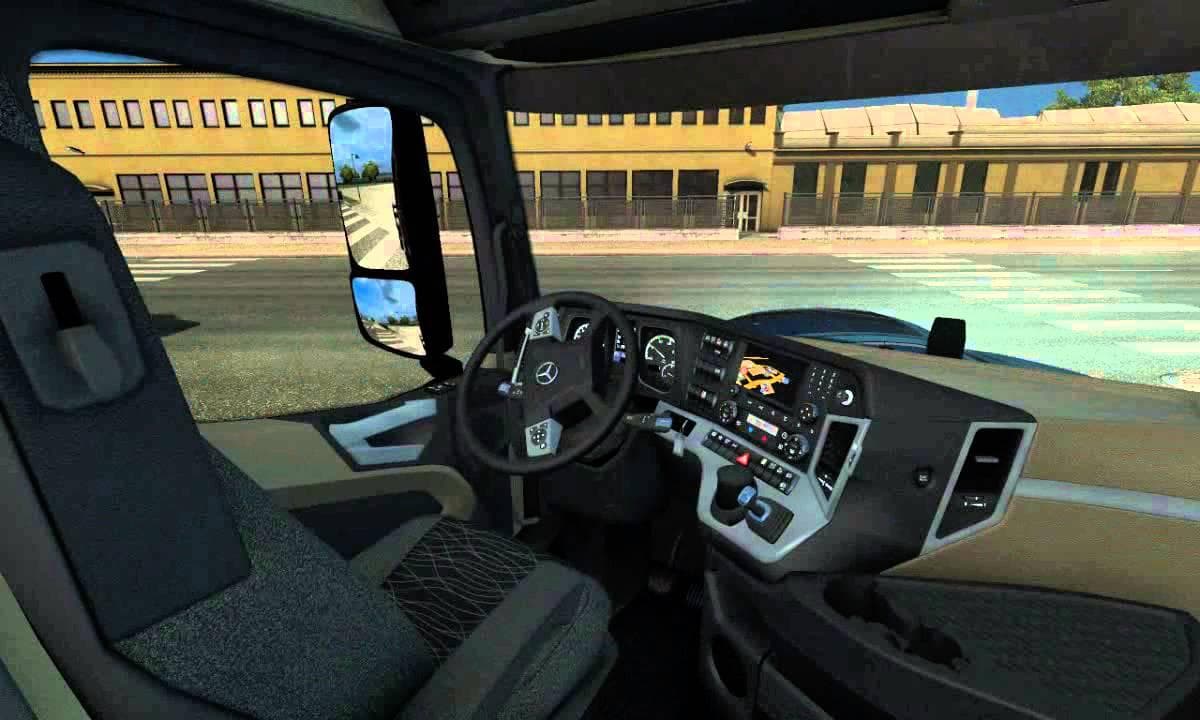
This mod adds additional camera options for shooting videos in Euro Truck Simulator 2, specifically tailored for the Mercedes MP4 truck. Created by Diablo I sat
The MERCEDES MP4 2014 CAMERA mod adds extra camera options tailored specifically for the Mercedes MP4 truck model in Euro Truck Simulator 2. It lets you place additional cameras wherever you want, which can be handy for capturing video footage from different angles while driving or showcasing your rig. This kind of part mod usually integrates into the truck customization menu where you can fine-tune your setup with various accessories.
Parts mods like this one focus on enhancing the visual and functional aspects of a truck by adding components such as lights, mirrors, or other custom items. Since it targets the Mercedes MP4, it won't affect other trucks but complements any existing modifications you might have on that particular vehicle. You get more control over camera views without altering gameplay mechanics or core features.
When building a modded setup, parts mods generally load after map or gameplay changes to avoid conflicts. Because this mod deals only with cameras and is specific to one truck model, it should slot in smoothly alongside other tuning or cosmetic mods without causing issues. Still, it's wise to check compatibility if you use multiple camera-related or parts mods simultaneously.
This mod appeals mostly to players who enjoy recording their ETS2 sessions or want to experiment with creative camera angles for screenshots and videos. It fits well within setups that emphasize visual customization and content creation rather than gameplay overhaul.
If you're focusing on the Mercedes MP4 and like customizing every detail including how you view your truck from different perspectives, this addition could enhance your experience by expanding camera flexibility beyond the standard options.
How to install
1. Download the file(s) from the original source linked above. 2. Drop them into `Documents/Euro Truck Simulator 2/mod/`. 3. Enable in Mod Manager and restart the game.
After the mod loads, save your game inside a safe area (parking lot or service) before deciding whether to keep it. If the game refuses to load with the mod enabled, check that all required DLCs are installed and that the supported ETS2 version chips on this page include your installed game patch.
Reviews
No ratings yetNo reviews yet — be the first to rate this mod.