Mercedes longline stand alone
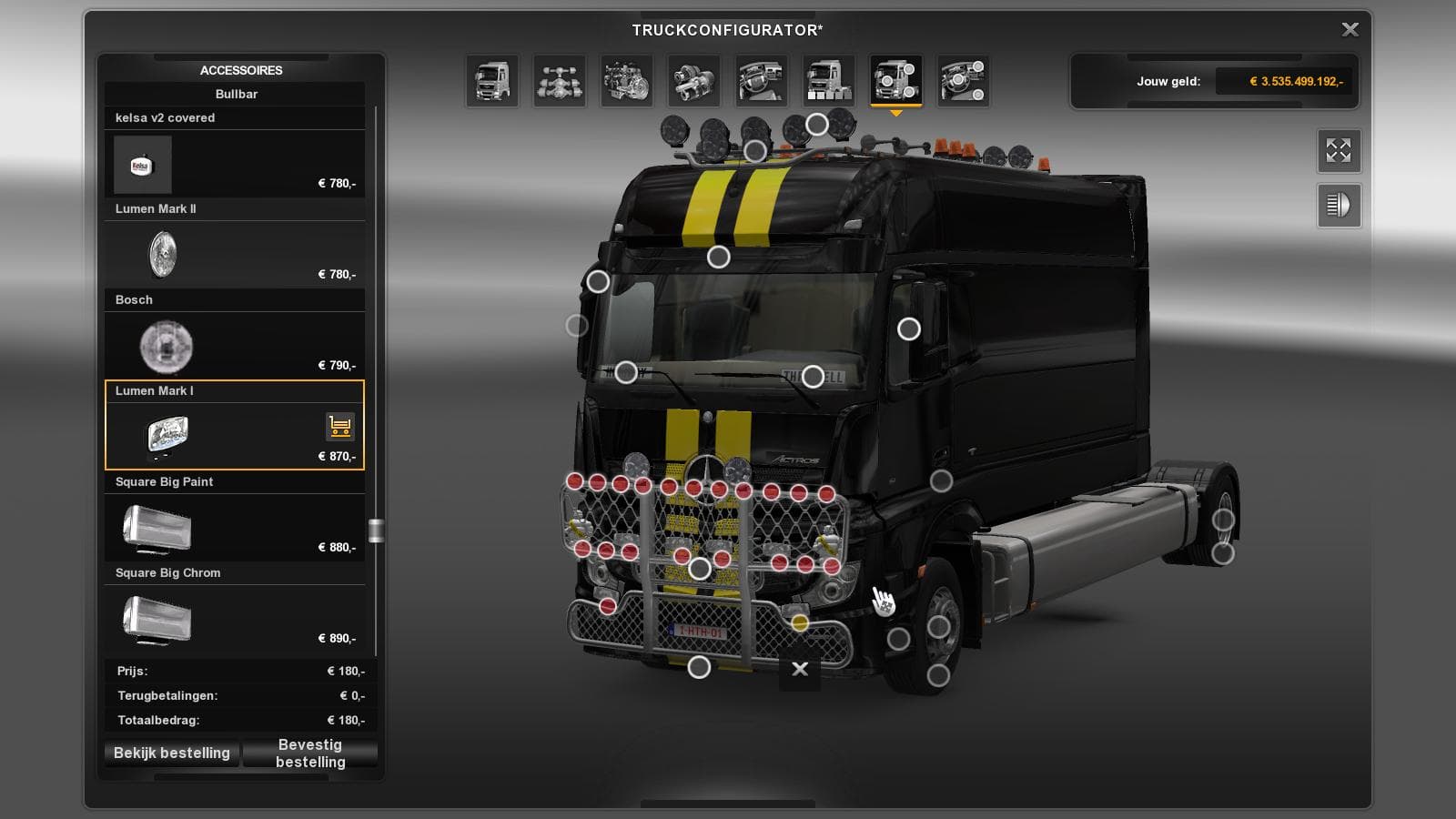
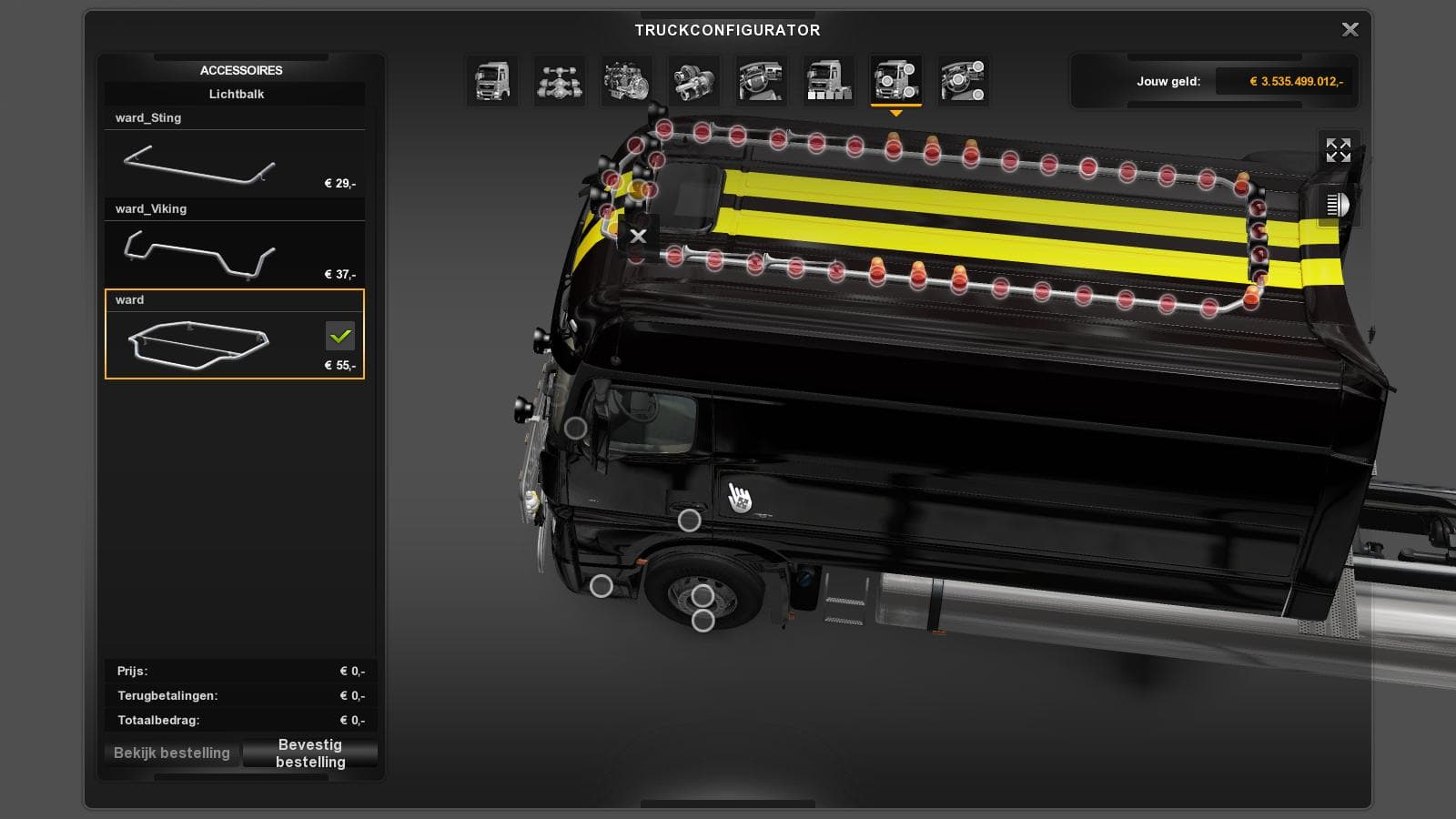
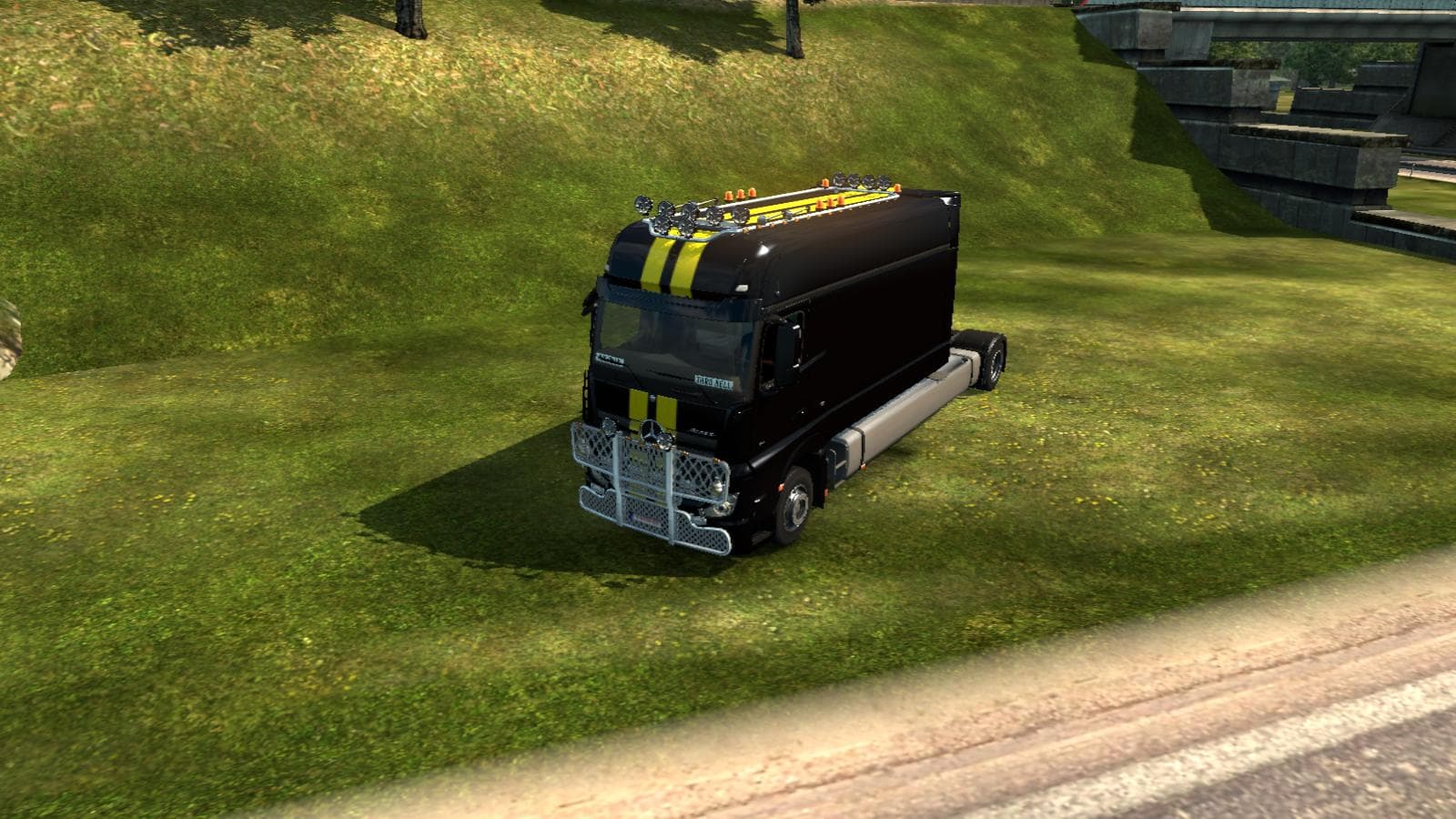
This mod adds a Mercedes longline stand alone truck to ETS2, with extended chassis, cab, interior, and front grill modifications. The creator, mod version, file
The Mercedes Longline Stand Alone mod introduces a distinct truck model to Euro Truck Simulator 2 by extending the chassis and cab length of the original Mercedes design. This mod essentially offers a stretched version of the standard truck, featuring an elongated front grill and increased interior space. It's a standalone addition, meaning it doesn't require the base truck to be present and operates independently within your game files.
Mods in the parts category like this one typically provide extra customization options for trucks, allowing players to modify physical aspects such as bull bars, lights, or mirrors through the truck customization menu. With a focus on specific brands or models, these mods enhance immersion by offering variations that aren't available in the vanilla game.
When adding this type of part mod to a heavily modded setup, it's wise to pay attention to load order since standalone trucks can sometimes conflict with other standalone vehicle mods or parts that alter similar components. Generally, ensuring this mod is loaded after general parts packs but before any graphics or map mods helps maintain stability and visual consistency.
This particular mod fits well for players who enjoy expanding their fleet with unique vehicle options and want more variety in their Mercedes lineup. Those who appreciate extended cabs for roleplaying longer hauls or simply prefer different aesthetics will find this stretch version useful. Since details about compatibility and supported ETS2 versions are unknown, users should test it cautiously alongside their current mods.
Installing parts mods like this usually involves placing them into your game's mod folder and activating them via the in-game menu. Because it's a standalone truck extension rather than just an accessory, it adds another full vehicle option rather than modifying an existing one directly.
How to install
1. Download the file(s) from the original source linked above. 2. Drop them into `Documents/Euro Truck Simulator 2/mod/`. 3. Enable in Mod Manager and restart the game.
After the mod loads, save your game inside a safe area (parking lot or service) before deciding whether to keep it. If the game refuses to load with the mod enabled, check that all required DLCs are installed and that the supported ETS2 version chips on this page include your installed game patch.
Reviews
No ratings yetNo reviews yet — be the first to rate this mod.