MERCEDES BENZ SPRINTER CDI315 1.20.X
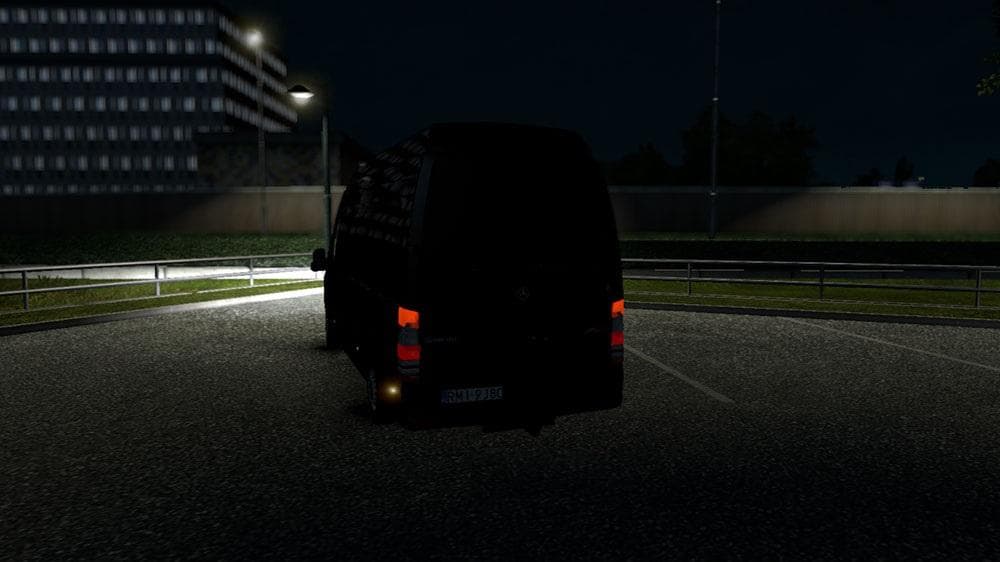
The MERCEDES BENZ SPRINTER CDI315 1.20.X mod for ETS2 is a truck mod created by Euro truck simulator 2. It is compatible with ETS2 version 1.20, but has issues
The MERCEDES BENZ SPRINTER CDI315 1.20.X mod adds a new truck to Euro Truck Simulator 2, allowing players to drive a detailed representation of this popular van model. Like most truck mods, it comes with its own cab design and usually includes various customization options such as different engines and paint jobs. This particular version is made for ETS2 version 1.20, so it's tailored to work smoothly with that update.
Truck mods in ETS2 typically expand the range of vehicles you can purchase and drive, offering fresh experiences beyond the base game’s trucks. They slot into dealerships where you can buy them just like standard trucks. This Mercedes Sprinter mod fits into that category by providing a smaller commercial vehicle option compared to traditional large trucks, which can be appealing for certain types of deliveries or roleplay scenarios.
When adding a truck mod like this one to your setup, it's wise to consider load order and compatibility. Mods that replace or add trucks should generally be loaded after map mods but before skin packs to avoid conflicts. Since this mod reportedly has some issues with the interior GPS display that can't be fixed easily, users might want to check how it interacts with other cab-related mods or HUD enhancers.
This mod suits players looking for a different driving experience with a compact truck rather than a full-size lorry. It can complement a heavily modded profile by giving variety in vehicle types and roles within your trucking business in-game. If you enjoy exploring diverse cargo missions or prefer vans for city deliveries, this could be an interesting addition.
Though the creator remains unknown and some features may not function perfectly, the MERCEDES BENZ SPRINTER CDI315 still offers an alternative vehicle choice for those running ETS2 on version 1.20. It's worth noting that such mods may require occasional troubleshooting or adjustments depending on your overall mod list.
How to install
1. Download the .scs file from the original source linked above. 2. Copy the file to `Documents/Euro Truck Simulator 2/mod/`. 3. Launch ETS2, open the Mod Manager from the main menu, enable the mod, restart the game. 4. Visit any truck dealer to spawn the new truck.
After the mod loads, save your game inside a safe area (parking lot or service) before deciding whether to keep it. If the game refuses to load with the mod enabled, check that all required DLCs are installed and that the supported ETS2 version chips on this page include your installed game patch.
Reviews
No ratings yetNo reviews yet — be the first to rate this mod.





![Fuso Supergreat Hi Cab Truck [1.50 – 1.60] – Trucks mod for Euro Truck Simulator 2](/_next/image?url=https%3A%2F%2F802software.s3.us-east-1.amazonaws.com%2Fets2modspot%2Fscreenshots%2F7494%2F0.jpg&w=3840&q=75)