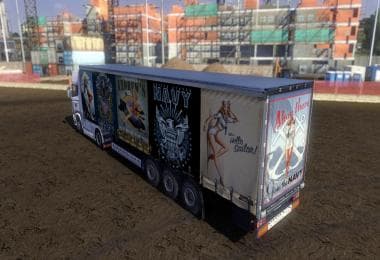
MERCEDES BENZ GERMANY SQUAD SKIN
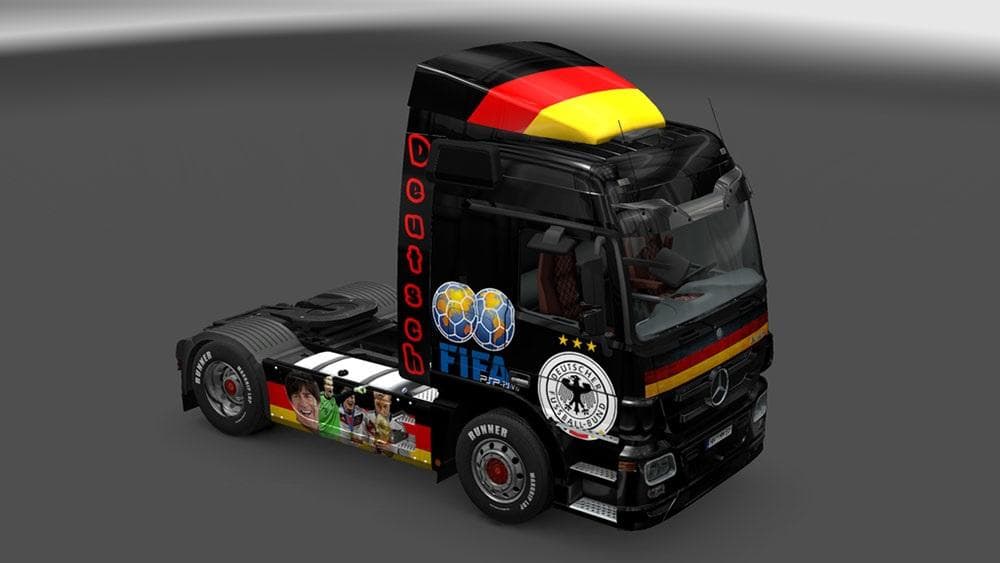
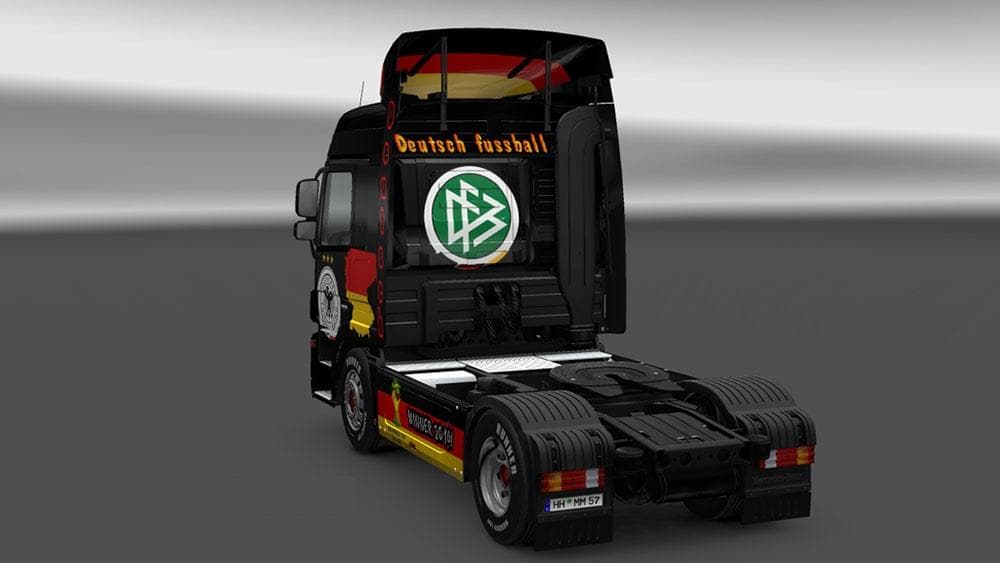
This mod is a skin for Mercedes Benz trucks in ETS2, created by an unknown creator. The skin is open to feedback for future improvements based on user opinions
The MERCEDES BENZ GERMANY SQUAD SKIN is a paint job designed to refresh the look of an existing Mercedes Benz truck within Euro Truck Simulator 2. This type of mod doesn't alter the truck's mechanics or model but simply changes its exterior appearance, offering a new visual style for players who want their rig to stand out on the roads of ETS2. Skins like this one are applied in the paint shop and require the base vehicle to be compatible, meaning they rely on official or modded trucks that match the skin's design parameters.
Skin mods generally serve as cosmetic enhancements, allowing players to personalize their fleets without affecting gameplay performance. They can be easily toggled on or off depending on your current setup, and they typically work well alongside other mods such as cargo packs or map expansions since they don't interfere with game mechanics. However, it's wise to load skins after model-changing mods if you use any that modify truck models.
For those who run a heavily modded ETS2 installation, keeping skins organized helps avoid conflicts. Since this skin is specifically for Mercedes Benz trucks, make sure it matches your version of that vehicle mod if you have one installed. Conflicts are rare with skins themselves but can occur if multiple skins target the same truck slot simultaneously.
This mod fits nicely into setups where players focus on immersion and visual customization, especially if you prefer German-themed liveries or want to represent a specific style tied to Germany while driving across Europe. It offers a straightforward way to give your Mercedes Benz truck a distinct identity without adding complexity.
Players who enjoy collecting various paint jobs or who like switching up their truck’s look regularly will find this skin useful. It’s also suitable for those running multiplayer sessions where visual uniqueness helps identify different drivers’ trucks at a glance.
How to install
1. Download the .scs file. 2. Drop it into `Documents/Euro Truck Simulator 2/mod/`. 3. Enable in Mod Manager. 4. Apply the skin in the truck/trailer paint shop.
After the mod loads, save your game inside a safe area (parking lot or service) before deciding whether to keep it. If the game refuses to load with the mod enabled, check that all required DLCs are installed and that the supported ETS2 version chips on this page include your installed game patch.
Reviews
No ratings yetNo reviews yet — be the first to rate this mod.