Mercedes Benz Axor MP3 Fix + Cabin Accessories
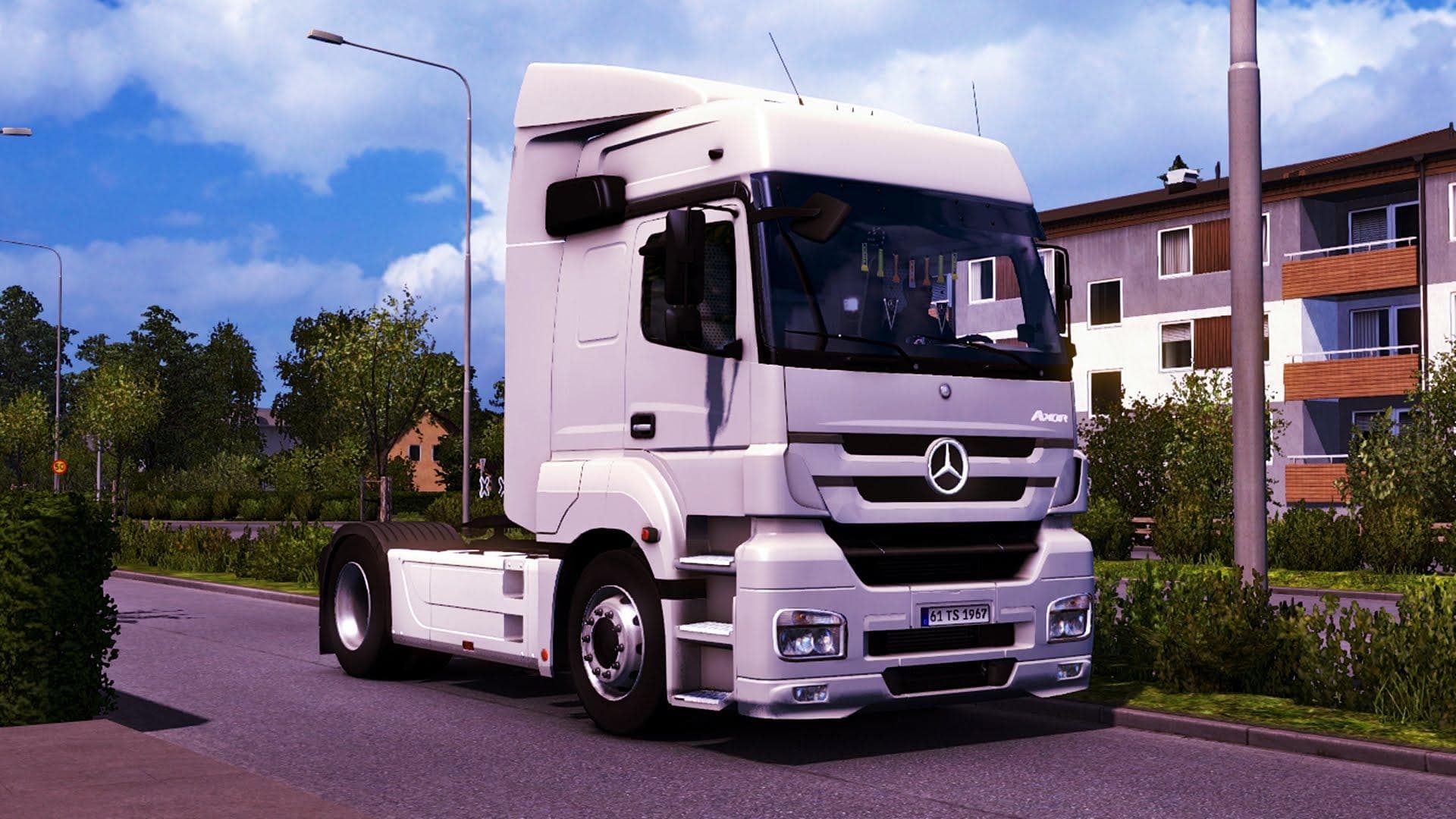
Mercedes Benz Axor MP3 Fix + Cabin Accessories is an ETS2 parts.
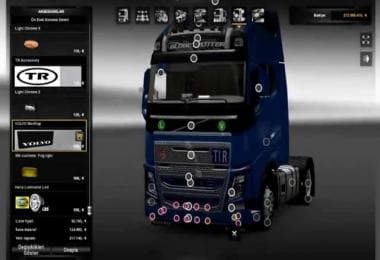
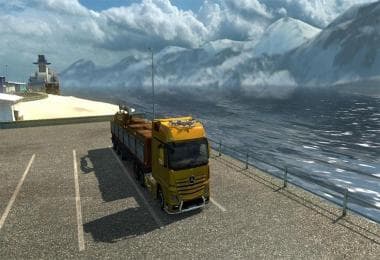
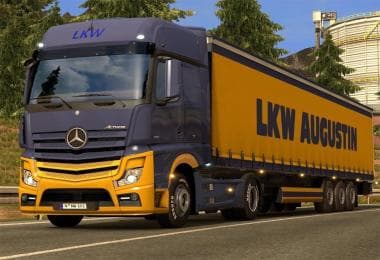
This mod brings enhancements specifically for the Mercedes Benz Axor MP3 truck model by adding various cabin accessories and fixing some of its features. It includes real mirrors for better visual realism, modified cabin options, and attaches a retarder to the vehicle. These changes aim to improve both the look and functionality of this particular truck in Euro Truck Simulator 2.
Parts mods like this one usually add or adjust items such as bull bars, lights, exhausts, mirrors, and interior accessories within the truck customization menu. They often focus on specific truck brands or models to provide a more tailored experience for players who want their vehicles to feel more unique or accurate.
In a modded setup, parts modifications generally fit alongside other tuning mods without much conflict. However, it’s wise to load such mods after major map or gameplay alterations to avoid potential issues with textures or configurations. Since this mod targets a distinct truck model, it’s unlikely to interfere with broader mods but always test load order if you encounter any glitches.
Players who prefer customizing their trucks beyond just paint jobs might appreciate these additional **cabin accessories** and functional tweaks. The inclusion of real mirrors enhances visibility while driving, which can be useful in tight maneuvers or heavy traffic situations within the game world.
Because the supported ETS2 versions and creator details are unknown, caution is advised when installing this mod. Backing up your profiles before use and verifying compatibility with your current game version can help prevent unexpected problems.
Overall, this mod suits those interested in fine-tuning their Mercedes Benz Axor MP3 with improved interior elements and practical additions like a retarder. It adds subtle depth without overhauling gameplay mechanics.
How to install
1. Download the file(s) from the original source linked above. 2. Drop them into `Documents/Euro Truck Simulator 2/mod/`. 3. Enable in Mod Manager and restart the game.
After the mod loads, save your game inside a safe area (parking lot or service) before deciding whether to keep it. If the game refuses to load with the mod enabled, check that all required DLCs are installed and that the supported ETS2 version chips on this page include your installed game patch.
Reviews
No ratings yetNo reviews yet — be the first to rate this mod.