MERCEDES AXOR JGUT FIXED 1.21.X
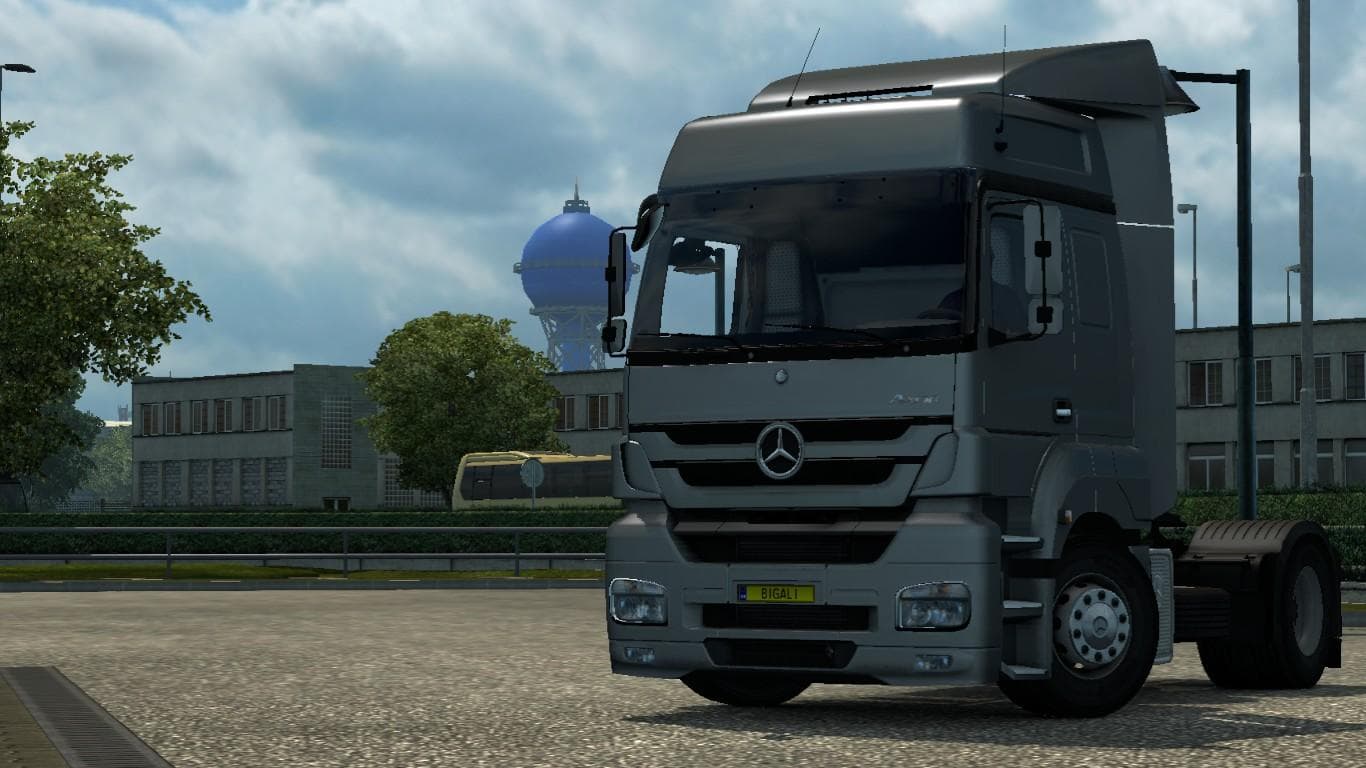
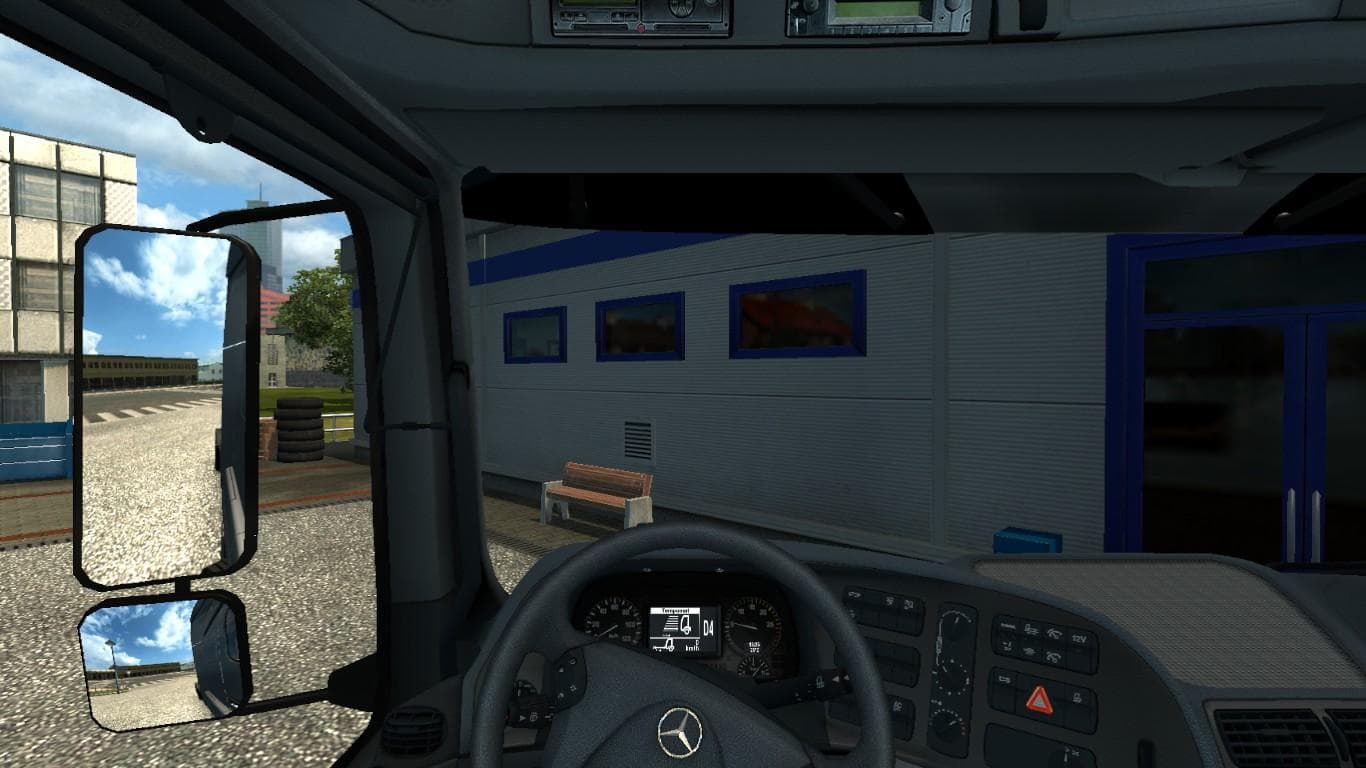
The MERCEDES AXOR JGUT FIXED 1.21.X mod is a parts category mod for ETS2 version 1.21. The mod has been updated to fix errors, but the cabin DLC has not been ad
The MERCEDES AXOR JGUT FIXED 1.21.X mod is a parts add-on designed for the ETS2 version 1.21, focusing on the Mercedes Axor truck. This type of mod typically brings various accessories and customization options that can be applied through the in-game truck customization menu. Parts mods like this often target a particular truck model or brand, adding details such as lights, mirrors, or exhausts to enhance the vehicle's appearance and functionality.
In Euro Truck Simulator 2, parts mods allow players to tailor their trucks more precisely to their liking by adding or replacing components. They fit well into modded setups where users combine multiple mods for both visual and gameplay enhancements. Since this one is adapted specifically for version 1.21, it’s important to ensure compatibility with other mods that support the same game version to avoid conflicts.
This mod has been updated to fix errors present in previous versions, although some elements related to cabin DLCs have not been fully adapted yet. When incorporating parts mods like this one into your load order, it’s advisable to place them after any major truck model overhauls but before general graphic or map mods, helping prevent potential issues during gameplay.
Players who enjoy customizing their Mercedes Axor trucks will find this mod helpful as it adds authentic-looking parts that fit the truck's style. It suits those aiming for a more personalized or realistic driving experience without drastically changing core game mechanics.
While specific details about file size and creator are unknown, this mod shows how targeted parts upgrades contribute to an immersive ETS2 setup by expanding options within the truck customization interface.
How to install
1. Download the file(s) from the original source linked above. 2. Drop them into `Documents/Euro Truck Simulator 2/mod/`. 3. Enable in Mod Manager and restart the game.
After the mod loads, save your game inside a safe area (parking lot or service) before deciding whether to keep it. If the game refuses to load with the mod enabled, check that all required DLCs are installed and that the supported ETS2 version chips on this page include your installed game patch.
Reviews
No ratings yetNo reviews yet — be the first to rate this mod.