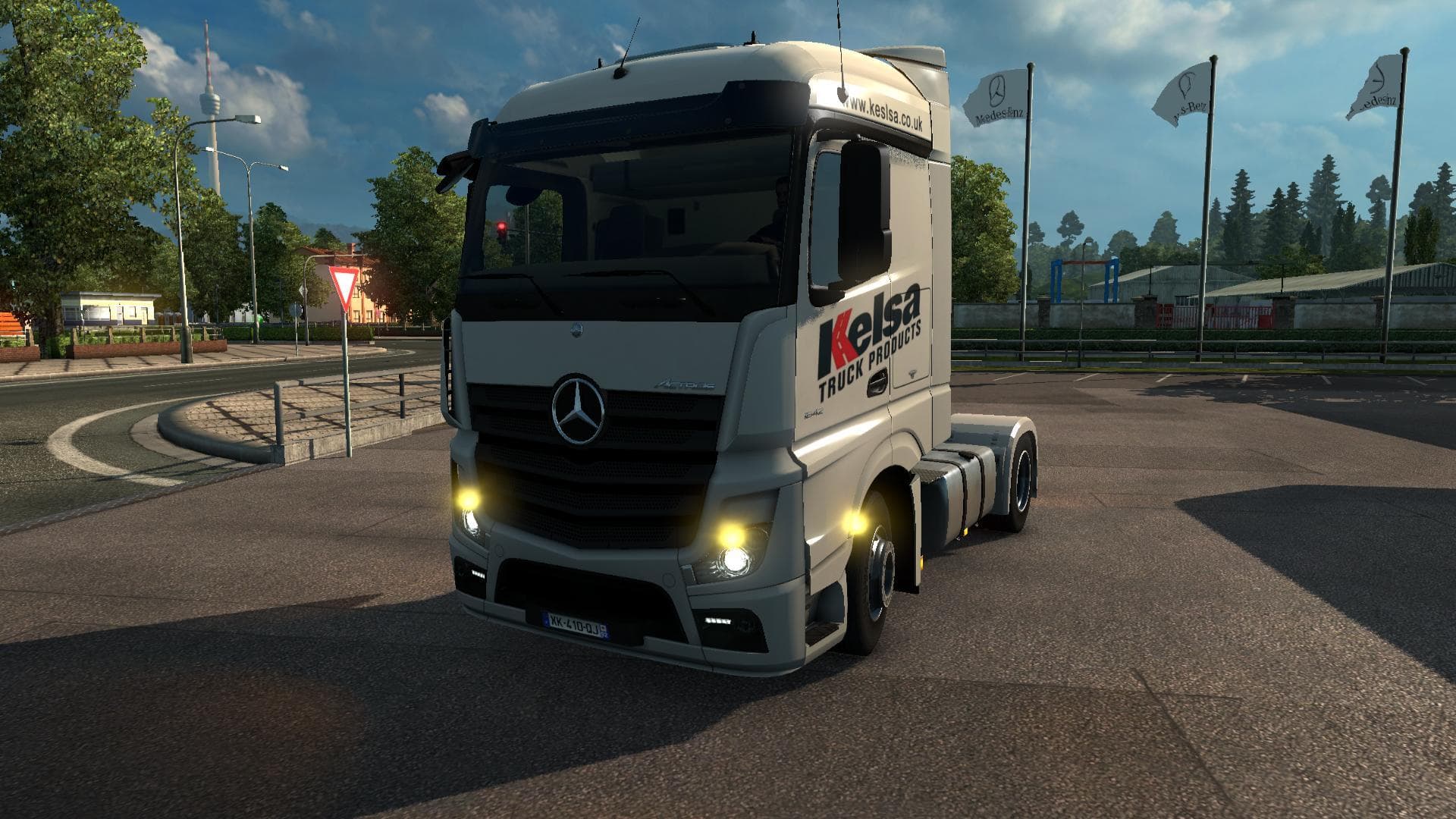
Mercedes Actros MP4 v1.8.0
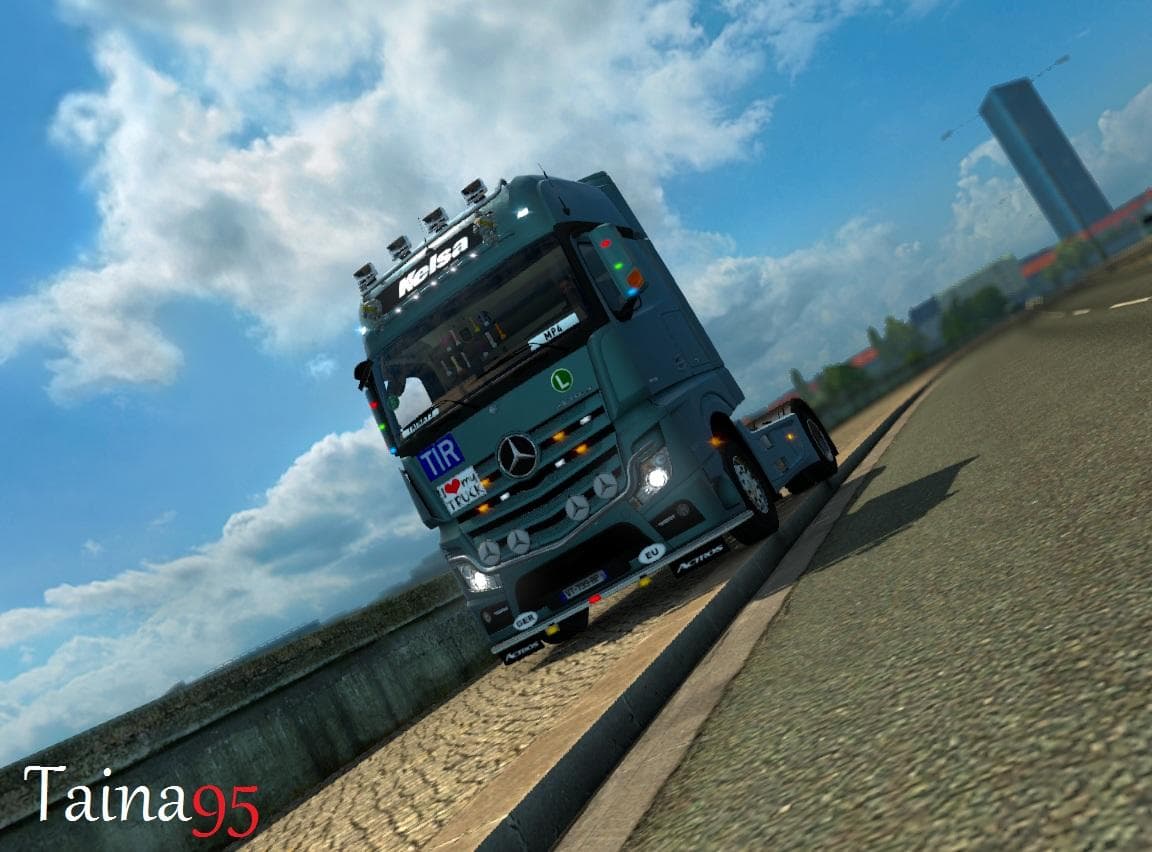
The Mercedes Actros MP4 mod version 1.8.0 for Euro Truck Simulator 2 adds a new slot, cabin light with 5 colors, and 2 new skins. It is tested in ETS2 versions
The Mercedes Actros MP4 v1.8.0 mod is a parts add-on designed specifically for the Actros MP4 truck in Euro Truck Simulator 2. This type of mod enhances the truck customization experience by offering additional accessories such as new cabin lights and skin options, which can be selected through the in-game truck tuning menu. With this update, a new slot and several lighting colors have been introduced, allowing for more personalized visual tweaks.
Parts mods like this one focus on expanding what you can fit to your vehicle, often targeting particular brands or models to maintain authenticity and detail. They generally don't affect gameplay mechanics but provide aesthetic and functional upgrades that improve immersion when driving across various ETS2 maps. These mods are loaded alongside other tuning files and need to be placed correctly in the mod manager to avoid conflicts with other parts or skins.
Compatibility is usually straightforward with parts mods, though it's wise to check that your ETS2 version aligns with the supported range—in this case, versions 1.7 and 1.8 are compatible. Since these mods alter truck visuals at a component level, they typically coexist well with map expansions or cargo packs but might require proper load order if combined with other extensive truck modifications.
Drivers who want to customize their Actros MP4 beyond the base game's options will find value here. Whether you're aiming to add subtle details like cabin lighting or want a fresh look through new skins, this mod fits smoothly into setups focused on enhancing truck appearance without altering core gameplay elements.
In general, parts mods such as this one enrich the driving experience by letting players tailor their trucks' aesthetics according to personal style or roleplaying needs within ETS2’s varied environments.
How to install
1. Download the file(s) from the original source linked above. 2. Drop them into `Documents/Euro Truck Simulator 2/mod/`. 3. Enable in Mod Manager and restart the game.
After the mod loads, save your game inside a safe area (parking lot or service) before deciding whether to keep it. If the game refuses to load with the mod enabled, check that all required DLCs are installed and that the supported ETS2 version chips on this page include your installed game patch.
Reviews
No ratings yetNo reviews yet — be the first to rate this mod.