MERCEDES ACTROS 2014 BLENDER TEXTURE FIX
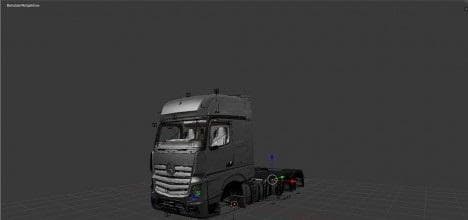
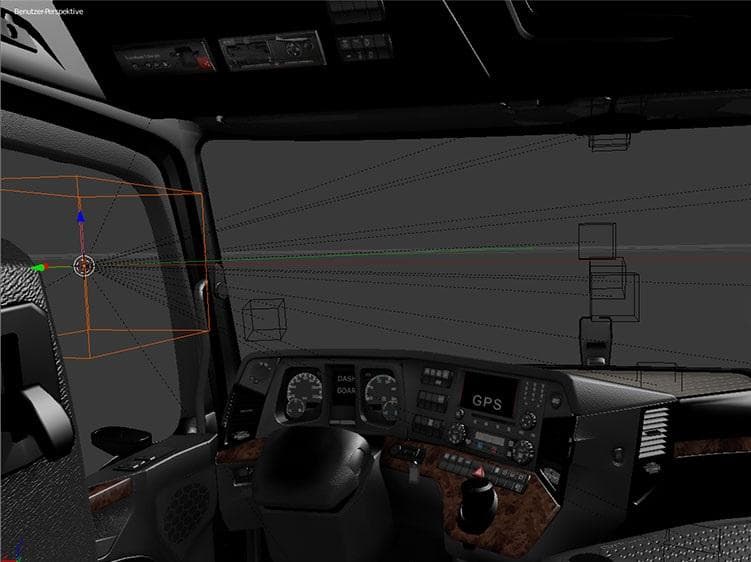
The "MERCEDES ACTROS 2014 BLENDER TEXTURE FIX" is a parts mod created by Euro Truck Simulator 2. It offers a texture fix for Blender modders, with a file size o
The MERCEDES ACTROS 2014 BLENDER TEXTURE FIX is a parts mod designed to correct texture issues specifically for the Mercedes Actros 2014 model in ETS2. This type of fix generally helps modders by providing improved or corrected textures that can be used in Blender, which is a common tool for creating and editing 3D models in the game. It addresses graphical glitches or mismatches that might occur with default or custom textures when working on this truck model.
Parts mods like this one are often focused on enhancing customization options by improving individual components or visuals of trucks. They usually fit into the truck customization menu where players can add or adjust accessories such as mirrors, lights, and other details. Texture fixes are especially useful when combining multiple mods to ensure visual consistency across different assets.
In a modded setup, texture fixes need to be loaded carefully to avoid conflicts with other parts mods that might alter similar elements on the same truck model. It's common practice to place such fixes lower in the load order so that their corrections override previous textures without causing unexpected visual errors. Since exact compatibility details aren't provided, users should test it alongside other modifications for the Mercedes Actros 2014.
This mod would suit players who enjoy customizing their trucks extensively and want their **Mercedes Actros 2014** to look correct and polished, particularly those who create or modify models using Blender. It’s also relevant for anyone maintaining a collection of parts mods aiming for better visual accuracy and smoother integration in their game experience.
How to install
1. Download the file(s) from the original source linked above. 2. Drop them into `Documents/Euro Truck Simulator 2/mod/`. 3. Enable in Mod Manager and restart the game.
After the mod loads, save your game inside a safe area (parking lot or service) before deciding whether to keep it. If the game refuses to load with the mod enabled, check that all required DLCs are installed and that the supported ETS2 version chips on this page include your installed game patch.
Reviews
No ratings yetNo reviews yet — be the first to rate this mod.