MB ACTROS HORN
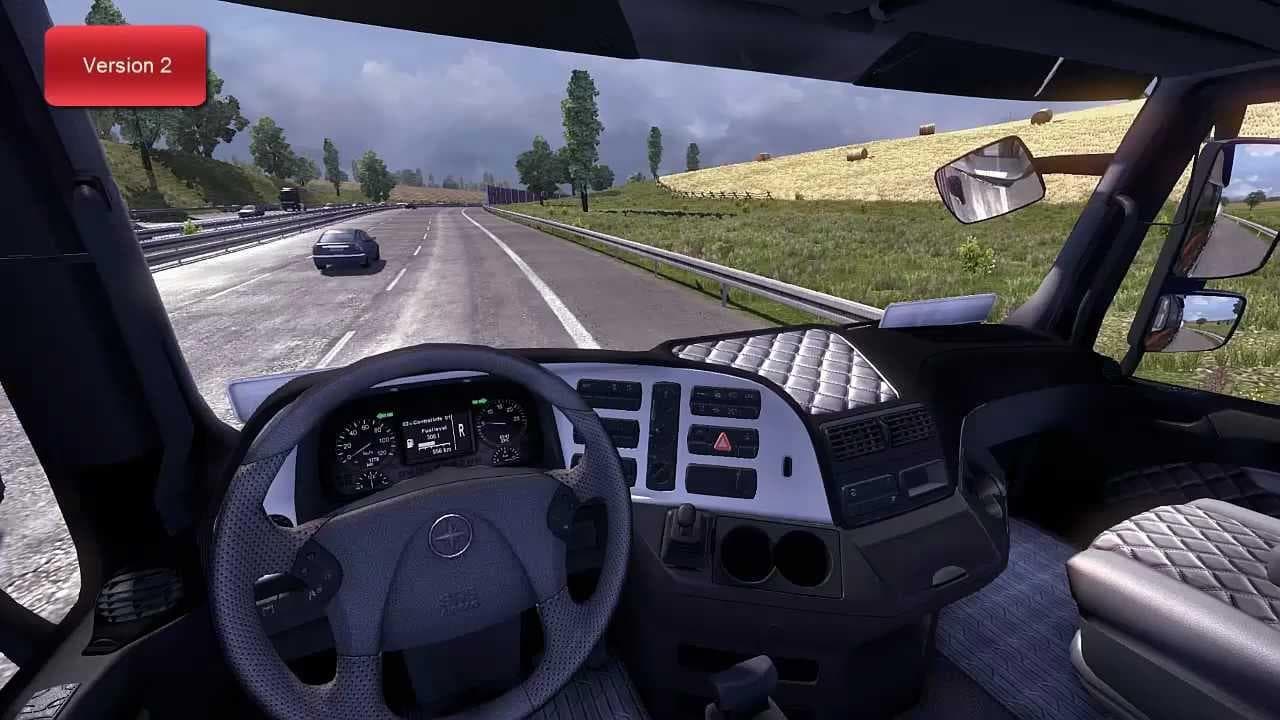
The "MB ACTROS HORN" mod offers various horn options for your truck in Euro Truck Simulator 2. Be sure to select only one version from the package to prevent an
The MB ACTROS HORN mod adds a specific horn accessory tailored for the Mercedes-Benz Actros truck in Euro Truck Simulator 2. This kind of parts mod typically enhances truck customization options by introducing new components that players can fit directly through the truck's customization menu. Horns like this one not only change the audio experience but also add a bit of personality to your vehicle, making each drive feel more unique.
Parts mods such as this usually focus on a particular truck model or brand, allowing fans of that make to expand their vehicle’s style and functionality. The MB ACTROS HORN fits into setups where users want to customize their Actros trucks beyond the standard offerings. You can expect it to appear alongside other tuning mods like bull bars, extra lights, or interior upgrades, all helping to refine the look and feel of your rig.
When installing parts mods, it's common practice to watch for conflicts or duplicate files. This mod specifically advises selecting only one version from its package to prevent game issues, which is a typical consideration when dealing with multiple variants within one mod. Keeping your load order clean and avoiding overlapping items helps maintain stability during gameplay.
Those who enjoy personalizing their Euro Truck Simulator 2 fleet would find this mod useful if they own an Actros and want an alternative horn option. It suits players who appreciate small details and like having several aesthetic or functional choices available at their fingertips.
While details about its creator, supported ETS2 versions, or file size aren’t provided, this kind of accessory mod remains straightforward to install by placing it in your mod folder and activating it in-game. Its simplicity makes it accessible even for newcomers wanting to tweak their trucks without extensive modifications.
How to install
1. Download the file(s) from the original source linked above. 2. Drop them into `Documents/Euro Truck Simulator 2/mod/`. 3. Enable in Mod Manager and restart the game.
After the mod loads, save your game inside a safe area (parking lot or service) before deciding whether to keep it. If the game refuses to load with the mod enabled, check that all required DLCs are installed and that the supported ETS2 version chips on this page include your installed game patch.
Reviews
No ratings yetNo reviews yet — be the first to rate this mod.