MAZ 5432 1.22
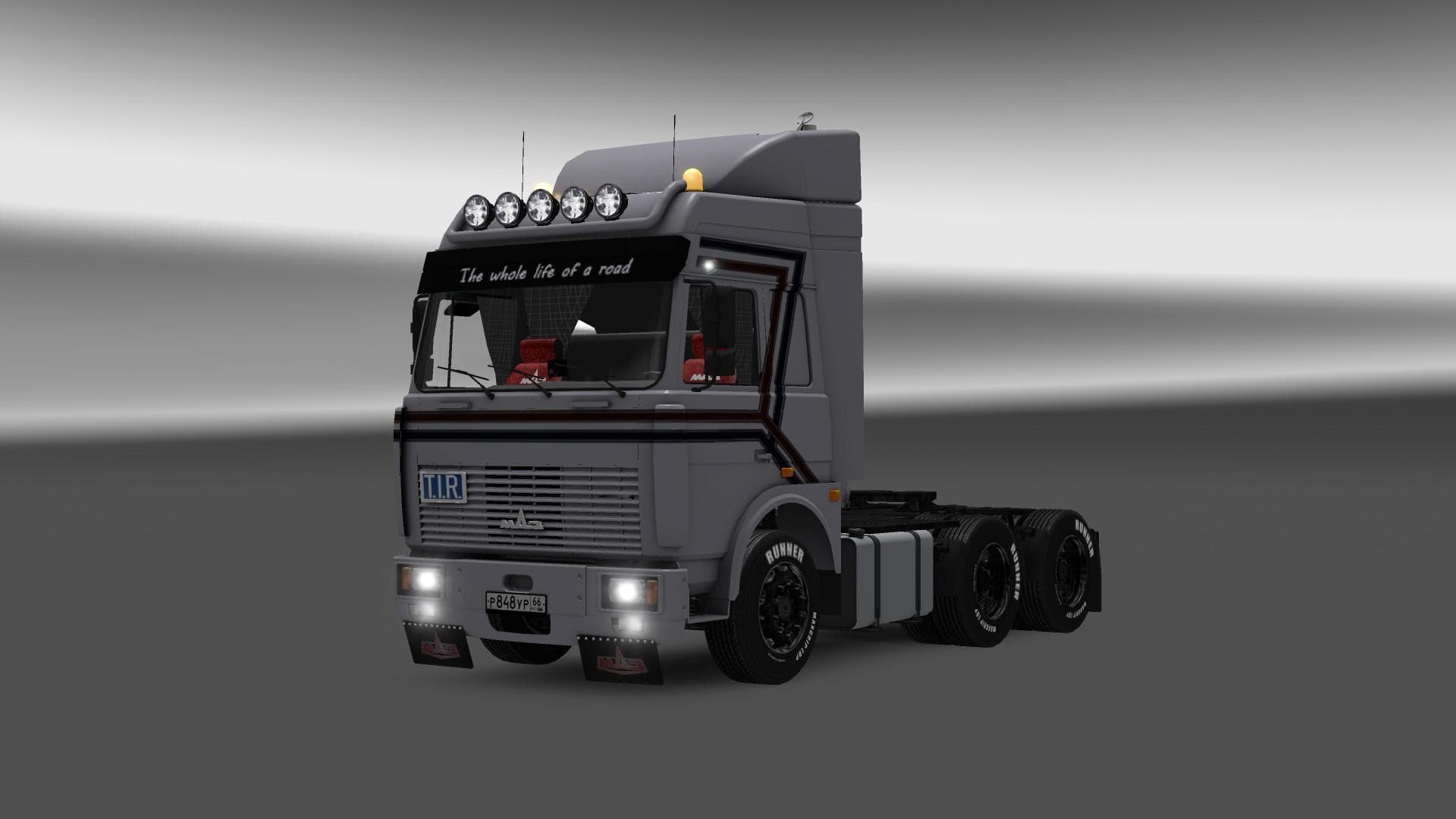
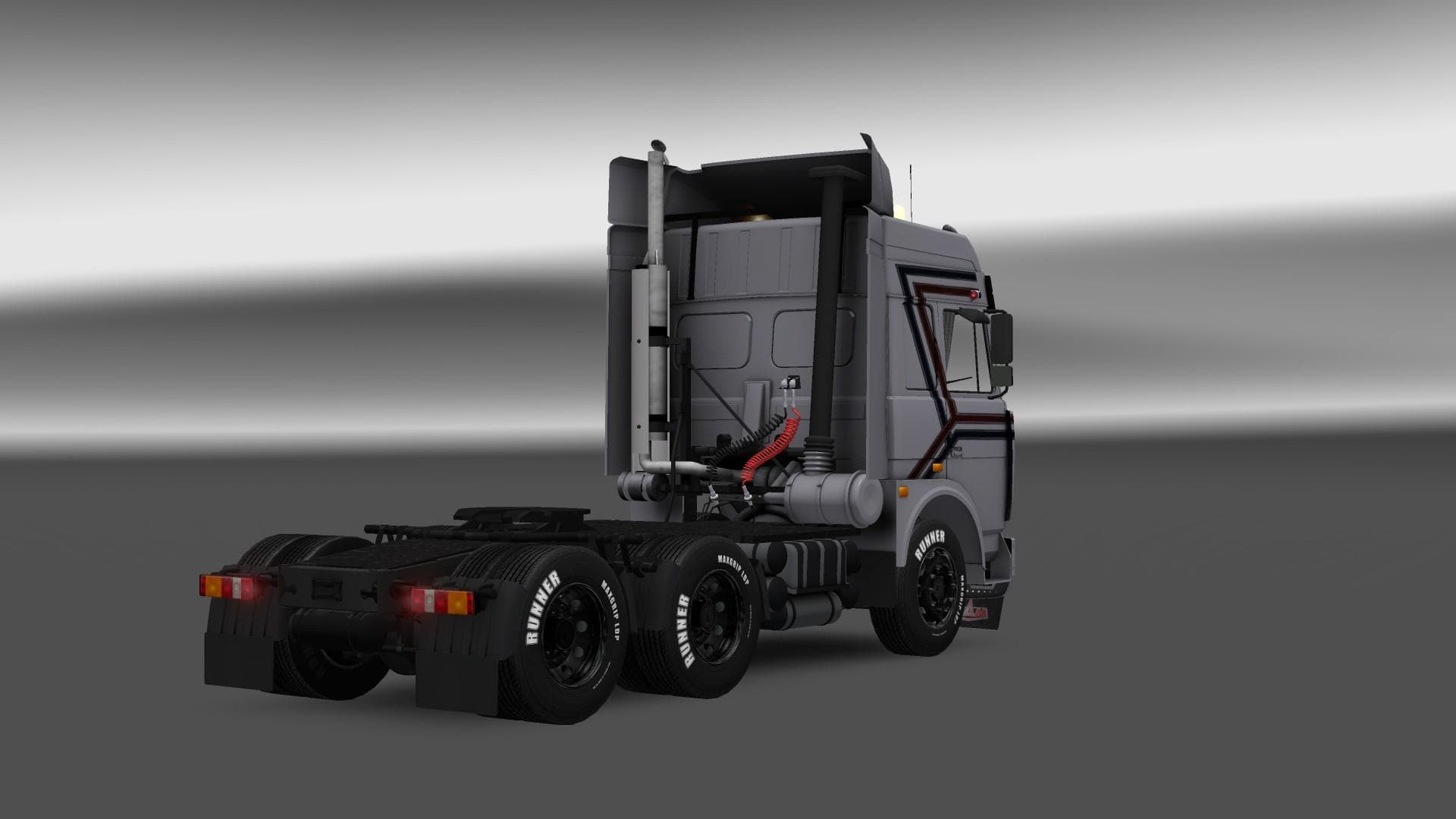
The MAZ 5432 1.22 mod is a standalone truck available at the Scania dealer in Euro Truck Simulator 2. It features an interior but does not support painting or t
The MAZ 5432 1.22 mod brings the classic MAZ truck to Euro Truck Simulator 2 as a standalone vehicle. This means you can find it available at the Scania dealer, ready to be purchased and driven just like any other truck in the game. It’s designed for ETS2 version 1.22, so compatibility with that update is ensured without needing additional tweaks.
Truck mods like this one introduce a new drivable cab and chassis combination into ETS2. Players can expect a dedicated interior specific to the MAZ 5432, along with engine and transmission options native to this model. However, this particular mod doesn’t support painting or tuning customization, which might limit visual personalization but keeps things straightforward.
In a modded setup, standalone trucks generally don’t conflict much with other vehicle mods if loaded properly. Placing this mod lower in your load order after map expansions or gameplay mechanics mods usually avoids issues. Since it’s a standalone model without extra paint jobs or tuning parts, compatibility concerns are minimal compared to more complex truck mods.
This kind of truck mod appeals mostly to players interested in expanding their fleet with less common Eastern European trucks. The MAZ brand has its own distinct style that differs from Western European trucks commonly seen in ETS2, offering some variety for those wanting a different driving experience or thematic roleplay.
If you’re running an ETS2 version 1.22 setup and want to add some diversity without overloading your game with customization features, this mod fits neatly into that niche. It’s also handy for players who prefer ready-to-go trucks without spending time on paint schemes or tuning options.
Overall, the MAZ 5432 mod delivers a solid choice for fans of Soviet-era trucks within ETS2's ecosystem, especially when combined with map mods covering regions like Russia and Kazakhstan where such vehicles feel right at home.
How to install
1. Download the .scs file from the original source linked above. 2. Copy the file to `Documents/Euro Truck Simulator 2/mod/`. 3. Launch ETS2, open the Mod Manager from the main menu, enable the mod, restart the game. 4. Visit any truck dealer to spawn the new truck.
After the mod loads, save your game inside a safe area (parking lot or service) before deciding whether to keep it. If the game refuses to load with the mod enabled, check that all required DLCs are installed and that the supported ETS2 version chips on this page include your installed game patch.
Reviews
No ratings yetNo reviews yet — be the first to rate this mod.





![Fuso Supergreat Hi Cab Truck [1.50 – 1.60] – Trucks mod for Euro Truck Simulator 2](/_next/image?url=https%3A%2F%2F802software.s3.us-east-1.amazonaws.com%2Fets2modspot%2Fscreenshots%2F7494%2F0.jpg&w=3840&q=75)