MAP PUNO PERU V1.2
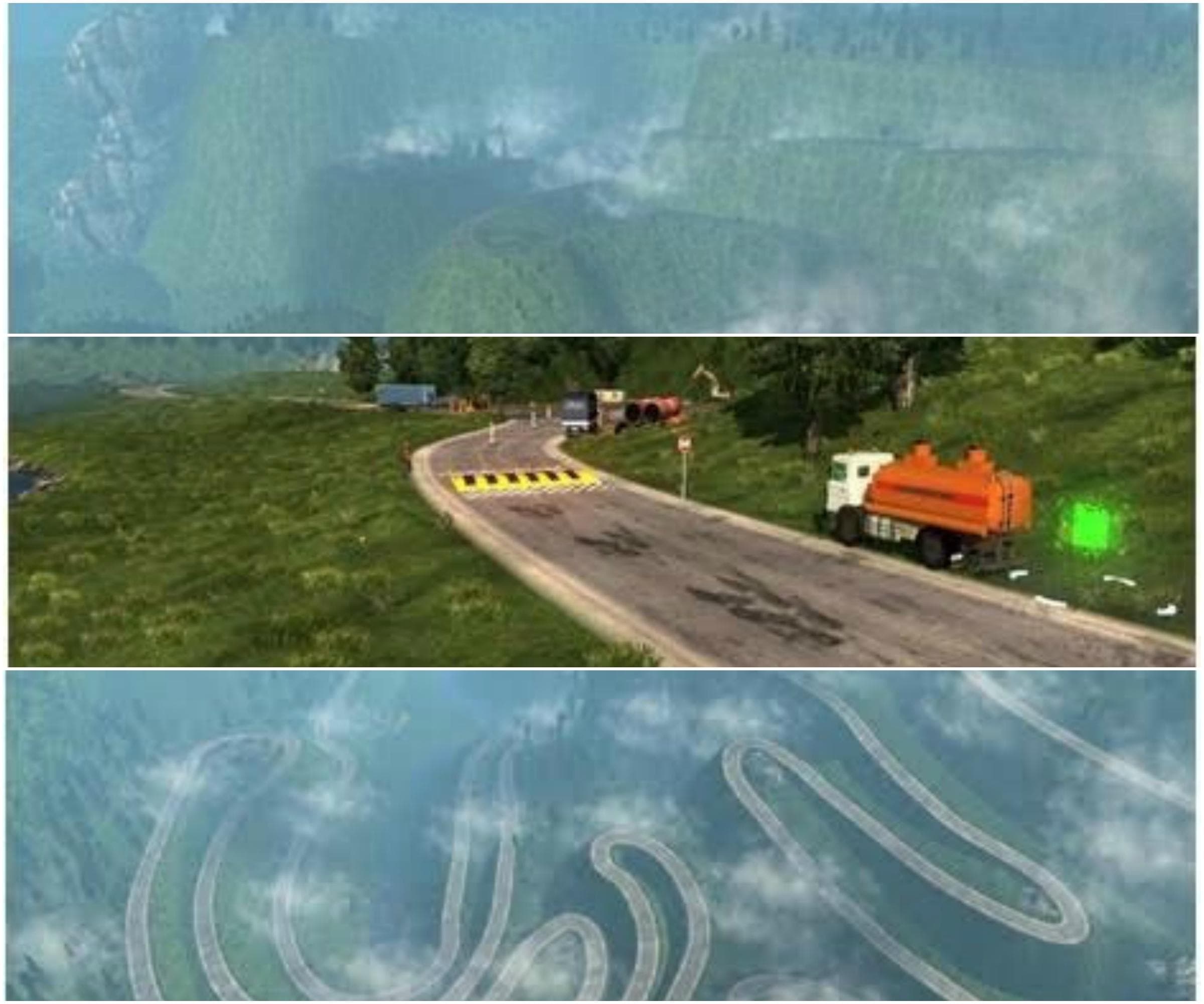
MAP PUNO PERU V1.2 by Euro truck simulator 2 adds 7 cities including Putina Punco, Sandia, and Curva Alegre. Explore the diverse landscapes of Peru in this map
MAP PUNO PERU V1.2 is a map mod that adds several new cities and regions based around Puno, Peru to Euro Truck Simulator 2. It includes seven distinct locations such as Putina Punco, Sandia, and Yanamayo, broadening the playable area beyond the base game’s scope. Map mods like this one typically come as .scs files and extend the drivable world with fresh routes and urban areas to explore.
In ETS2, map expansions work by integrating new roads, cities, and sometimes unique landmarks into the existing map structure. They require careful load order management since conflicts between mods can cause issues like missing textures or broken roads. This type of mod often demands a compatible base map version—in this case, it supports ETS2 version 1.2—and may need a fresh profile to function properly without glitches.
When using MAP PUNO PERU V1.2 alongside other map mods or DLCs, it's crucial to place it correctly in the mod manager's load order to avoid overlaps or conflicts with other expansions. Players who enjoy diversifying their trucking experience with additional geography will find this mod useful for adding South American flavor to their routes. However, compatibility with newer ETS2 versions should be considered since this mod targets an older release.
This expansion suits players who want to venture off the typical European or North American maps and are interested in exploring Peruvian terrain within the ETS2 environment. It's particularly appealing for those running multiple map mods as part of a larger custom setup looking for more variety in their virtual trucking adventures.
How to install
1. Download every .scs file from the source page (map mods often ship multiple files). 2. Copy all files to `Documents/Euro Truck Simulator 2/mod/`. 3. Enable each file in Mod Manager **in the order documented by the modder**. Load order matters for maps. 4. Start a new save or use an existing save that already supports the map's base regions.
After the mod loads, save your game inside a safe area (parking lot or service) before deciding whether to keep it. If the game refuses to load with the mod enabled, check that all required DLCs are installed and that the supported ETS2 version chips on this page include your installed game patch.
Known conflicts
No conflicts reported for this mod yet. Running a big mod list? Check your whole setup for conflicts →
Reviews
No ratings yetNo reviews yet — be the first to rate this mod.





