MAP OF BLOATED TOAD MAP + FIX
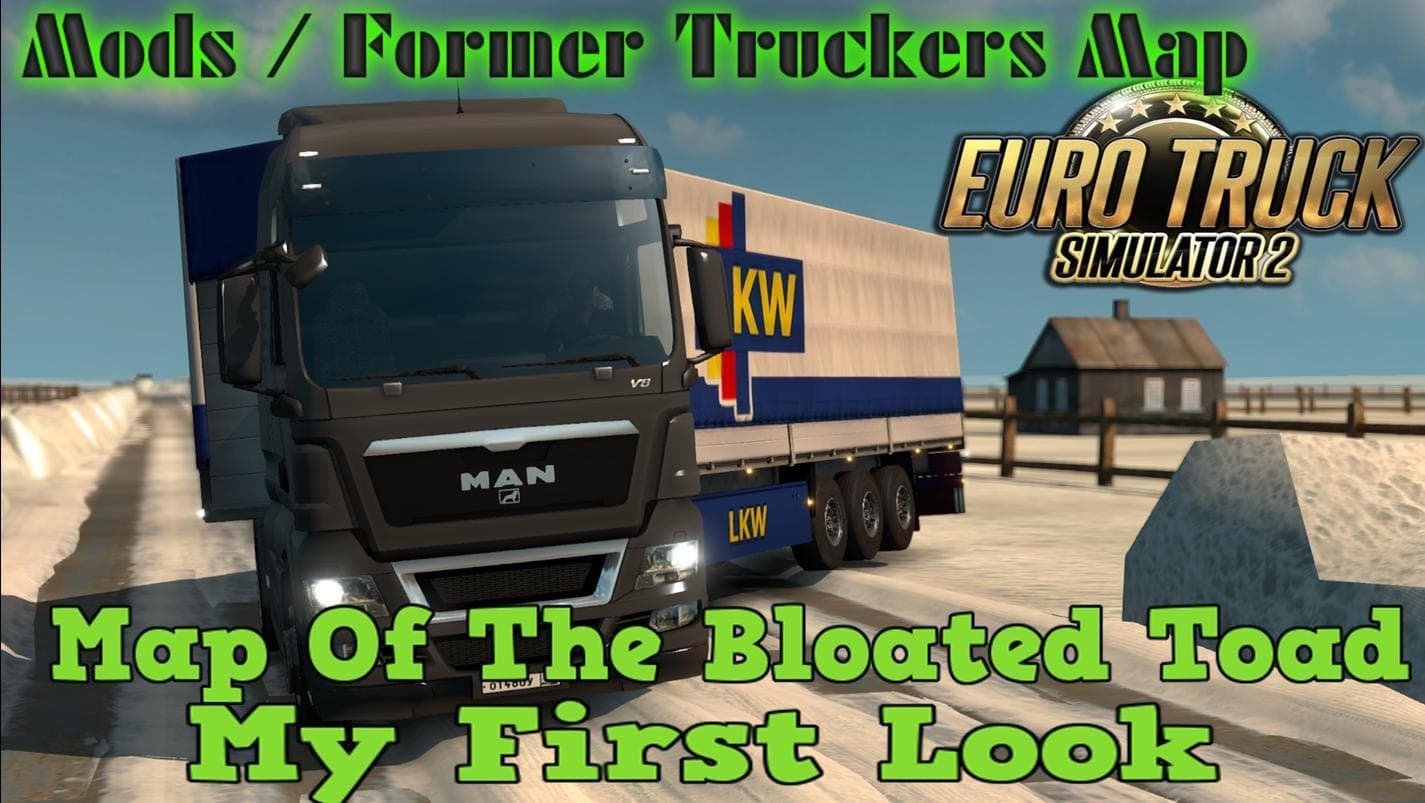
MAP OF BLOATED TOAD MAP + FIX by Euro truck simulator 2 offers a large and challenging Truckers map. Created by Alex, this mod includes a file repack and fix fo
The Map of Bloated Toad Map + Fix adds a large and challenging new region for Euro Truck Simulator 2 players to explore. This mod is designed as a map expansion, offering a vast area with rugged terrain and diverse routes that can change the way you plan your deliveries. It's not just a simple add-on; it reshapes the driving experience by introducing new roads and cities to navigate.
Map mods like this one typically come as one or more .scs files that need to be loaded in the game’s mod manager. They are quite sensitive to load order, so placing this mod correctly relative to others is crucial to avoid conflicts or crashes. Sometimes, map mods require a fresh profile or specific base-map DLCs installed, depending on their design and compatibility with the official game maps.
This particular mod fits well into setups focused on expanding the drivable world beyond standard ETS2 regions such as Arizona, Colorado, or other US states commonly featured in similar map packs. Players who enjoy longer hauls and tougher driving conditions will find it adds depth to their routing options. It’s also suitable for those who like combining multiple map expansions for a broader experience.
If you’re someone who enjoys exploring new territories or wants a more demanding trucking challenge within ETS2, this map mod could be worth trying out. Just keep in mind that because it changes the geography significantly, checking compatibility with other mods and ensuring correct load order is necessary before using it.
While details about supported ETS2 versions or specific requirements aren’t provided here, the general approach when using large map mods applies: back up your save files, review any included fix notes, and test thoroughly after installing.
How to install
1. Download every .scs file from the source page (map mods often ship multiple files). 2. Copy all files to `Documents/Euro Truck Simulator 2/mod/`. 3. Enable each file in Mod Manager **in the order documented by the modder**. Load order matters for maps. 4. Start a new save or use an existing save that already supports the map's base regions.
After the mod loads, save your game inside a safe area (parking lot or service) before deciding whether to keep it. If the game refuses to load with the mod enabled, check that all required DLCs are installed and that the supported ETS2 version chips on this page include your installed game patch.
Known conflicts
No conflicts reported for this mod yet. Running a big mod list? Check your whole setup for conflicts →
Reviews
No ratings yetNo reviews yet — be the first to rate this mod.





