MAP OF BLOATED TOAD 1.21.X
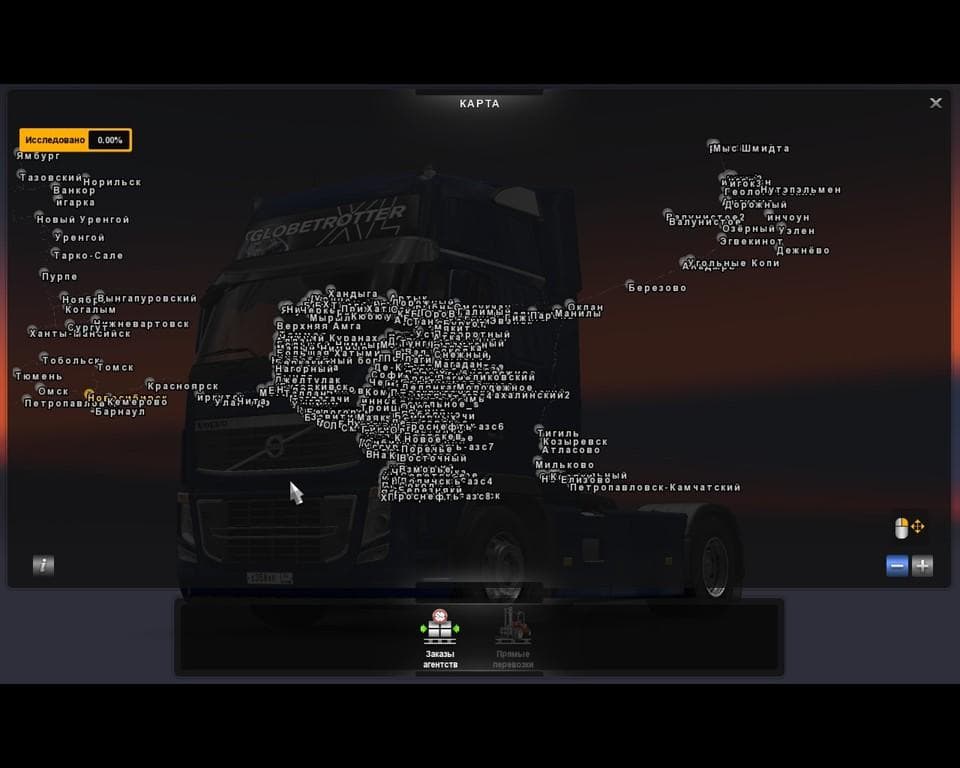
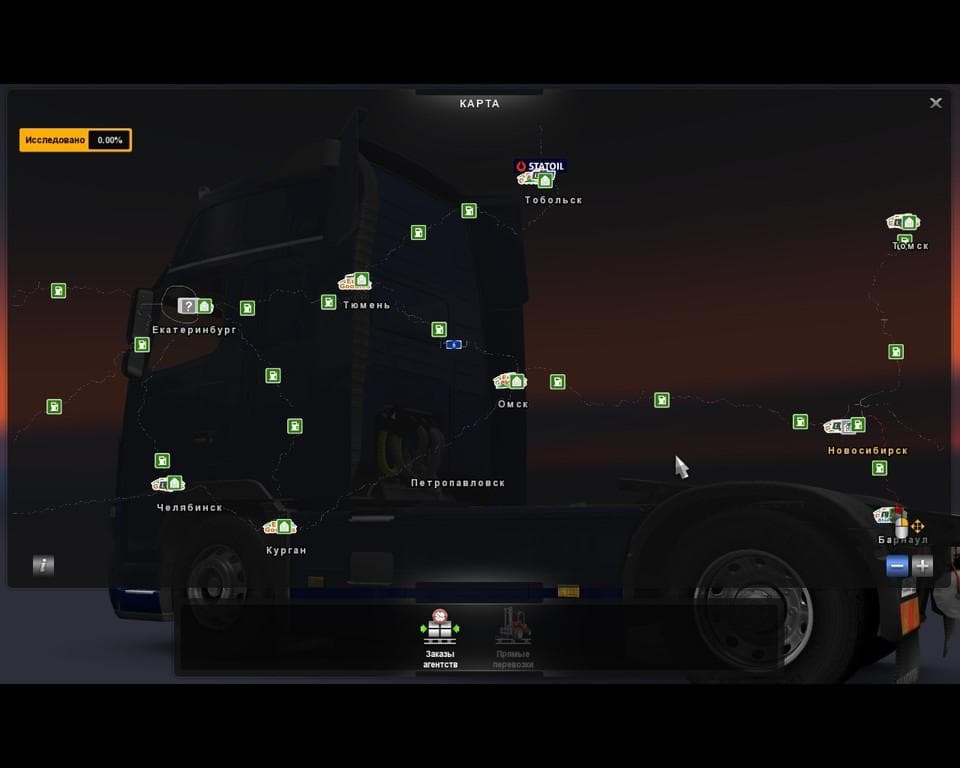
The "Map Of Bloated Toad 1.21.X" is a map mod for ETS2 created by Euro Truck Simulator 2. It updates the map from version 1.15 to 1.21, includes small optimizat
The Map of Bloated Toad 1.21.X is a map mod for Euro Truck Simulator 2 that updates the former 'Truckers map r43' to be compatible with game versions 1.15 and 1.21. It brings changes like small optimizations and error fixes, reflecting an effort to maintain functionality across these ETS2 versions. Map mods like this one replace or expand the base game world by adding new roads, cities, and regions, providing fresh routes and areas to explore beyond the default map.
In ETS2, map mods are usually packaged as .scs files and require careful load-order management to avoid conflicts with other maps or DLCs. They often need a clean profile or specific base-map DLCs installed because overlapping content can cause issues. The Map of Bloated Toad fits into a modded setup where players want additional driving areas without necessarily changing the core game mechanics. Since it updates from version 1.15 to 1.21, it shows attention to keeping pace with official game updates.
Players interested in expanding their trucking routes will find this mod useful if they're running the supported ETS2 versions and want more variety in their world map. It's not a standalone overhaul but rather an update that keeps existing added content working smoothly on newer versions of the game.
This type of map mod works well alongside other map expansions as long as you manage your mod load order correctly and ensure no conflicting regions overlap. Users should pay attention to compatibility notes typical for maps mods, especially when combining several additions or using specific official DLCs.
How to install
1. Download every .scs file from the source page (map mods often ship multiple files). 2. Copy all files to `Documents/Euro Truck Simulator 2/mod/`. 3. Enable each file in Mod Manager **in the order documented by the modder**. Load order matters for maps. 4. Start a new save or use an existing save that already supports the map's base regions.
After the mod loads, save your game inside a safe area (parking lot or service) before deciding whether to keep it. If the game refuses to load with the mod enabled, check that all required DLCs are installed and that the supported ETS2 version chips on this page include your installed game patch.
Known conflicts
No conflicts reported for this mod yet. Running a big mod list? Check your whole setup for conflicts →
Reviews
No ratings yetNo reviews yet — be the first to rate this mod.





