Map Legiunnaire2 v35
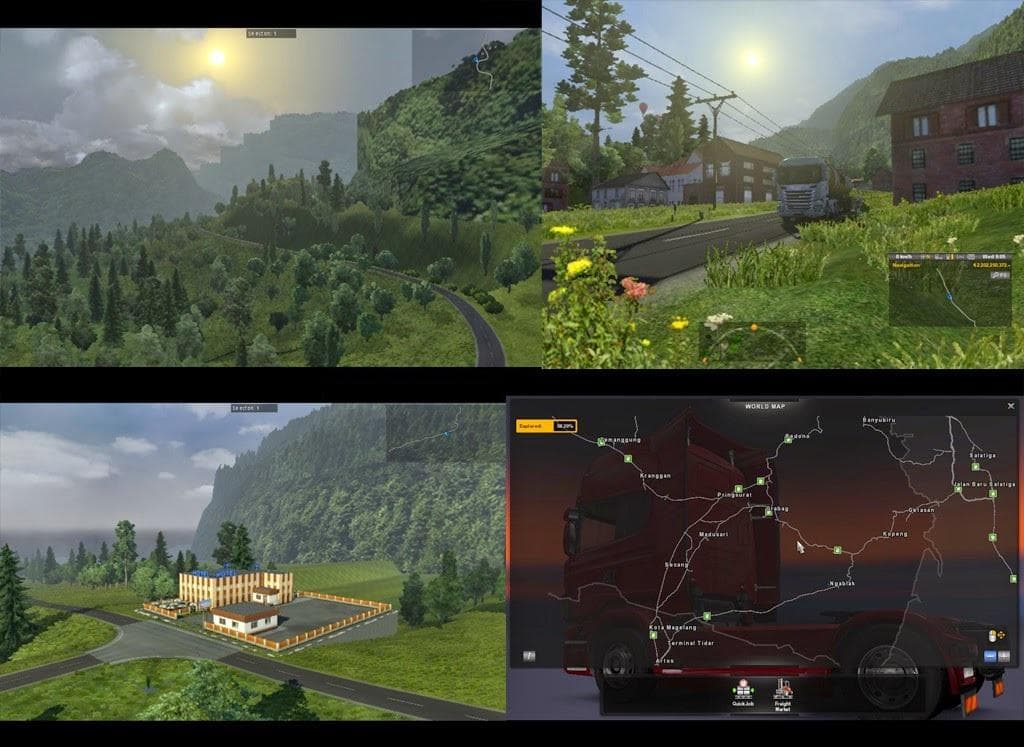
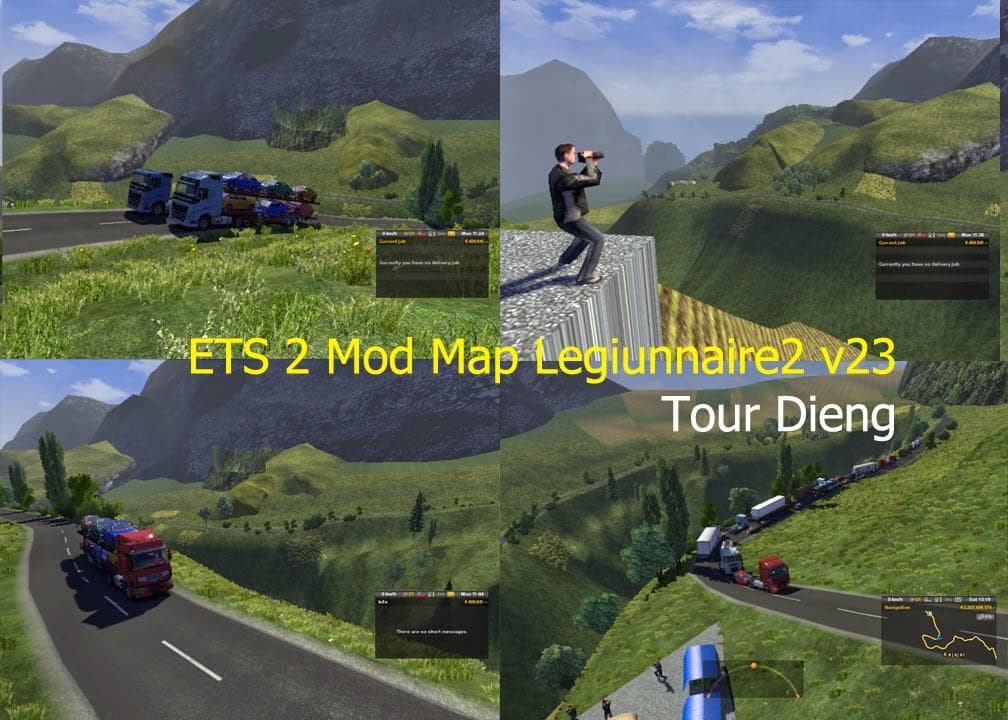
Map Legiunnaire2 v35 is a map mod for ETS2 that adds new traffic, models, cities, and more. Update the map to the latest version for the best experience.
Map Legiunnaire2 v35 is a map modification for Euro Truck Simulator 2 that introduces new traffic elements, models, and cities to the game world. This type of mod generally expands or reworks the drivable environment by adding fresh roads and regions, enriching the exploration aspect of ETS2. It enhances what you can see and drive through, offering a broader or altered map experience compared to the base game.
Map mods like this one usually come as .scs files and are sensitive to load order in your mod manager. Since they modify core aspects of the game's geography, they sometimes require a specific base-map DLC or even a fresh profile to work properly. It's wise to check compatibility with other map mods to avoid conflicts that could cause glitches or crashes.
For players who enjoy combining multiple map expansions, this mod fits well within a modded setup focused on broadening travel options and introducing new environments. When layering mods like these, placing Map Legiunnaire2 v35 in the correct position within your load order can be crucial to ensure it overrides conflicting files without breaking other content.
Gamers looking for variety in routes and scenery will find this kind of map update appealing. Whether you're after more realistic traffic conditions, additional cities to visit, or just an expanded road network, mods from this category provide more places to haul cargo across Europe or beyond.
Since details about supported ETS2 versions or specific compatibility aren't provided here, it's recommended that users test it cautiously with their existing mod collections. This approach helps catch any issues early before committing heavily to using it in longer play sessions.
How to install
1. Download every .scs file from the source page (map mods often ship multiple files). 2. Copy all files to `Documents/Euro Truck Simulator 2/mod/`. 3. Enable each file in Mod Manager **in the order documented by the modder**. Load order matters for maps. 4. Start a new save or use an existing save that already supports the map's base regions.
After the mod loads, save your game inside a safe area (parking lot or service) before deciding whether to keep it. If the game refuses to load with the mod enabled, check that all required DLCs are installed and that the supported ETS2 version chips on this page include your installed game patch.
Known conflicts
No conflicts reported for this mod yet. Running a big mod list? Check your whole setup for conflicts →
Reviews
No ratings yetNo reviews yet — be the first to rate this mod.





