MANAC LOGGER 4 AXLES TRAILER
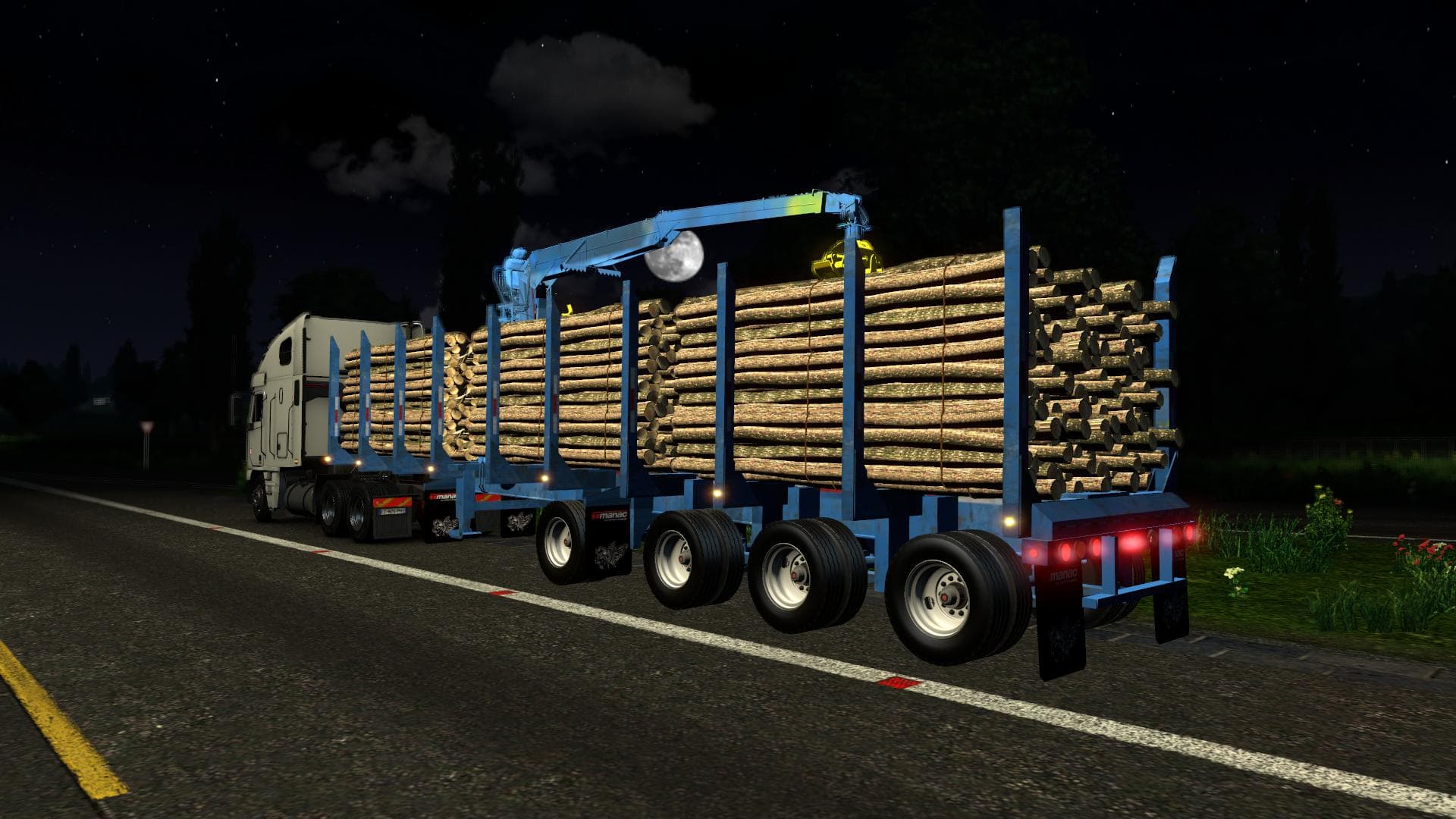
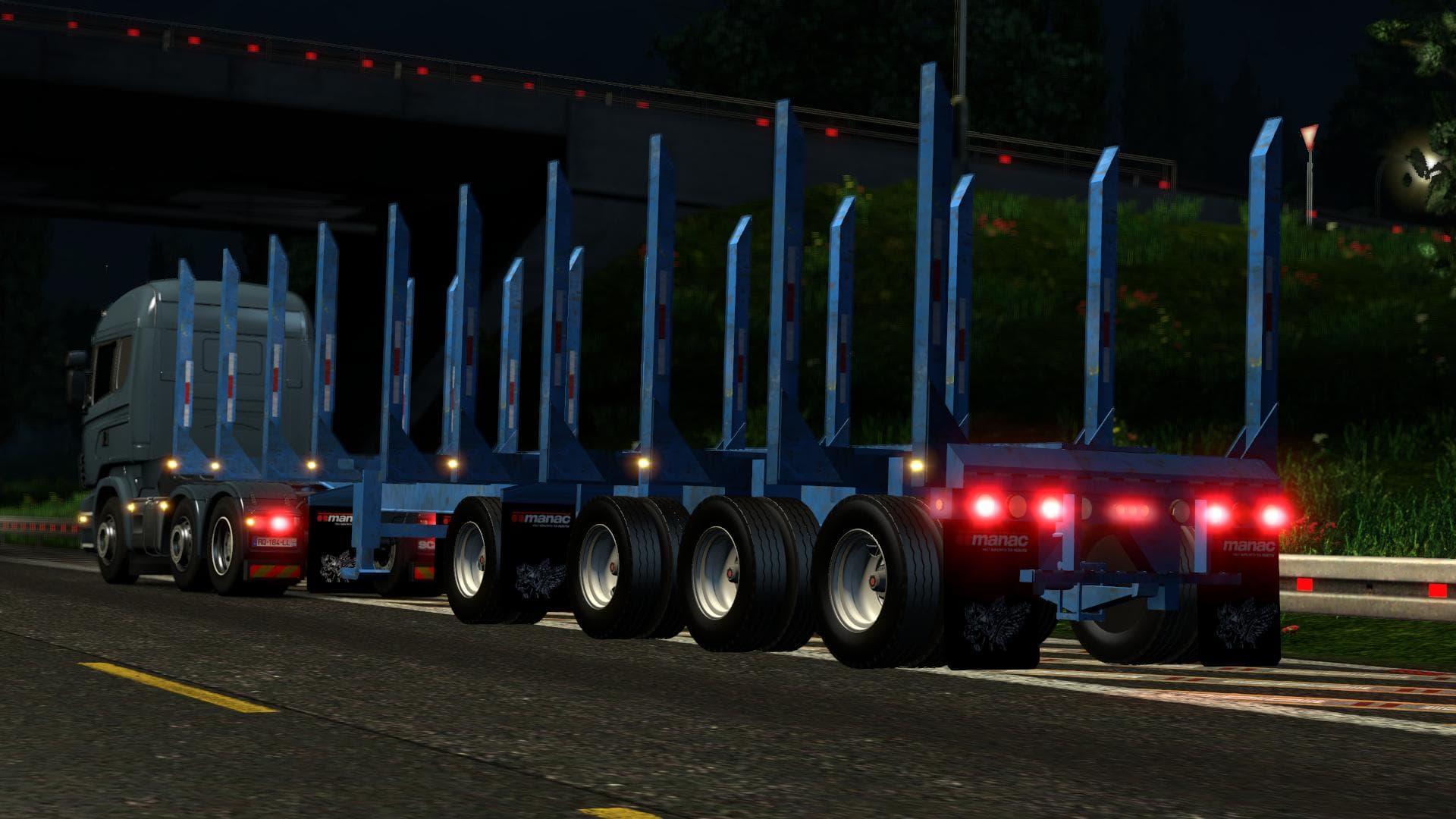
The MANAC LOGGER 4 AXLES TRAILER adds a new trailer option to Euro Truck Simulator 2, specifically designed for hauling various cargos related to logging. It includes six different cargo types, providing some variety when selecting loads. This trailer mod is compatible with ETS2 versions 1.18 and 1.19 and operates as a standalone addition, meaning it doesn't require other mods to function properly.
Trailer mods like this one expand the game's hauling possibilities by introducing new trailer bodies that players can own or encounter in traffic. Once installed, this trailer appears both in the cargo selection menu and within AI traffic, adding to the immersion by seeing it on the roads. Lightmask features enhance its visual integration with lighting effects during night driving or varying weather conditions.
In terms of modded setups, standalone trailers typically don't conflict much with other mods unless there are overlapping files or similar models installed. It's generally recommended to load trailer mods separately or after map and truck mods to avoid potential compatibility issues. Since this one supports recent versions of ETS2, it fits well into updated game environments without requiring older patches.
This kind of mod is suited for players who want more variety in their trucking experience, especially those interested in forestry-related cargoes. It complements any collection focused on realism or expanding haul options across European or North American maps where logging trailers would be appropriate.
Installing such trailers usually involves extracting files into the mod folder and activating them via the game's mod manager. After that, they become available for use without extra configuration, making it straightforward for anyone familiar with basic ETS2 mod installation procedures.
How to install
1. Download the .scs file. 2. Drop it into `Documents/Euro Truck Simulator 2/mod/`. 3. Enable in Mod Manager. 4. Trailer should appear in cargo selection or trailer dealer depending on the mod's design.
After the mod loads, save your game inside a safe area (parking lot or service) before deciding whether to keep it. If the game refuses to load with the mod enabled, check that all required DLCs are installed and that the supported ETS2 version chips on this page include your installed game patch.
Reviews
No ratings yetNo reviews yet — be the first to rate this mod.





