MAN TGA XLX + INTERIOR 1.21.X
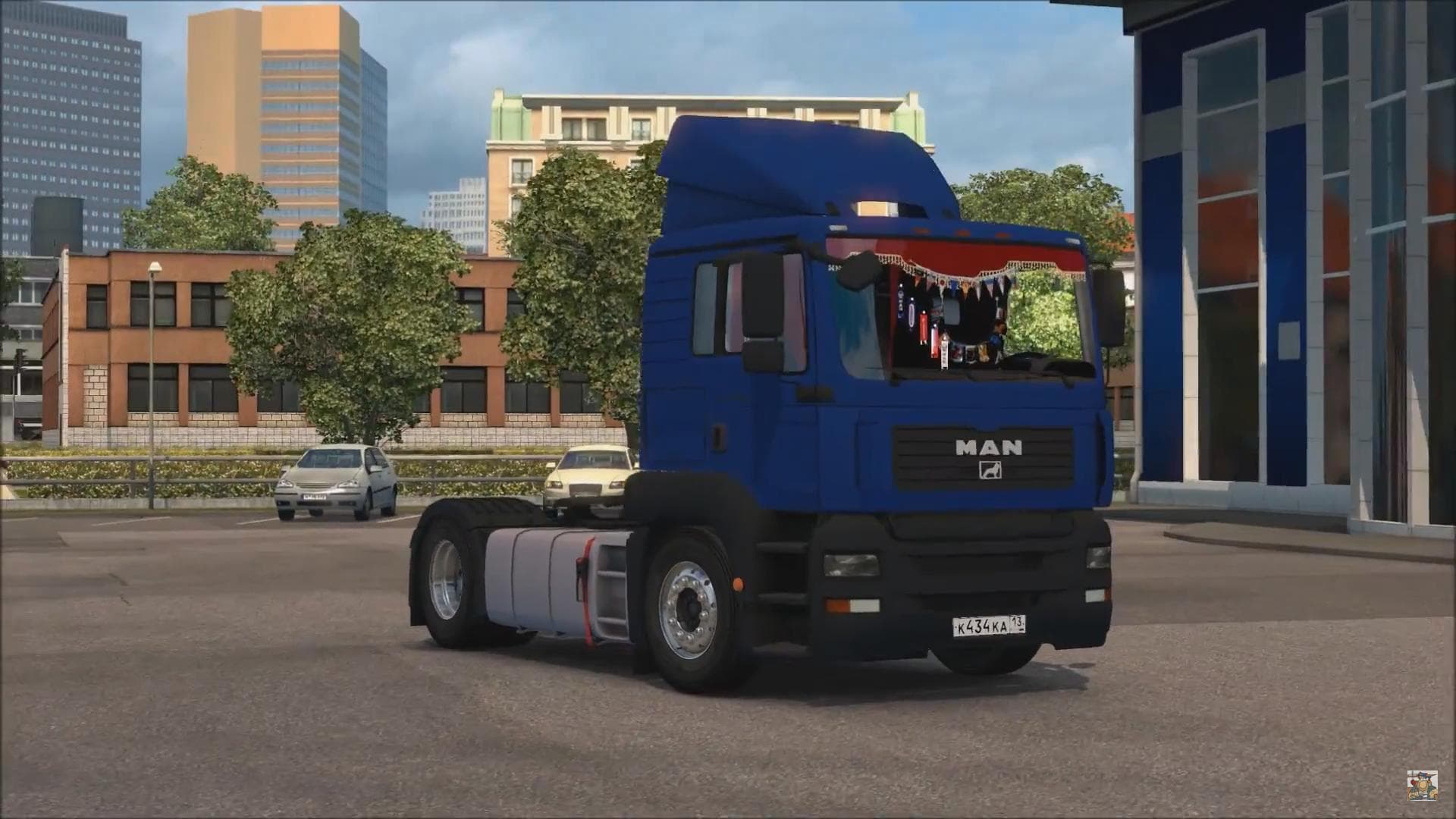
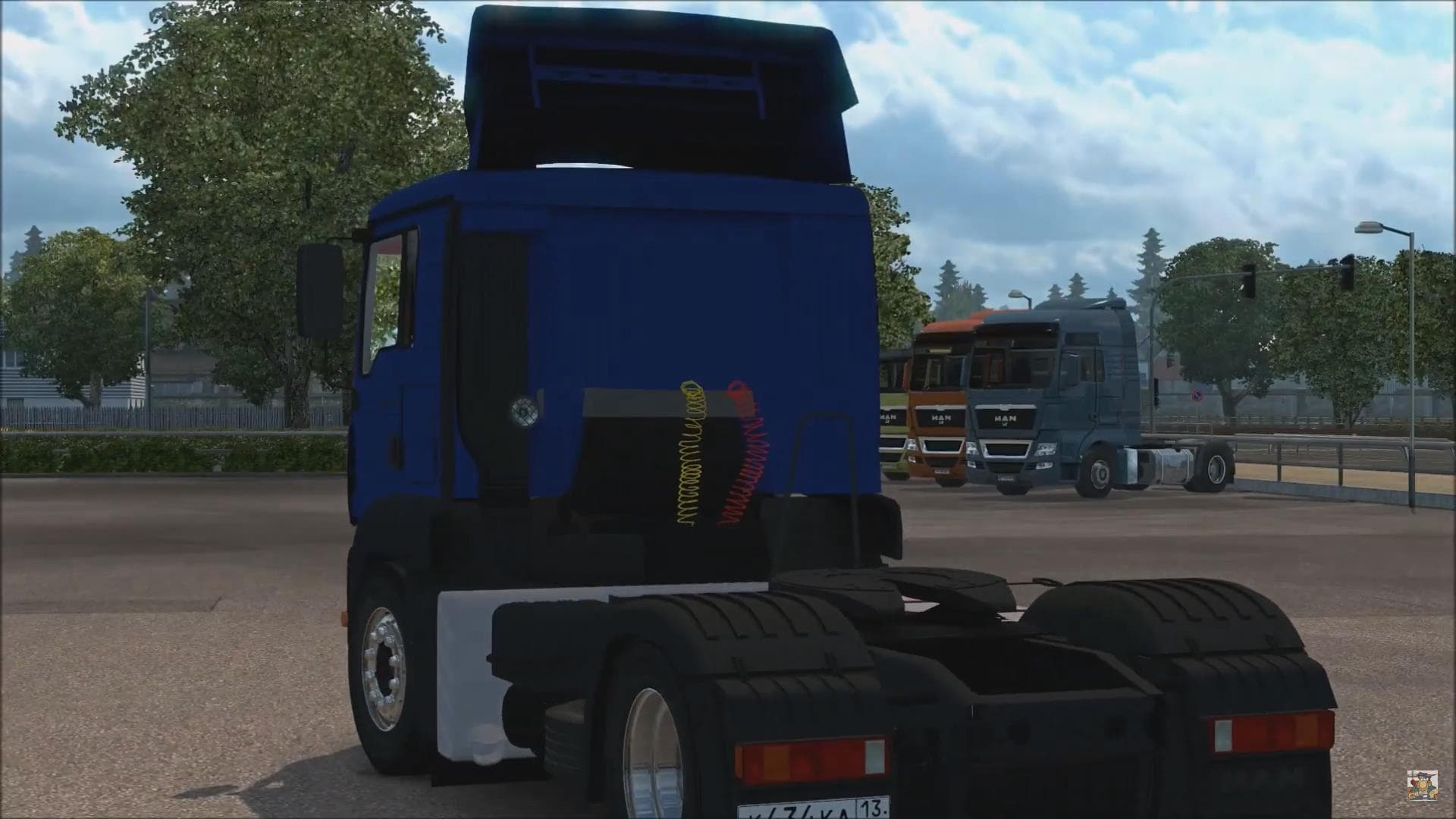
The MAN TGA XLX + INTERIOR mod for ETS2 adds a new truck with interior and GPS, available for testing on versions 1.20 and 1.21. Created by Euro Truck Simulator
The MAN TGA XLX + INTERIOR 1.21.X mod brings the MAN TGA XLX truck model into Euro Truck Simulator 2, complete with its own interior design. This kind of truck mod adds a fully drivable vehicle that you can purchase at the MAN dealer in the game, expanding your fleet options beyond the base game trucks. It includes a built-in GPS system, which fits well within the gameplay mechanics of ETS2.
Truck mods like this typically come with various engine and transmission choices, along with paint job slots to customize your rig's look. The inclusion of an interior means you get a more immersive driving experience, as you see detailed cabin features and controls while behind the wheel. This particular mod has been tested on ETS2 versions 1.20 and 1.21, so it aligns with those game updates.
When integrating this mod into a modded setup, it's important to keep load order in mind. Truck mods generally should be loaded after map and trailer mods to avoid conflicts but before skin packs that might alter vehicle appearances. Since this mod is focused on one truck model with its own interior, compatibility issues are usually minimal unless other mods try to replace or modify the same vehicle.
Players who prefer adding variety to their garage will appreciate this MAN TGA XLX offering, especially if they want a truck that feels authentic and detailed without straying too far from official content styles. Its presence at the MAN dealer keeps things straightforward for acquiring it during normal gameplay progression.
Overall, it's suited for those who enjoy driving European trucks with realistic interiors and want something tested on relatively recent ETS2 versions. While creator details aren't specified, the functionality aligns well with typical truck mods used in many players' setups.
How to install
1. Download the .scs file from the original source linked above. 2. Copy the file to `Documents/Euro Truck Simulator 2/mod/`. 3. Launch ETS2, open the Mod Manager from the main menu, enable the mod, restart the game. 4. Visit any truck dealer to spawn the new truck.
After the mod loads, save your game inside a safe area (parking lot or service) before deciding whether to keep it. If the game refuses to load with the mod enabled, check that all required DLCs are installed and that the supported ETS2 version chips on this page include your installed game patch.
Reviews
No ratings yetNo reviews yet — be the first to rate this mod.





![Fuso Supergreat Hi Cab Truck [1.50 – 1.60] – Trucks mod for Euro Truck Simulator 2](/_next/image?url=https%3A%2F%2F802software.s3.us-east-1.amazonaws.com%2Fets2modspot%2Fscreenshots%2F7494%2F0.jpg&w=3840&q=75)