MAN F90
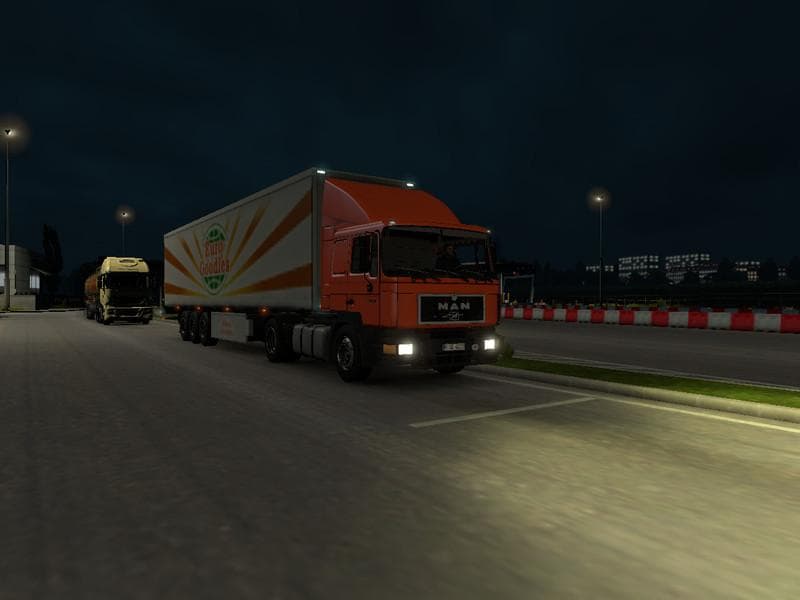
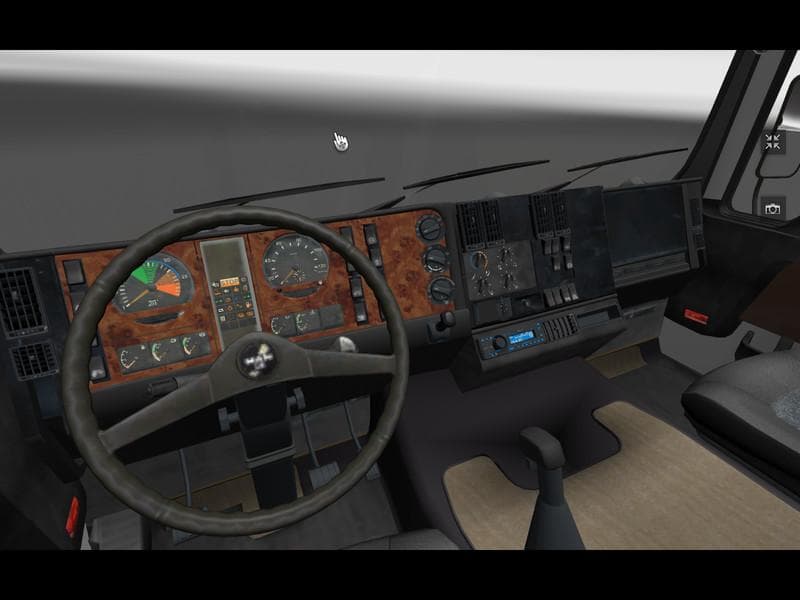
The MAN F90 mod introduces a classic truck model to Euro Truck Simulator 2, offering players a different cab and chassis to drive around the virtual roads. This type of truck mod typically adds its own set of engine choices, interior designs, and paint options, allowing for some customization when purchased at in-game dealers. The variety in engine power ranges from 192 hp up to 420 hp, giving a decent spectrum for different hauling needs.
Truck mods like this one integrate into your game by appearing as new vehicles you can buy and use just like the stock trucks. They usually come with their unique configurations so that they fit well alongside other mods or stock content. Since this mod supports ETS2 version 1.0, it's designed for earlier iterations of the game; users should check compatibility if running newer versions or combined with other mods.
When setting up a modded environment, truck mods generally load without conflicts but should be placed carefully in the load order if you have multiple vehicle additions or graphic packs. Conflicts may arise if two mods alter similar files or truck definitions, so testing is advised. This MAN F90 mod fits nicely within collections that focus on adding vintage or varied truck options to your fleet.
Players who enjoy diversifying their garage with trucks from different eras might find this mod appealing. It offers a taste of trucking history while still providing practical engines for day-to-day jobs within the game world. Those interested in classic European trucks will appreciate having this as an option alongside more modern rigs.
As with many truck mods, installation involves placing the downloaded file into the mod folder and activating it through the game's mod manager before starting a profile. No additional setup is usually needed unless combined with other extensive modifications that require specific load orders or compatibility patches.
How to install
1. Download the .scs file from the original source linked above. 2. Copy the file to `Documents/Euro Truck Simulator 2/mod/`. 3. Launch ETS2, open the Mod Manager from the main menu, enable the mod, restart the game. 4. Visit any truck dealer to spawn the new truck.
After the mod loads, save your game inside a safe area (parking lot or service) before deciding whether to keep it. If the game refuses to load with the mod enabled, check that all required DLCs are installed and that the supported ETS2 version chips on this page include your installed game patch.
Reviews
No ratings yetNo reviews yet — be the first to rate this mod.





![Fuso Supergreat Hi Cab Truck [1.50 – 1.60] – Trucks mod for Euro Truck Simulator 2](/_next/image?url=https%3A%2F%2F802software.s3.us-east-1.amazonaws.com%2Fets2modspot%2Fscreenshots%2F7494%2F0.jpg&w=3840&q=75)