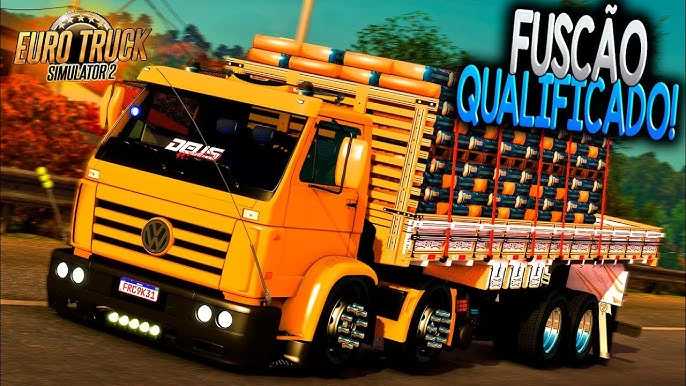
MAGDENLI HEAVY LOAD AND TANDEM TRUCK
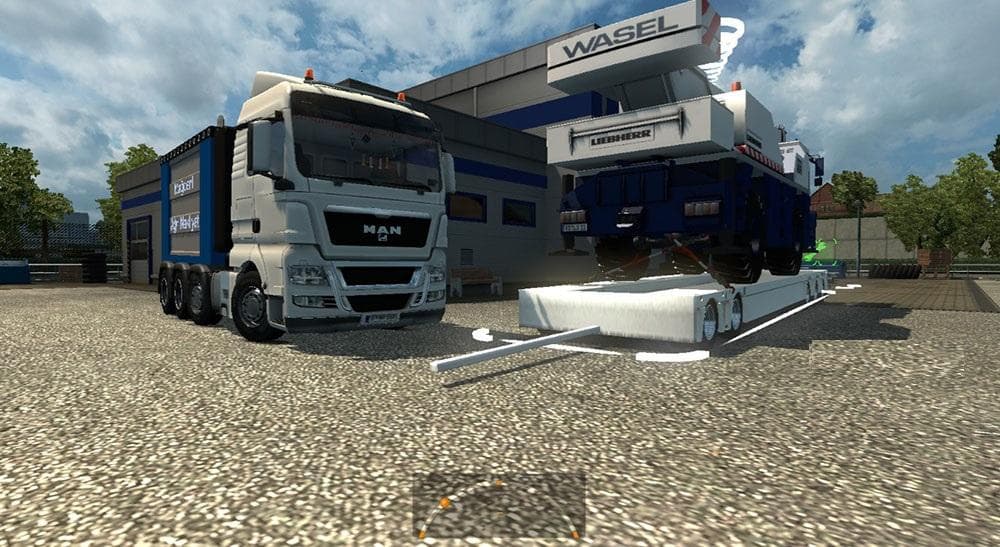
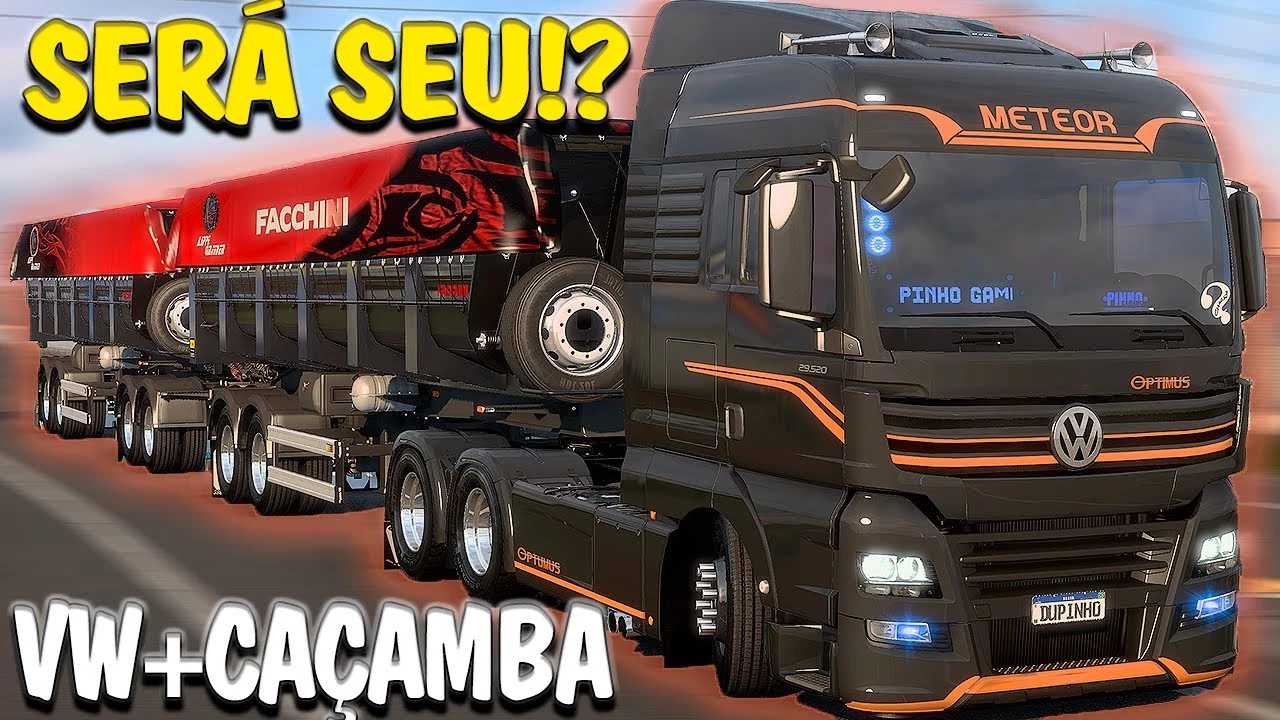
MAGDENLI HEAVY LOAD AND TANDEM TRUCK mod for ETS2 includes a heavy load pack with a 60-ton trailer. Players must sleep twice to access the trailer in the job li
The MAGDENLI HEAVY LOAD AND TANDEM TRUCK mod introduces a new truck designed specifically for hauling very heavy cargo, including tandem setups that feature two trailers. This type of mod adds a drivable cab and chassis to Euro Truck Simulator 2, complete with its own interior and paint options. Players can purchase it at a dealer like any other truck in the game. The mod is aimed at those interested in transporting substantial loads, with the trailer capacity reaching around 60 tons, offering a different driving challenge compared to standard freight.
Mods in the trucks category expand your fleet by adding unique vehicles that often come with tailored engine and transmission choices. Heavy load trucks like this one usually require some patience; for example, you may need to rest twice in-game before jobs involving the larger trailers appear on your list. This reflects how these mods integrate into the job economy without disrupting regular gameplay flow.
When building a modded setup, it’s wise to consider load order since trucks mods should generally be loaded after map or asset mods to avoid conflicts. Compatibility depends on how complex the truck model and scripts are but usually plays well alongside other vehicle or cargo mods. Tandem configurations can sometimes affect physics or AI traffic behavior, so testing them with your current mod collection is recommended.
This particular truck mod appeals most to players who enjoy simulation depth and want to experience hauling extremely heavy and extended loads. It adds variety beyond typical cargo runs and fits those who like experimenting with different trucking scenarios across various ETS2 map expansions or custom worlds.
How to install
1. Download the .scs file from the original source linked above. 2. Copy the file to `Documents/Euro Truck Simulator 2/mod/`. 3. Launch ETS2, open the Mod Manager from the main menu, enable the mod, restart the game. 4. Visit any truck dealer to spawn the new truck.
After the mod loads, save your game inside a safe area (parking lot or service) before deciding whether to keep it. If the game refuses to load with the mod enabled, check that all required DLCs are installed and that the supported ETS2 version chips on this page include your installed game patch.
Reviews
No ratings yetNo reviews yet — be the first to rate this mod.