MAERSK + EMPTY FLATBED TRAILER
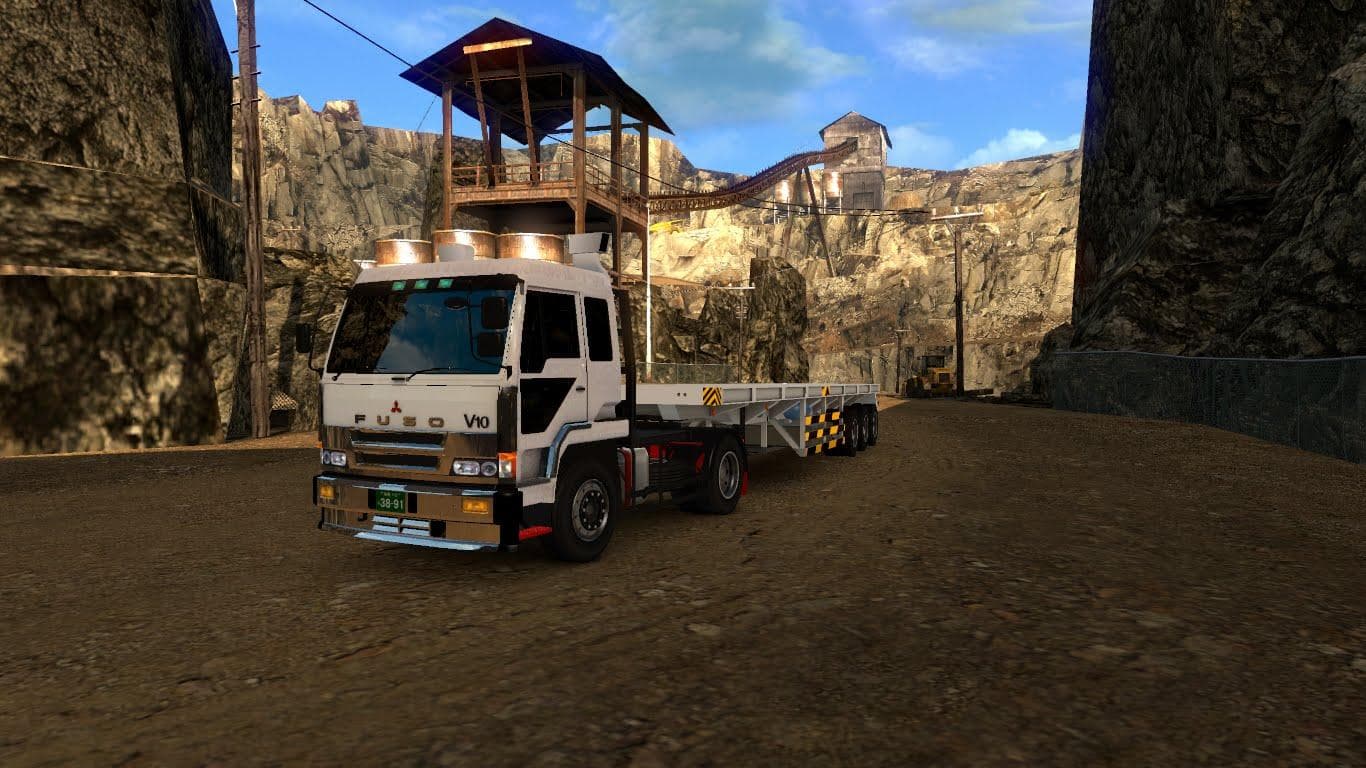
MAERSK + EMPTY FLATBED TRAILER is a standalone trailer mod for ETS2, tested on versions 1.17 to 1.20. The file size is 2.2 MB and credits go to SMT for creating
The MAERSK + EMPTY FLATBED TRAILER mod brings a standalone trailer option to Euro Truck Simulator 2, featuring a flatbed trailer design with Maersk branding. It fits into the trailers category, meaning you can find it either as an ownable trailer in the dealer or as cargo available for transport within the game. Flatbed trailers like this one are useful for hauling a variety of goods that don't require enclosed spaces, such as machinery or construction materials.
Trailer mods in ETS2 expand your haulage possibilities by adding new trailer types and cargo options. This mod supports multiple game versions including 1.17 through 1.20, so it should work smoothly with recent updates without compatibility issues. Traffic tested means that AI trucks can also spawn using this trailer model, which helps keep your game world feeling more immersive and lively.
If you're running a heavily modded setup with various trailers and trucks, it's generally wise to load standalone trailers early or separately from other complex packs to avoid conflicts. Since this is a standalone mod, it typically won’t interfere with larger combo packs or map mods, but always check for overlapping files when combining several trailer mods.
This mod will appeal to players who enjoy diversifying their fleet with branded trailers and want something different from the usual enclosed box or tanker types. It's particularly suited for those who appreciate realistic brands like Maersk appearing in their freight experience or want flatbeds that can be used across various freight jobs in multiple regions of the game.
Overall, this flatbed trailer adds another option for hauling open cargo while keeping things authentic with recognizable branding. It fits well in any collection focused on expanding the range of trailers available for transport contracts across Europe and beyond.
How to install
1. Download the .scs file. 2. Drop it into `Documents/Euro Truck Simulator 2/mod/`. 3. Enable in Mod Manager. 4. Trailer should appear in cargo selection or trailer dealer depending on the mod's design.
After the mod loads, save your game inside a safe area (parking lot or service) before deciding whether to keep it. If the game refuses to load with the mod enabled, check that all required DLCs are installed and that the supported ETS2 version chips on this page include your installed game patch.
Reviews
No ratings yetNo reviews yet — be the first to rate this mod.





