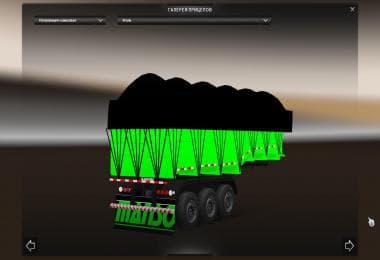
LAFARGE TRAILER
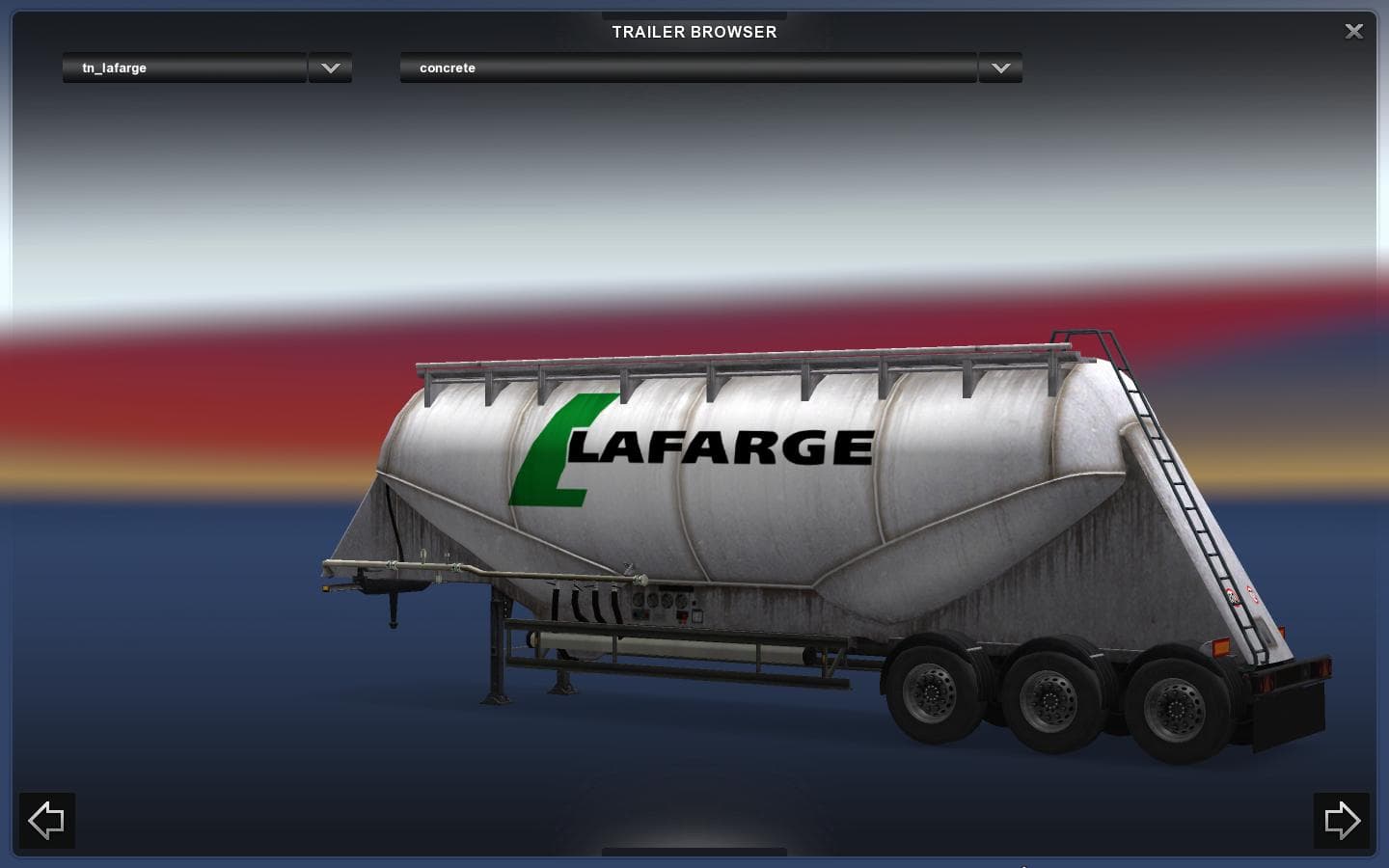
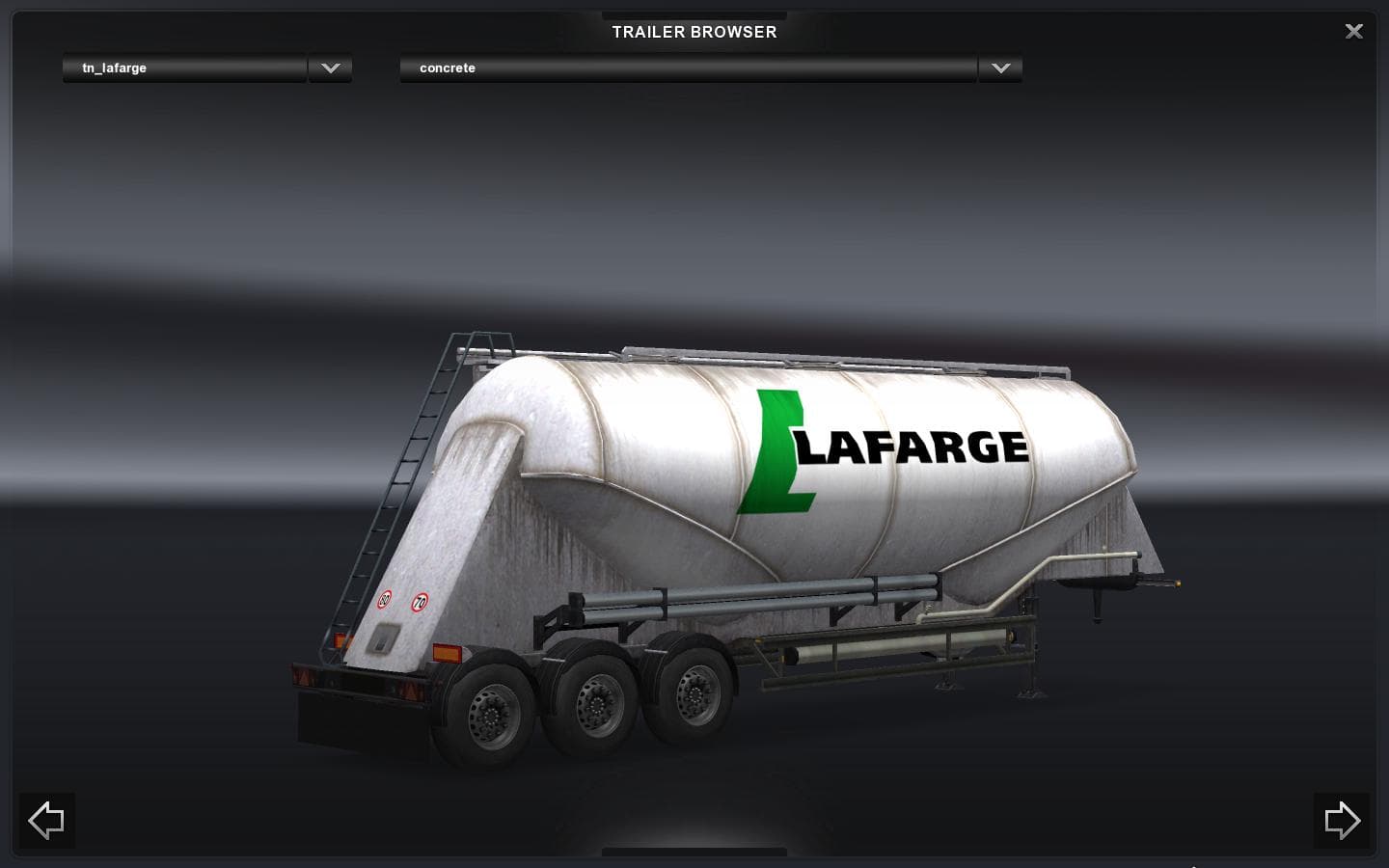
The "LAFARGE TRAILER - ETS2 mods download" is a trailer mod for Euro Truck Simulator 2, compatible with versions 1.0 and 1.20. Created by Euro truck simulator 2
The LAFARGE TRAILER mod adds a new haulable trailer to Euro Truck Simulator 2, expanding the variety of trailers players can find in the game. Trailer mods like this one typically introduce additional cargo options or unique trailer bodies that appear both in cargo selection menus and at trailer dealerships. This helps diversify the trucking experience by giving more choices for freight hauling across the map.
This particular trailer is compatible with ETS2 versions 1.0 through 1.20, including support for DLC areas where it can be delivered and picked up, which suggests it fits well within both base game environments and expanded map mods such as Promods. Integrating such trailers into a modded setup generally doesn't require complex load-order adjustments, but placing them after map mods usually helps avoid conflicts.
Since the creator and file size details are unknown, users should check compatibility with their current ETS2 version before installation. Trailer mods are often straightforward to install, involving placing files into the mod folder and activating them through the game's mod manager. They usually coexist well with other add-ons unless those also alter trailers extensively.
Players who enjoy customizing their freight options or want to simulate hauling specific brands or types of cargo will find this mod useful. It fits particularly well for those running map expansions that include industrial zones where such trailers would logically appear.
Adding new trailer models like this one enhances immersion by reflecting real-world logistics variety within ETS2’s virtual world. Whether driving across France, Germany, or further afield in supported regions, having different trailer types can refresh long hauls and add realism.
Overall, LAFARGE TRAILER provides another option for diversifying your fleet’s trailers without major tweaks to existing mods or gameplay.
How to install
1. Download the .scs file. 2. Drop it into `Documents/Euro Truck Simulator 2/mod/`. 3. Enable in Mod Manager. 4. Trailer should appear in cargo selection or trailer dealer depending on the mod's design.
After the mod loads, save your game inside a safe area (parking lot or service) before deciding whether to keep it. If the game refuses to load with the mod enabled, check that all required DLCs are installed and that the supported ETS2 version chips on this page include your installed game patch.
Reviews
No ratings yetNo reviews yet — be the first to rate this mod.