KRONE TRAILER 1.22.X
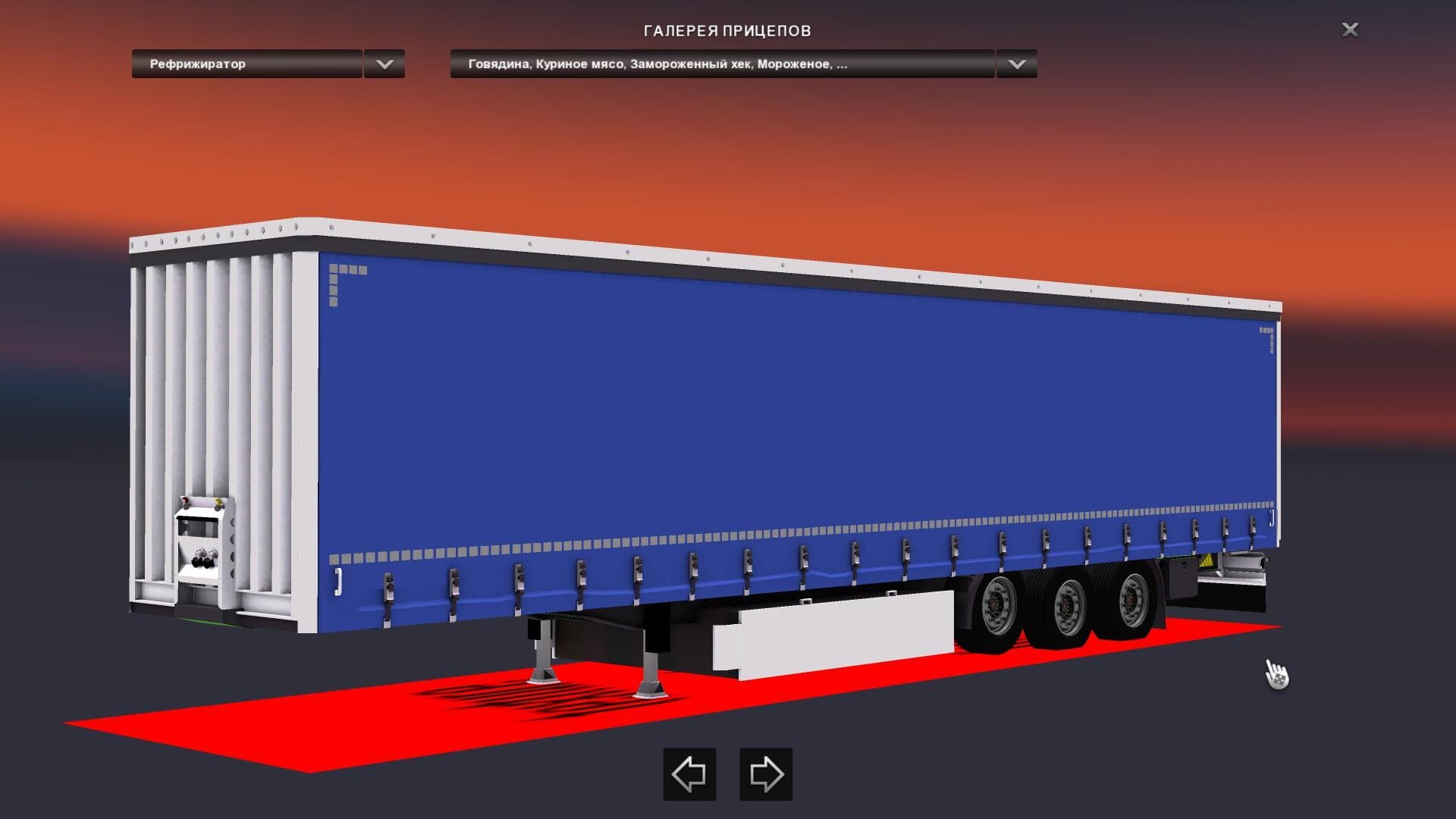
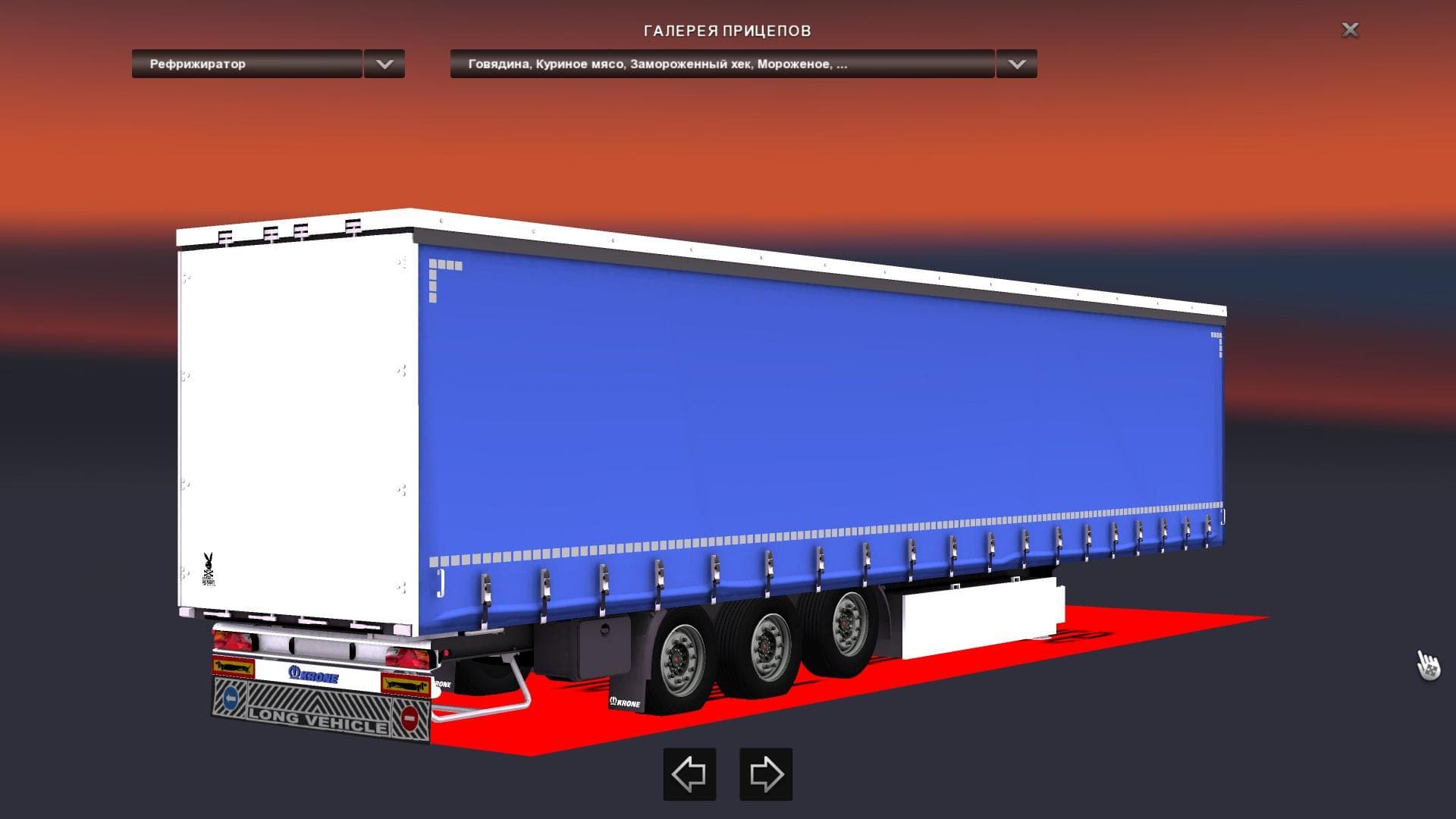
The "KRONE TRAILER 1.22.X" mod is a trailer replacement for the Krone Cooliner in ETS2 version 1.22. Created by Euro Truck Simulator 2, the mod credits Mr.Bende
The KRONE TRAILER 1.22.X mod swaps out the default Krone Cooliner trailer in Euro Truck Simulator 2 for a different version, tailored for game version 1.22. Trailer mods like this one typically add new haulable trailer bodies or replace existing ones, making them available through the trailer dealer and appearing in cargo selection menus. This replacement focuses on maintaining compatibility with the base game while offering some variation to the standard Krone trailer experience.
In ETS2, trailers play a key role since they carry cargo across various routes and countries such as Germany, France, and Spain. Mods that change trailers can affect gameplay by introducing new looks or slightly altered handling characteristics, which enhances the driving experience without altering core mechanics. The KRONE TRAILER mod fits into setups where users want to refresh their trailer options but keep familiar functionality.
When integrating trailer mods like this one into a modded setup, it's important to consider load order because many mods replace stock assets. Generally, replacement trailers should be loaded after any general traffic or map mods to avoid conflicts. Compatibility with other trailer packs depends on whether they target the same base models; overlapping replacements may cause issues if not properly ordered.
This mod is suited for players who frequently haul goods using Krone trailers and prefer a visual or performance change without switching to entirely new brands or types of trailers. It’s especially relevant for those running ETS2 version 1.22 who want to maintain stability while customizing their fleet appearance.
How to install
1. Download the .scs file. 2. Drop it into `Documents/Euro Truck Simulator 2/mod/`. 3. Enable in Mod Manager. 4. Trailer should appear in cargo selection or trailer dealer depending on the mod's design.
After the mod loads, save your game inside a safe area (parking lot or service) before deciding whether to keep it. If the game refuses to load with the mod enabled, check that all required DLCs are installed and that the supported ETS2 version chips on this page include your installed game patch.
Reviews
No ratings yetNo reviews yet — be the first to rate this mod.





