Kenwotrh T600 1.21.x
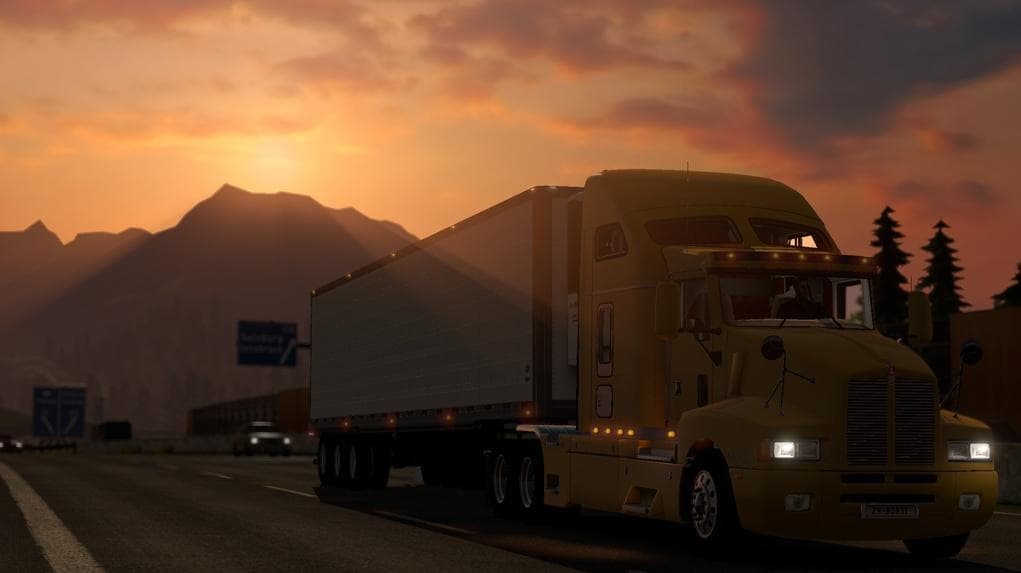
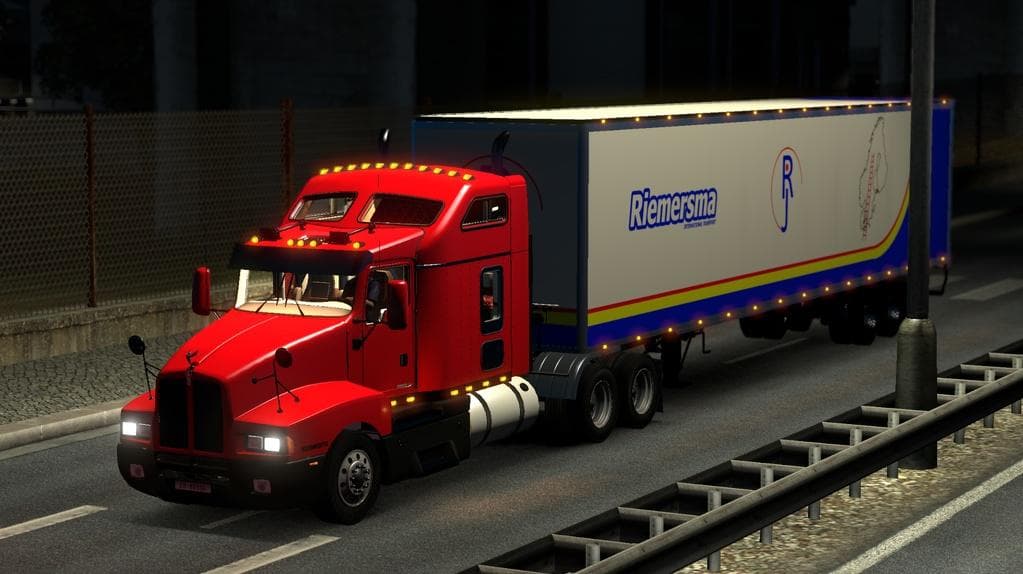
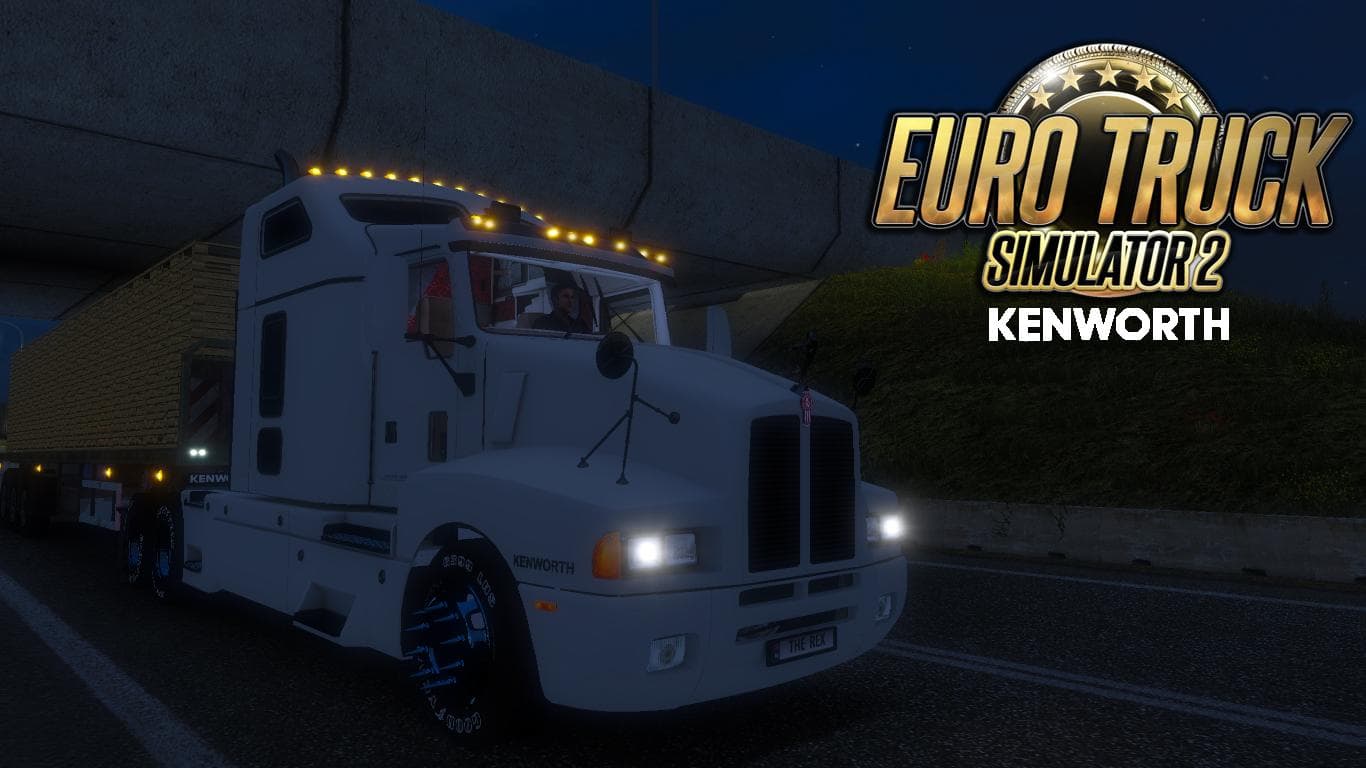
The Kenworth T600 1.21.x mod for ETS2 is a truck with extensive tuning options, light mask, and engine/transmission sounds. It features the same cab as the T800
The Kenwotrh T600 1.21.x mod introduces a drivable Kenworth T600 truck to Euro Truck Simulator 2 for version 1.21. It adds a new cab and chassis option that can be bought from dealers within the game, offering players an alternative rig to expand their garage. Like many truck mods, it includes its own interior design, engine options, transmission setups, and paint slots to customize your driving experience.
Truck mods such as this one enhance gameplay by providing fresh vehicles that often come with detailed tuning features. They typically integrate sounds specific to the model and offer customization for performance parts like engines and transmissions. Players get the chance to drive something different from the base game’s default trucks, which can make long hauls feel less repetitive.
In a modded setup, this truck fits alongside other vehicle and trailer mods without much fuss if loaded properly. Generally, when adding trucks to your ETS2 profile, you want them loaded before map or gameplay-changing mods to avoid conflicts. Since archive files are open here, users can even tweak or inspect elements if they wish to customize further.
This particular mod seems focused on the T600 variant but mentions similarities with T800 models in terms of engine sounds and light masks. Such details help maintain immersion by matching audio-visual elements typical of Kenworth trucks seen on roads across regions like Germany or France.
Players who enjoy collecting varied trucks or those who prefer American-style cabs might find this mod appealing. It brings some additional tuning options that allow fine adjustments under the hood, which suits players interested in optimizing performance or aesthetics beyond what vanilla trucks offer.
How to install
1. Download the .scs file from the original source linked above. 2. Copy the file to `Documents/Euro Truck Simulator 2/mod/`. 3. Launch ETS2, open the Mod Manager from the main menu, enable the mod, restart the game. 4. Visit any truck dealer to spawn the new truck.
After the mod loads, save your game inside a safe area (parking lot or service) before deciding whether to keep it. If the game refuses to load with the mod enabled, check that all required DLCs are installed and that the supported ETS2 version chips on this page include your installed game patch.
Reviews
No ratings yetNo reviews yet — be the first to rate this mod.





![Fuso Supergreat Hi Cab Truck [1.50 – 1.60] – Trucks mod for Euro Truck Simulator 2](/_next/image?url=https%3A%2F%2F802software.s3.us-east-1.amazonaws.com%2Fets2modspot%2Fscreenshots%2F7494%2F0.jpg&w=3840&q=75)