Kenworth W900a 1.20
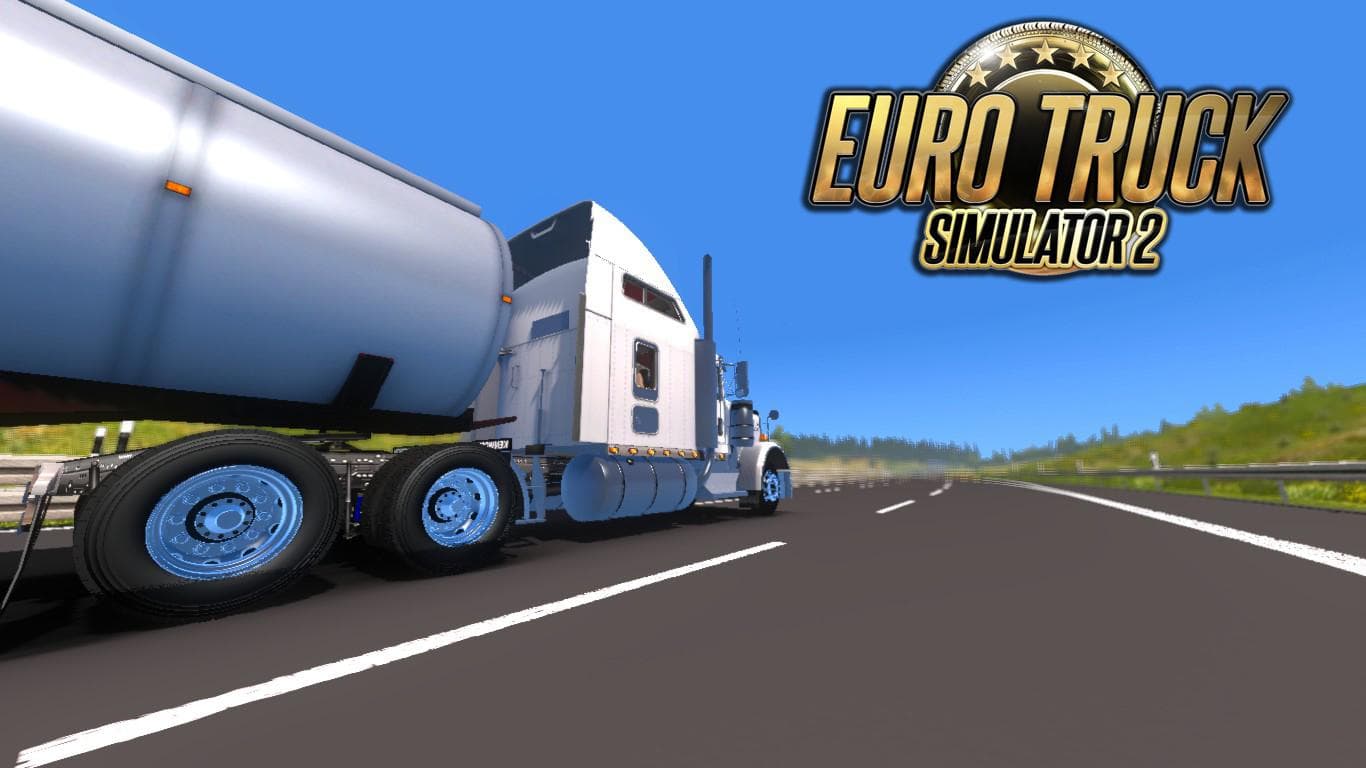
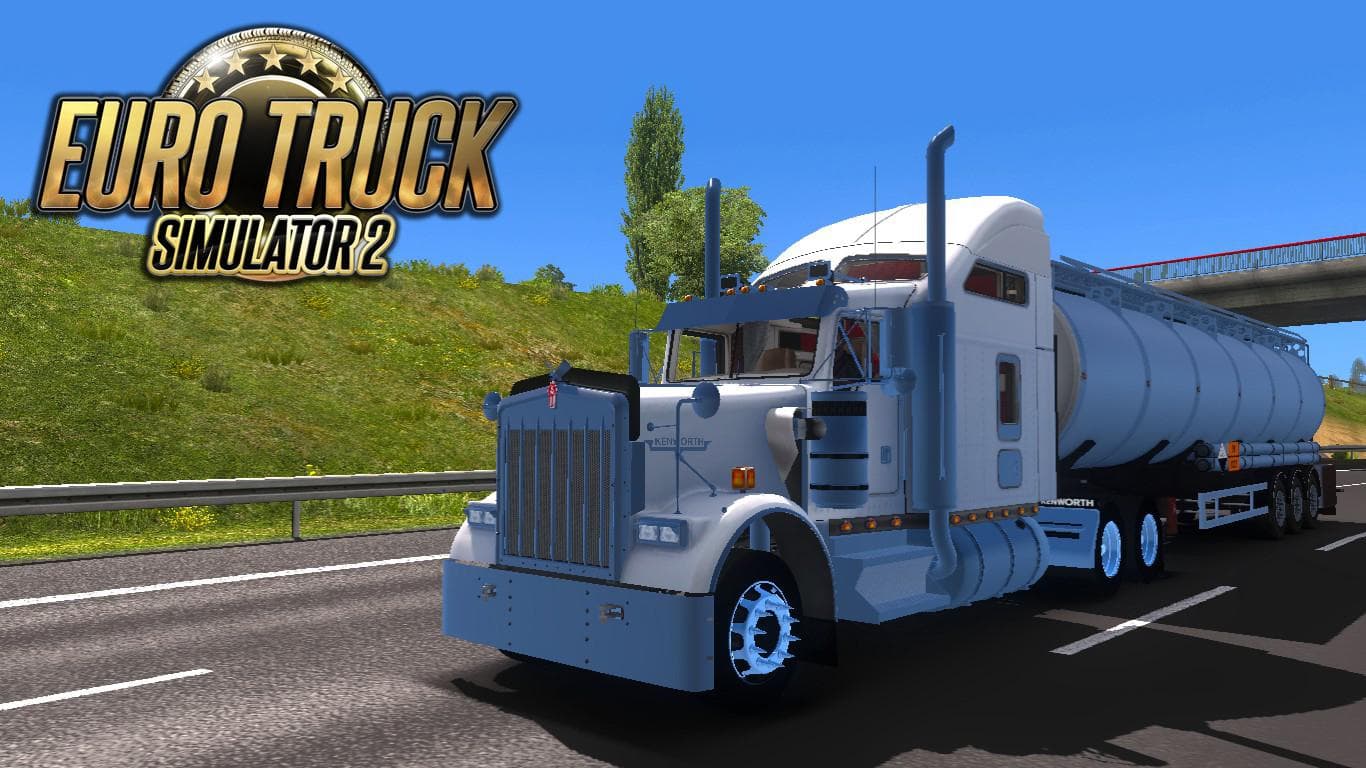
KENWORTH W900A 1.20 - ETS2 mods download is an ETS2 trucks. Listed compatible with ETS2 1.20.
The Kenworth W900a 1.20 mod adds a classic American truck to Euro Truck Simulator 2, specifically designed for version 1.20 of the game. This type of mod introduces a new drivable cab and chassis, which players can purchase at a dealer within the game. It typically comes with its own interior design, engine and transmission options, plus several paint job slots to customize the look.
Truck mods like this one allow players to expand their fleet with vehicles not found in the base game, providing fresh driving experiences and more variety on the road. The Kenworth W900a stands out for its detailed modeling and includes fixes such as improved 3D elements and audio repairs that enhance immersion without causing lag.
When adding this truck mod to a setup that already includes other trucks or gameplay enhancements, it's wise to load it after core map or graphics mods to avoid conflicts. Since it is tailored for ETS2 version 1.20, compatibility issues are less likely if your game matches this version. However, users should still check for overlapping files if using multiple truck mods simultaneously.
This mod fits well into a collection aiming for American trucking themes or those who enjoy driving iconic North American rigs in ETS2's European environment. While it doesn't come with specific features tied to particular regions or tags like Arizona or Texas, its style resonates with fans of classic long-haul trucks.
Players who appreciate detailed interiors and functional sound improvements will find this truck appealing. It's especially suited for those looking to diversify their garage with an iconic model that balances performance options with visual upgrades.
As with most truck mods, installing involves placing the file into the mod folder and activating it through the game's menu. Players should remember that load order matters; positioning it correctly ensures all textures and sounds work as intended without interference from other mods.
How to install
1. Download the .scs file from the original source linked above. 2. Copy the file to `Documents/Euro Truck Simulator 2/mod/`. 3. Launch ETS2, open the Mod Manager from the main menu, enable the mod, restart the game. 4. Visit any truck dealer to spawn the new truck.
After the mod loads, save your game inside a safe area (parking lot or service) before deciding whether to keep it. If the game refuses to load with the mod enabled, check that all required DLCs are installed and that the supported ETS2 version chips on this page include your installed game patch.
Reviews
No ratings yetNo reviews yet — be the first to rate this mod.





![Fuso Supergreat Hi Cab Truck [1.50 – 1.60] – Trucks mod for Euro Truck Simulator 2](/_next/image?url=https%3A%2F%2F802software.s3.us-east-1.amazonaws.com%2Fets2modspot%2Fscreenshots%2F7494%2F0.jpg&w=3840&q=75)