Kenworth T800 BETA
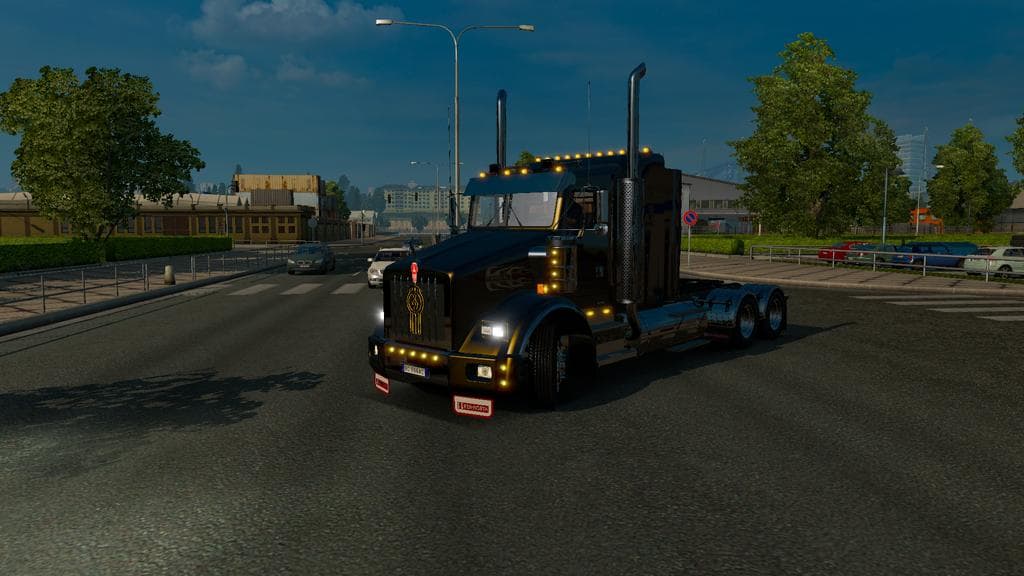
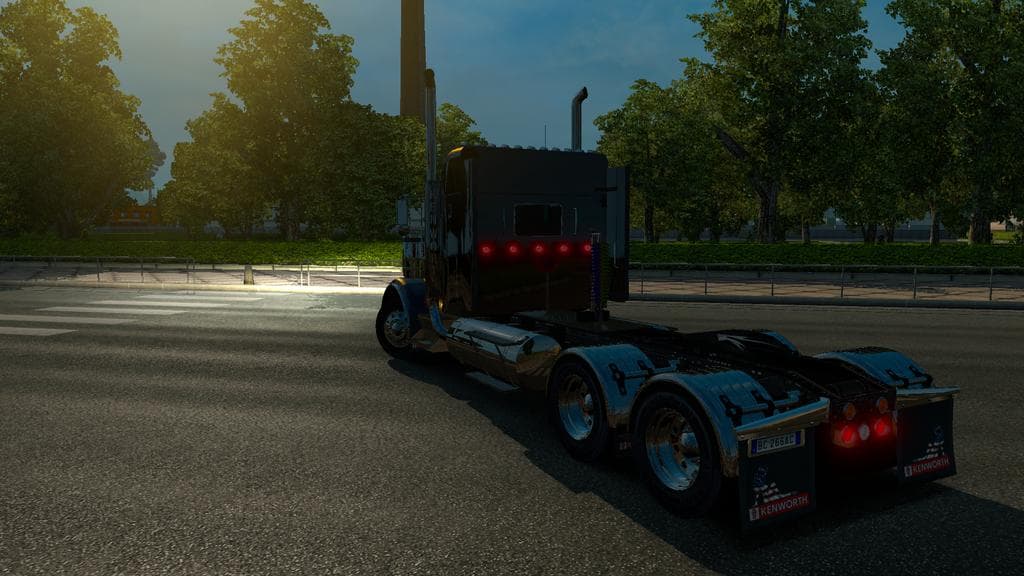
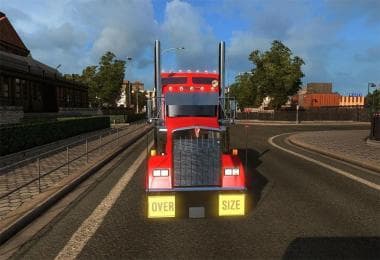
The Kenworth T800 BETA mod version 2.0 for ETS2 adds 4 cabins, 3 chassis options, and can be purchased in DAF showrooms. The creator and file size are unknown,
The Kenworth T800 BETA mod introduces a new truck to Euro Truck Simulator 2, featuring multiple cabin and chassis options. This mod adds a drivable vehicle that can be purchased from dealer showrooms, expanding your fleet choices beyond the base game offerings. Truck mods like this typically come with their own interiors, engine setups, and paint jobs, allowing for customization consistent with the new model's design.
Truck mods are popular among ETS2 players who want to diversify their driving experience. The Kenworth T800 BETA provides four cabin types and three chassis configurations, which can affect how the truck handles and what cargo it can carry. These variations help tailor the vehicle to different hauling needs or personal preferences.
When integrating this mod into a modded setup, it's common practice to pay attention to load order since trucks usually replace or add new dealer options and may conflict with other truck mods. Positioning it correctly in your mod manager helps avoid issues like missing textures or crashes. Compatibility with other mods depends on their type—paint job or tuning mods generally coexist well with truck additions like this one.
This mod is suited for players interested in American-style trucks or those looking to expand their roster with a versatile cab and chassis combo. If you enjoy experimenting with different truck builds or want something not found in the standard ETS2 lineup, this could be a worthwhile addition.
Since the mod is in beta form, users should expect ongoing updates and potential adjustments. Testing it alongside other popular truck mods can ensure smooth performance and an enjoyable driving experience.
How to install
1. Download the .scs file from the original source linked above. 2. Copy the file to `Documents/Euro Truck Simulator 2/mod/`. 3. Launch ETS2, open the Mod Manager from the main menu, enable the mod, restart the game. 4. Visit any truck dealer to spawn the new truck.
After the mod loads, save your game inside a safe area (parking lot or service) before deciding whether to keep it. If the game refuses to load with the mod enabled, check that all required DLCs are installed and that the supported ETS2 version chips on this page include your installed game patch.
Reviews
No ratings yetNo reviews yet — be the first to rate this mod.