KAMAZ 54-64-65 BY KORAL V1.1
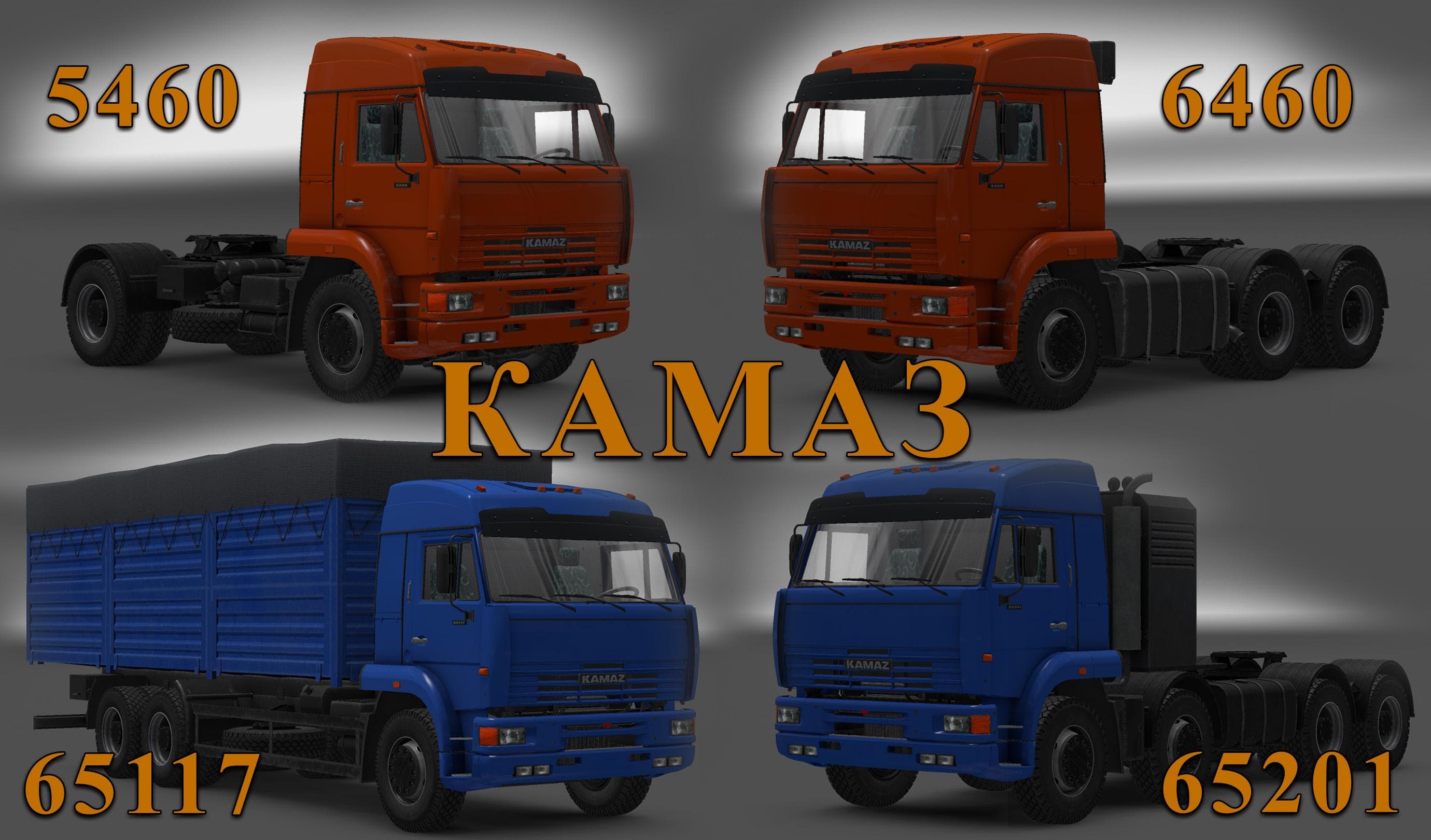
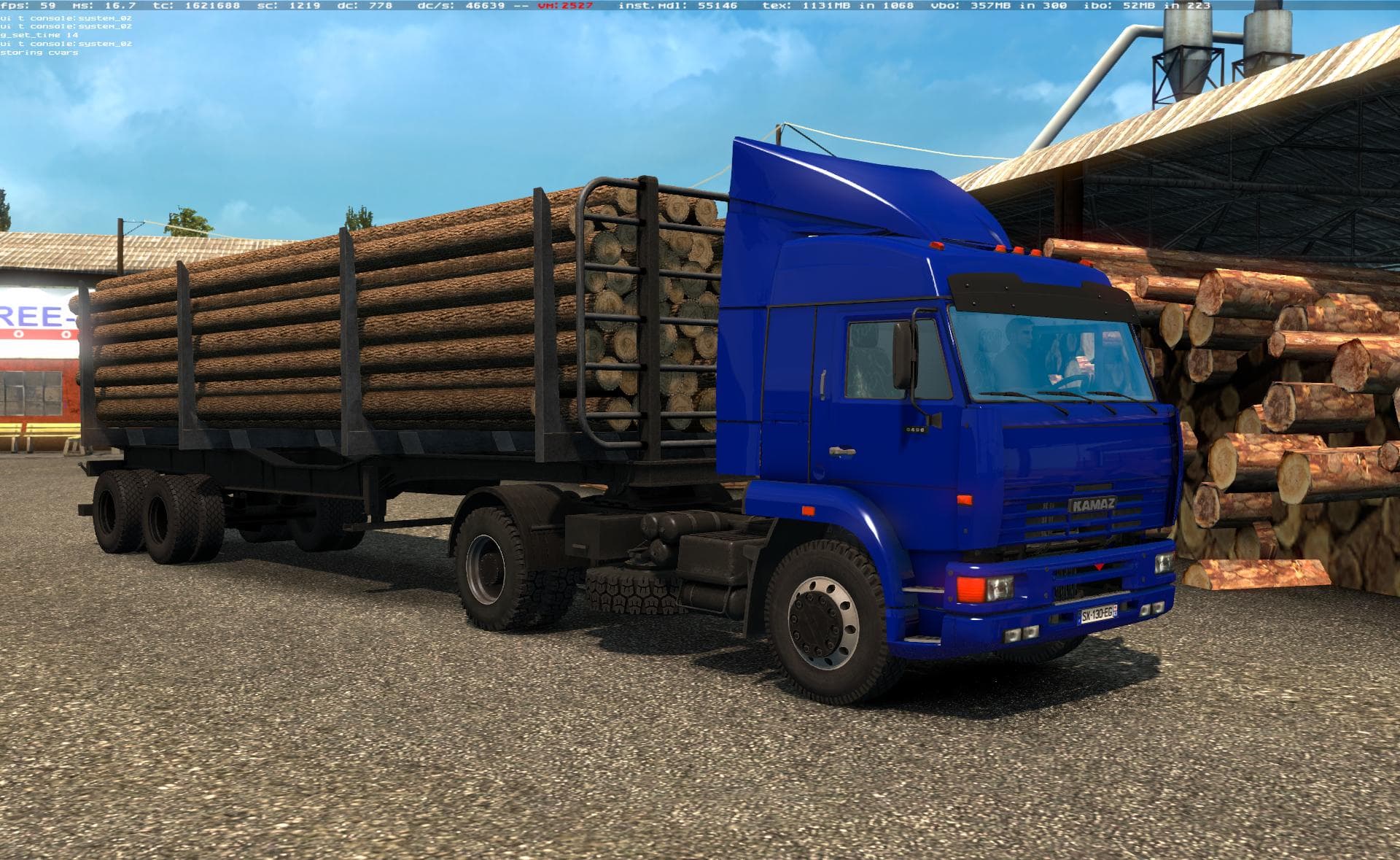
The KAMAZ 54-64-65 BY KORAL is a truck mod for ETS2 version 1.1, featuring various chassis options, realistic engines and sounds, tuning options, and available
The KAMAZ 54-64-65 BY KORAL V1.1 adds a classic Russian truck model to Euro Truck Simulator 2, available for purchase at the Volvo dealer. This truck mod introduces a selection of chassis options, realistic engine sounds, and tuning possibilities, offering a different driving experience compared to the base game vehicles. It brings its own interior and engine configurations as well, fitting well with the standard truck mod expectations in ETS2.
Truck mods like this one replace or add new drivable cabs and chassis, letting players expand their fleet with unique models not originally included in ETS2. They often come with customizable paint jobs and mechanical setups, providing variety for those who enjoy tweaking their rigs. Installing these mods typically involves placing them in the mod folder and activating them through the game's mod manager.
When including this Kamaz mod in a setup with other vehicle or tuning mods, it's wise to consider load order. Generally, truck mods should be loaded after map or traffic mods but before skins or sound packs affecting the same vehicles. Compatibility depends on whether other mods alter common resources like engines or interiors; conflicts can arise if multiple mods try to change these aspects of the same truck model.
This particular truck appeals mostly to players interested in adding Soviet-era machinery to their garages or those looking for something outside the usual Western European trucks common in ETS2. Its presence at a Volvo dealer integrates it into the existing game economy without requiring special vendor mods. Fans of Russian trucking culture or those wanting a different style might find this mod fits nicely into their collection.
How to install
1. Download the .scs file from the original source linked above. 2. Copy the file to `Documents/Euro Truck Simulator 2/mod/`. 3. Launch ETS2, open the Mod Manager from the main menu, enable the mod, restart the game. 4. Visit any truck dealer to spawn the new truck.
After the mod loads, save your game inside a safe area (parking lot or service) before deciding whether to keep it. If the game refuses to load with the mod enabled, check that all required DLCs are installed and that the supported ETS2 version chips on this page include your installed game patch.
Reviews
No ratings yetNo reviews yet — be the first to rate this mod.





![Fuso Supergreat Hi Cab Truck [1.50 – 1.60] – Trucks mod for Euro Truck Simulator 2](/_next/image?url=https%3A%2F%2F802software.s3.us-east-1.amazonaws.com%2Fets2modspot%2Fscreenshots%2F7494%2F0.jpg&w=3840&q=75)