Invisible Dead End
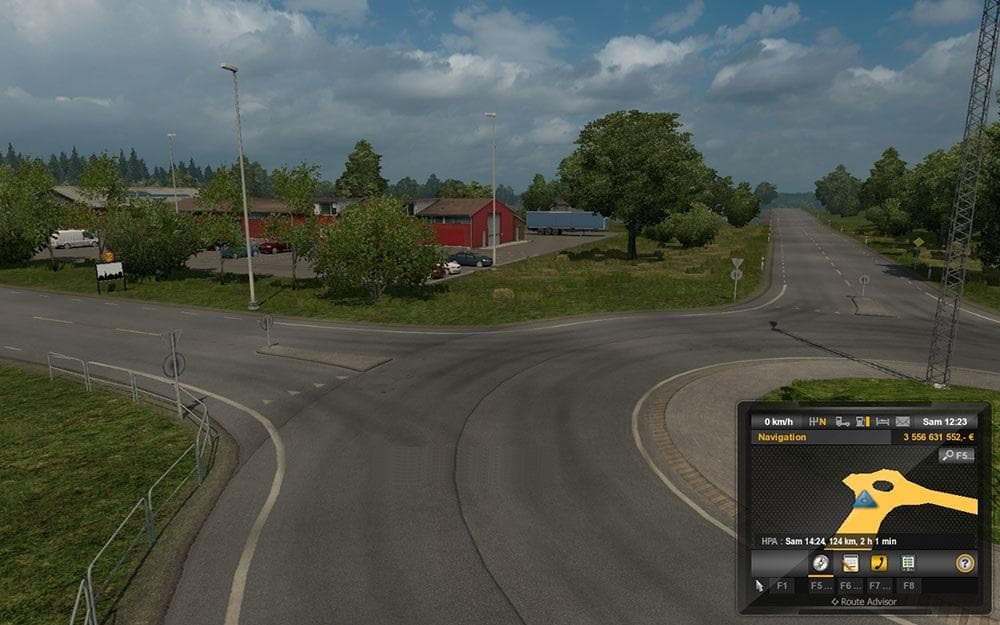
The "Invisible Dead End" mod for Euro Truck Simulator 2 removes the dead end logo without removing the invisible wall. It is compatible with all game versions a
Invisible Dead End is a map mod designed to remove the dead end logo while keeping the invisible wall intact. This kind of mod tweaks the visual indicators on roads without changing the underlying game geometry or navigation limits. It’s a subtle change but can improve immersion by eliminating certain UI elements that some players find distracting.
Map mods like this one affect how you perceive the driving environment in Euro Truck Simulator 2. They usually come as .scs files and must be loaded carefully to avoid conflicts with other mods or base game files. Since Invisible Dead End alters signage rather than adding new areas, it should work well alongside larger map expansions or overhaul packs.
This mod fits neatly into a modded setup where players want a cleaner interface without altering gameplay boundaries. It’s generally compatible across different game versions because it only removes specific logos, so load order issues are minimal compared to more complex map mods. Still, it’s wise to place it after any mods that add road signs or modify HUD elements.
Players who prefer a less cluttered view while driving might appreciate this change. If you use multiple map mods or enjoy exploring with realistic visuals, removing unnecessary signs can make for a smoother experience without risking access to restricted areas.
Because Invisible Dead End keeps the invisible wall active, there’s no risk of accidentally driving into off-limit zones. It’s a small but practical adjustment for those focused on presentation and in-game realism within their Euro Truck Simulator 2 journeys.
How to install
1. Download every .scs file from the source page (map mods often ship multiple files). 2. Copy all files to `Documents/Euro Truck Simulator 2/mod/`. 3. Enable each file in Mod Manager **in the order documented by the modder**. Load order matters for maps. 4. Start a new save or use an existing save that already supports the map's base regions.
After the mod loads, save your game inside a safe area (parking lot or service) before deciding whether to keep it. If the game refuses to load with the mod enabled, check that all required DLCs are installed and that the supported ETS2 version chips on this page include your installed game patch.
Known conflicts
No conflicts reported for this mod yet. Running a big mod list? Check your whole setup for conflicts →
Reviews
No ratings yetNo reviews yet — be the first to rate this mod.





