InterMarche Trailer
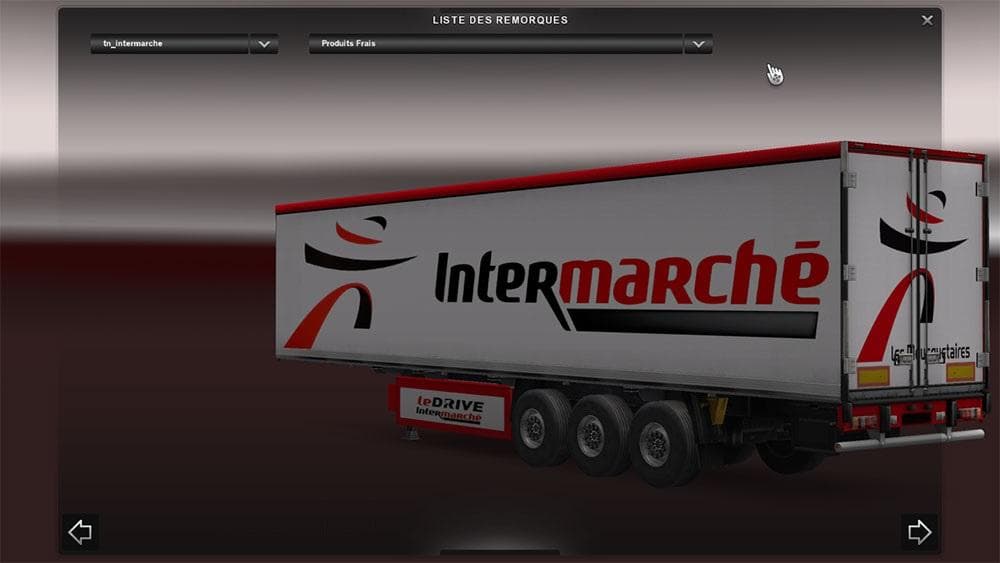
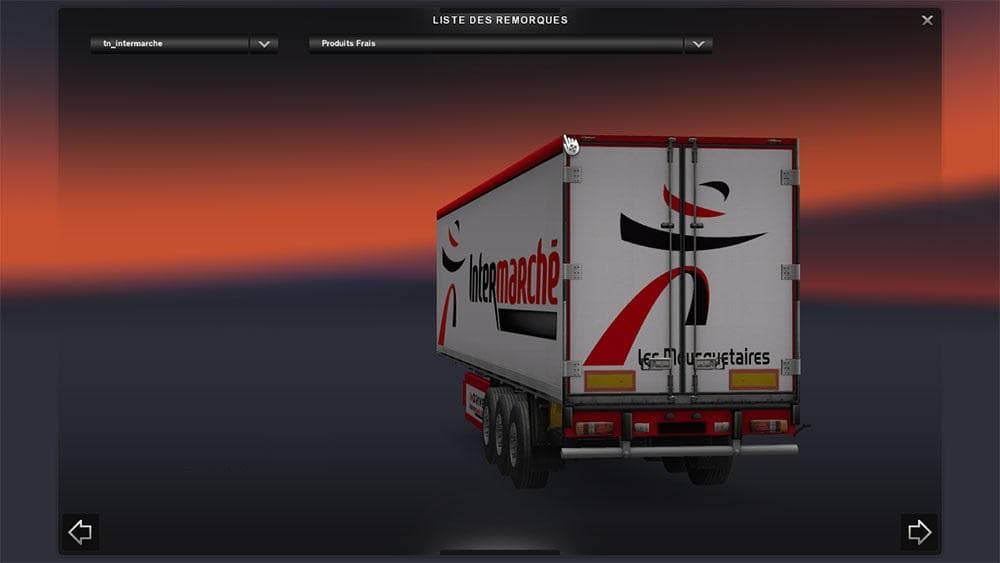
The InterMarche Trailer mod for Euro Truck Simulator 2 adds a new trailer to the game. Created by the ETS2 team, this mod was last updated on April 20, 2015.
The InterMarche Trailer mod adds a new trailer option to Euro Truck Simulator 2, letting players haul goods with a trailer branded after the French supermarket chain. Trailer mods like this one typically provide additional cargo options or unique trailer designs that appear in the game's cargo market and trailer dealerships. This expands the variety of hauling experiences beyond what the base game offers, giving more flavor to long hauls across Europe.
Trailer mods are generally easy to slot into your existing mod setup. They don't usually conflict with other truck or map mods since they affect different parts of the game, but it's wise to check load order if you run multiple trailers to ensure they all show up correctly without overwriting each other. These types of mods often integrate smoothly alongside map expansions and truck skins, enriching your overall trucking career.
For players who enjoy diversifying their fleet with branded trailers or want to add some commercial realism reflecting European retail logistics, this kind of mod is a straightforward addition. It fits well in setups aiming for more immersion or those simply wanting fresh hauling options without altering gameplay mechanics heavily.
If you're someone who frequently explores France or neighboring countries in ETS2, having an InterMarche-branded trailer could enhance your driving routes thematically. It’s also suitable for collectors who appreciate assembling a wide range of trailer types and styles within their virtual garage.
Installing these trailers typically involves placing files into the mod folder and activating them through the game's mod manager. Once loaded, you'll find the new trailer available for purchase at dealerships or offered as job cargo, ready to transport across various European regions.
How to install
1. Download the .scs file. 2. Drop it into `Documents/Euro Truck Simulator 2/mod/`. 3. Enable in Mod Manager. 4. Trailer should appear in cargo selection or trailer dealer depending on the mod's design.
After the mod loads, save your game inside a safe area (parking lot or service) before deciding whether to keep it. If the game refuses to load with the mod enabled, check that all required DLCs are installed and that the supported ETS2 version chips on this page include your installed game patch.
Reviews
No ratings yetNo reviews yet — be the first to rate this mod.





