ICRF MAP SUKABUMI BY ADIEVERGREEN1976
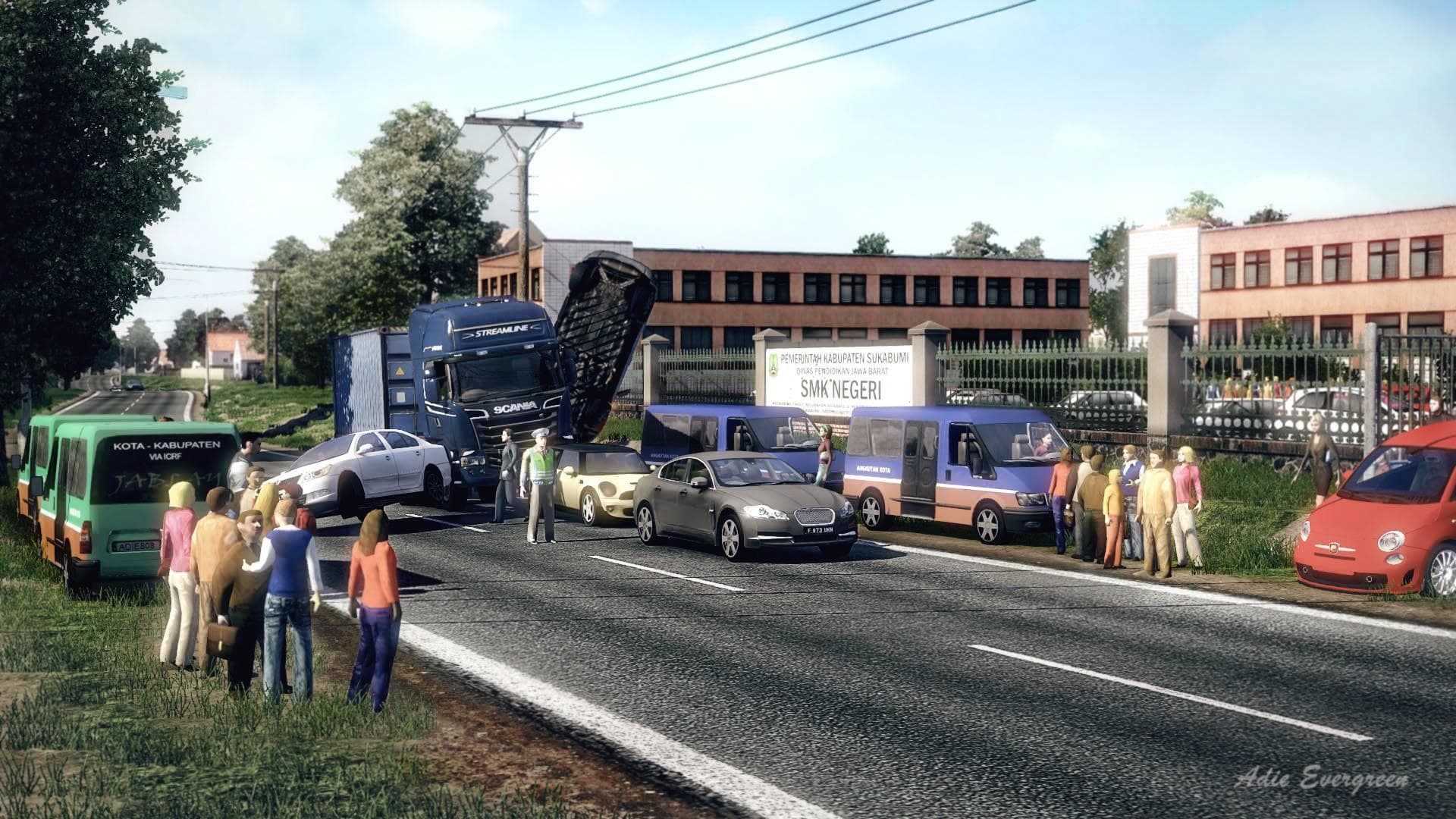
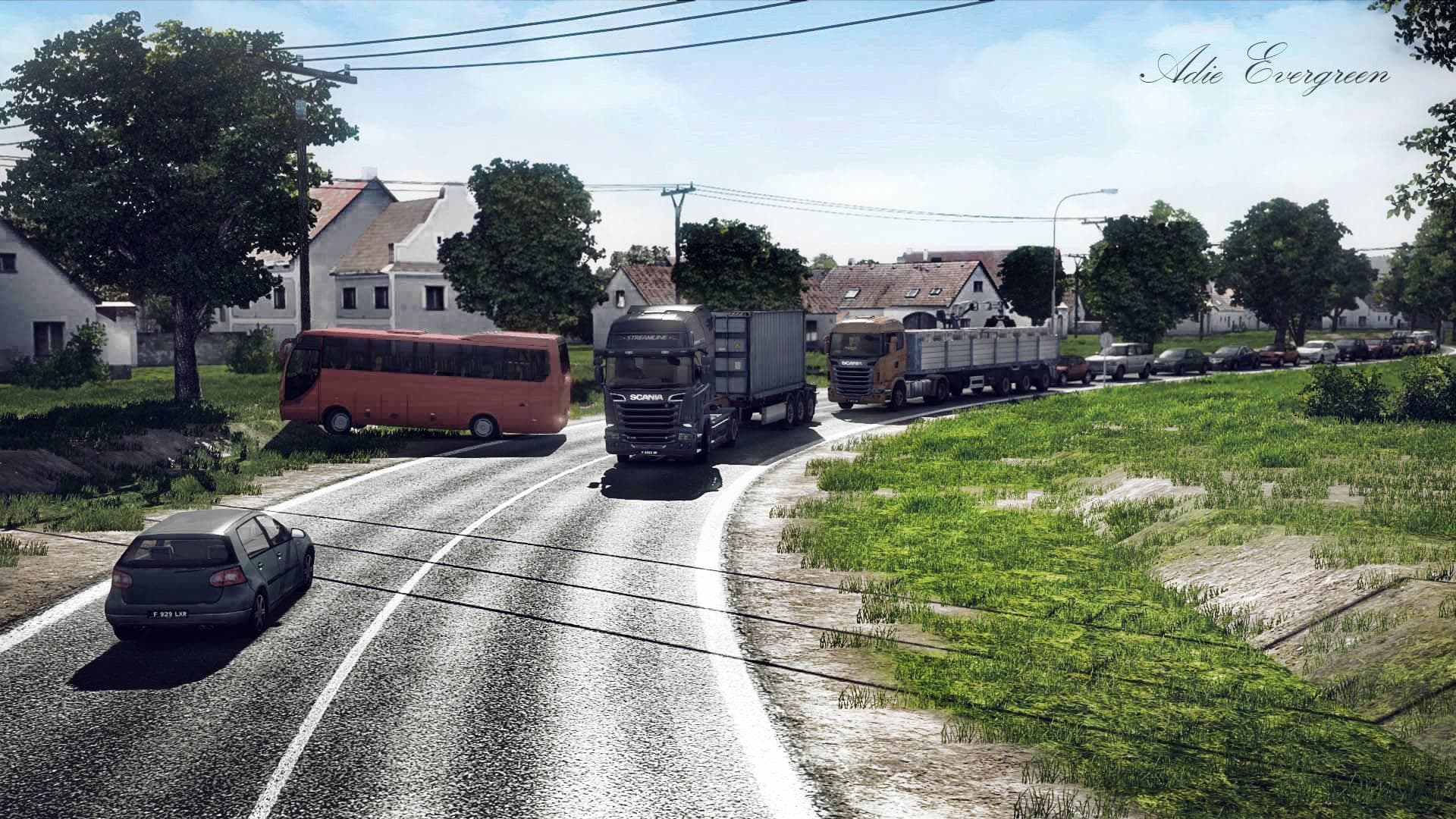
The ICRF MAP SUKABUMI BY ADIEVERGREEN1976 is a map mod for Euro Truck Simulator 2 that is unlocked for modification. The creator aims to assist other mappers wi
ICRF MAP SUKABUMI BY ADIEVERGREEN1976 is a map modification for Euro Truck Simulator 2 that offers an open and editable design, making it accessible for other mappers to modify. This kind of mod generally adds new roads, cities, or entire regions to the game, expanding the drivable area beyond the base map. It can enrich the gameplay experience by introducing fresh environments to explore and haul cargo through.
Map mods like this one are typically distributed as one or more .scs files and need to be carefully placed in the mod manager’s load order. Since they alter the game's world layout, compatibility with other maps or DLCs can be crucial. Players often find that starting a new profile helps avoid conflicts when using major map expansions.
Because this mod is unlocked for modification, it fits well within a custom modded setup where users enjoy tweaking or building upon existing content. The open nature of the map suggests it might serve as a foundation for other creators looking to add their own details or improvements.
Those who enjoy exploring less familiar regions or want a customizable map component will appreciate adding this mod to their ETS2 collection. It suits players interested in both expanding their driving routes and experimenting with map editing themselves.
As with all map mods, ensuring it works alongside your current version of ETS2 and any base map DLCs is wise before use. Load order matters here; placing it properly can prevent crashes or graphical issues.
Overall, ICRF MAP SUKABUMI BY ADIEVERGREEN1976 is for truckers seeking new roads plus a flexible toolset for personalizing their virtual trucking environment.
How to install
1. Download every .scs file from the source page (map mods often ship multiple files). 2. Copy all files to `Documents/Euro Truck Simulator 2/mod/`. 3. Enable each file in Mod Manager **in the order documented by the modder**. Load order matters for maps. 4. Start a new save or use an existing save that already supports the map's base regions.
After the mod loads, save your game inside a safe area (parking lot or service) before deciding whether to keep it. If the game refuses to load with the mod enabled, check that all required DLCs are installed and that the supported ETS2 version chips on this page include your installed game patch.
Known conflicts
No conflicts reported for this mod yet. Running a big mod list? Check your whole setup for conflicts →
Reviews
No ratings yetNo reviews yet — be the first to rate this mod.





