Hungary Map ++ and hotfix for 1.17.x
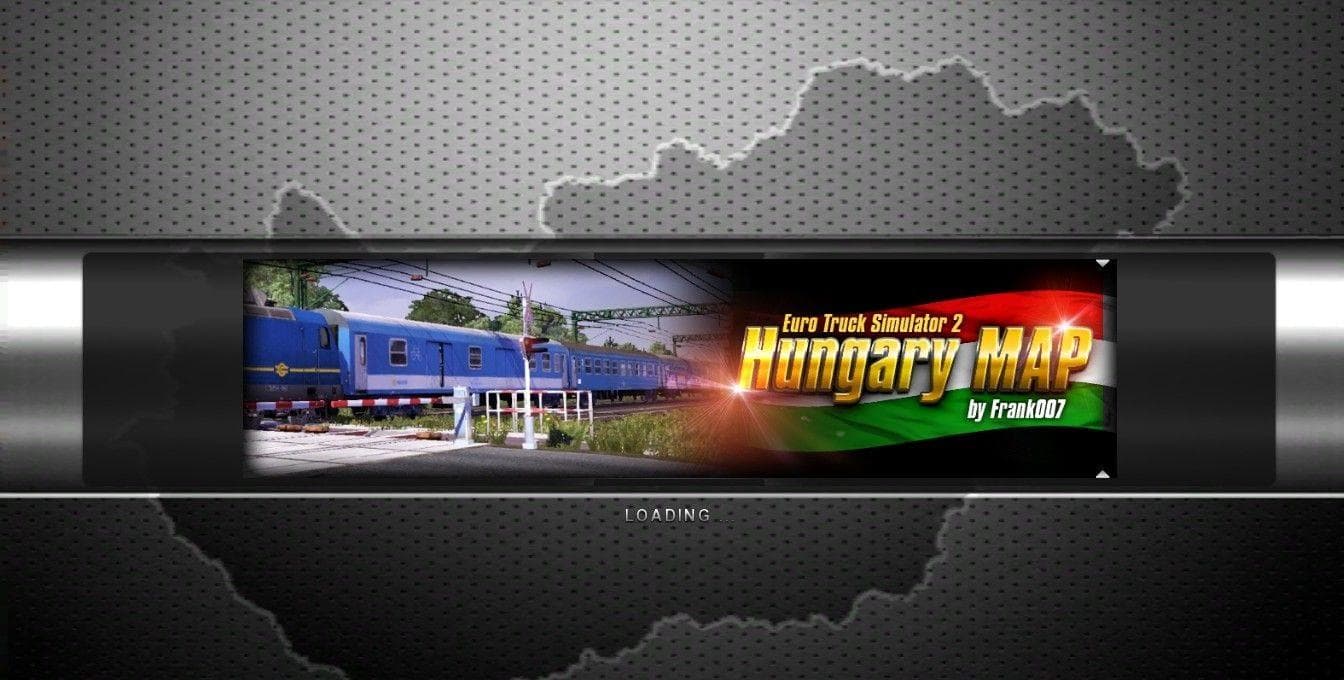
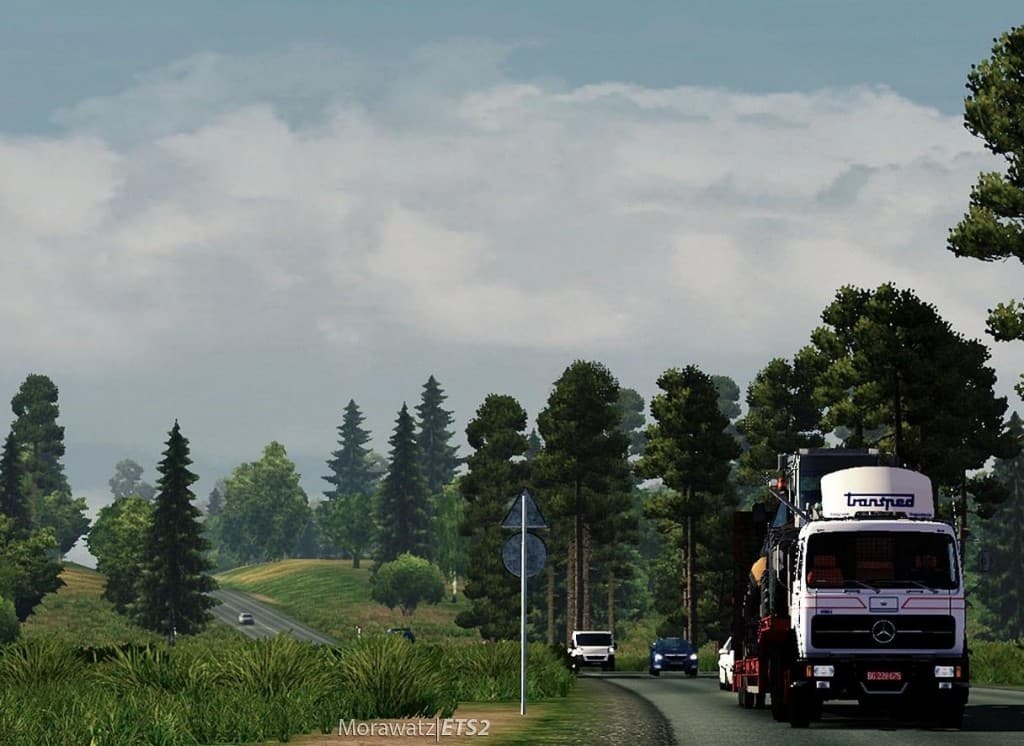
Hungary Map ++ and hotfix for 1.17.x is a map expansion mod designed to enhance the driving experience across Hungary in Euro Truck Simulator 2. It adds new areas, roads, and cities, extending the game's original map to offer more diverse routes and destinations within this part of Europe. This version targets ETS2 1.17 specifically, ensuring compatibility with that update.
Map mods like this one work by loading additional .scs files into your game folder, which integrate with the base map data. They often require careful attention to load order because conflicts can arise when multiple map mods overlap or try to modify the same regions. Sometimes starting a new profile is necessary to avoid issues or glitches introduced by map changes.
In a modded setup, Hungary Map ++ fits well alongside other regional expansions that cover Central and Eastern Europe. Players who use several map mods should consider their load order carefully, placing core maps before supplementary ones like hotfixes or minor expansions. This helps maintain stability and prevents crashes linked to incompatible files.
This type of mod appeals mostly to drivers who want a richer route network in Hungary or those interested in exploring more detailed environments beyond what the base game offers. It suits players who enjoy longer trips through varied landscapes and urban centers within that country.
Since this mod includes a hotfix for version 1.17.x, it addresses bugs or improves features related to that patch level. Users should ensure they have the correct ETS2 version installed to avoid compatibility problems and get the most out of the added content.
How to install
1. Download every .scs file from the source page (map mods often ship multiple files). 2. Copy all files to `Documents/Euro Truck Simulator 2/mod/`. 3. Enable each file in Mod Manager **in the order documented by the modder**. Load order matters for maps. 4. Start a new save or use an existing save that already supports the map's base regions.
After the mod loads, save your game inside a safe area (parking lot or service) before deciding whether to keep it. If the game refuses to load with the mod enabled, check that all required DLCs are installed and that the supported ETS2 version chips on this page include your installed game patch.
Known conflicts
No conflicts reported for this mod yet. Running a big mod list? Check your whole setup for conflicts →
Reviews
No ratings yetNo reviews yet — be the first to rate this mod.





