HOT-FIX FOR ROMANIA MAP BY ANDUTEAM .1A 1.19
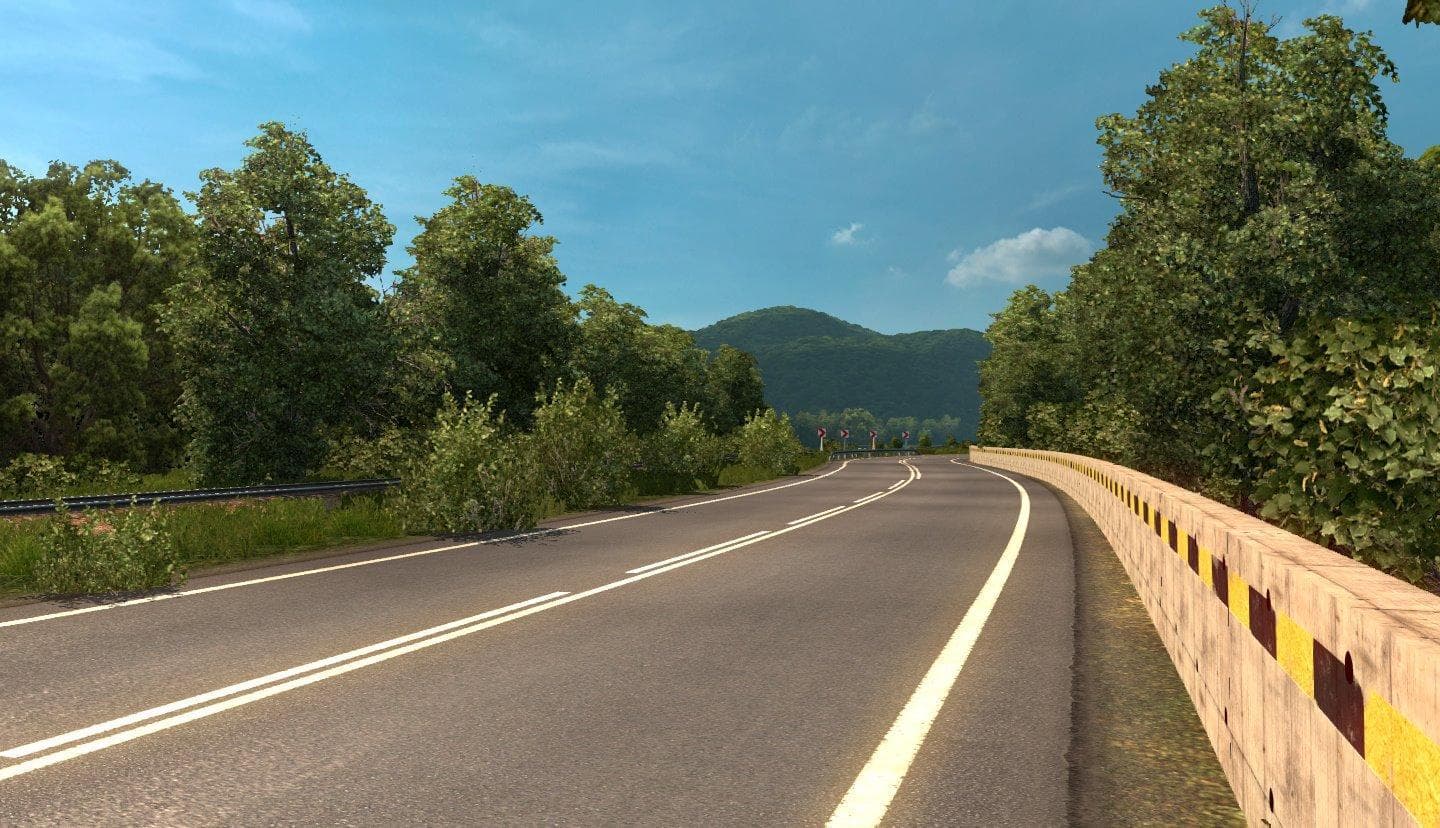
This mod acts as a hot-fix specifically for the Romania map in Euro Truck Simulator 2, designed to address issues with missing roads after starting a new game. It's intended to work with version 1.19 of ETS2 and the corresponding version of the Romania map, making it a patch rather than a full expansion or overhaul. Hot-fixes like this one are common in map mods to correct bugs or glitches discovered post-release without requiring players to reinstall entire map files.
Map mods in ETS2 typically add or modify drivable areas by introducing new cities, roads, and sometimes unique landmarks. They come as .scs files and rely heavily on proper load order for stability and functionality. Since this hot-fix targets road disappearance problems, it likely needs to be loaded after the main Romania map mod but before other related mods affecting the same region, ensuring compatibility.
Using this fix fits well within a modded setup focused on expanding Eastern European routes. Players who have already installed the Romania map mod and noticed missing roads would find this patch useful for restoring proper navigation without starting over entirely. It’s advisable to start a fresh profile when applying such fixes to avoid lingering issues from previous saves.
Road-focused hot-fixes like this one are essential tools for players seeking an uninterrupted experience in their chosen regions. Those running multiple map mods should pay close attention to load order since conflicts can cause elements like roads or traffic systems to disappear or malfunction. Being mindful of these details helps maintain a smooth gameplay experience when combining large map packs.
Overall, this hot-fix serves a practical purpose within the ETS2 mod community by correcting specific errors tied to the Romanian landscape. Players invested in exploring or trucking through Romania will appreciate having their routes restored and expanded properly thanks to fixes like these.
How to install
1. Download every .scs file from the source page (map mods often ship multiple files). 2. Copy all files to `Documents/Euro Truck Simulator 2/mod/`. 3. Enable each file in Mod Manager **in the order documented by the modder**. Load order matters for maps. 4. Start a new save or use an existing save that already supports the map's base regions.
After the mod loads, save your game inside a safe area (parking lot or service) before deciding whether to keep it. If the game refuses to load with the mod enabled, check that all required DLCs are installed and that the supported ETS2 version chips on this page include your installed game patch.
Known conflicts
No conflicts reported for this mod yet. Running a big mod list? Check your whole setup for conflicts →
Reviews
No ratings yetNo reviews yet — be the first to rate this mod.





