Horn of Africa v1.1.6 1.60
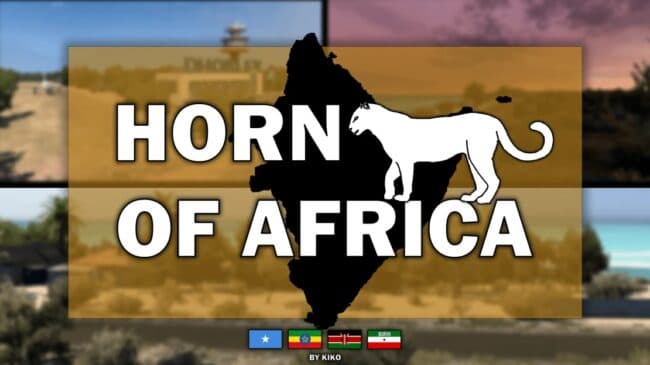
Horn of Africa 1.60 is an ETS2 maps. Listed compatible with ETS2 1.1, 1.60.
Horn of Africa v1.1.6 is a map mod for Euro Truck Simulator 2 that adds new regions and cities primarily in Ethiopia and Somalia. The update brings fresh locations like Ferfer and Mustahil in Ethiopia, as well as Baardheere and Beledweyne in Somalia, broadening the drivable world with areas less commonly featured in other mods. This expansion fits into the broader category of map mods that reshape or extend the game's geography to offer new routes and driving challenges.
Map mods like this one typically come as .scs files that need to be loaded in the correct order to avoid conflicts or missing content. Players often have to consider their existing mod setup since these maps require compatibility with base game versions—in this case, support is explicitly for ETS2 versions 1.1 through 1.60. Some map mods might also demand specific DLCs or a fresh profile to function properly, so it's wise to check those details before adding Horn of Africa.
Integrating Horn of Africa v1.1.6 into a modded setup can enrich long-haul journeys by introducing regions rarely seen on standard maps or other popular map packs like those covering Europe or North America. The addition of realistic cities enhances immersion for players who enjoy exploring diverse environments beyond familiar European landscapes.
This mod is suited for truckers interested in venturing off the beaten path within ETS2’s world, particularly those wanting to experience parts of East Africa without leaving their virtual cab. If your playstyle values varied scenery and extended road networks beyond traditional territories, Horn of Africa offers new destinations worth exploring.
How to install
1. Download every .scs file from the source page (map mods often ship multiple files). 2. Copy all files to `Documents/Euro Truck Simulator 2/mod/`. 3. Enable each file in Mod Manager **in the order documented by the modder**. Load order matters for maps. 4. Start a new save or use an existing save that already supports the map's base regions.
After the mod loads, save your game inside a safe area (parking lot or service) before deciding whether to keep it. If the game refuses to load with the mod enabled, check that all required DLCs are installed and that the supported ETS2 version chips on this page include your installed game patch.
Known conflicts
No conflicts reported for this mod yet. Running a big mod list? Check your whole setup for conflicts →
Reviews
No ratings yetNo reviews yet — be the first to rate this mod.





