HINO 700
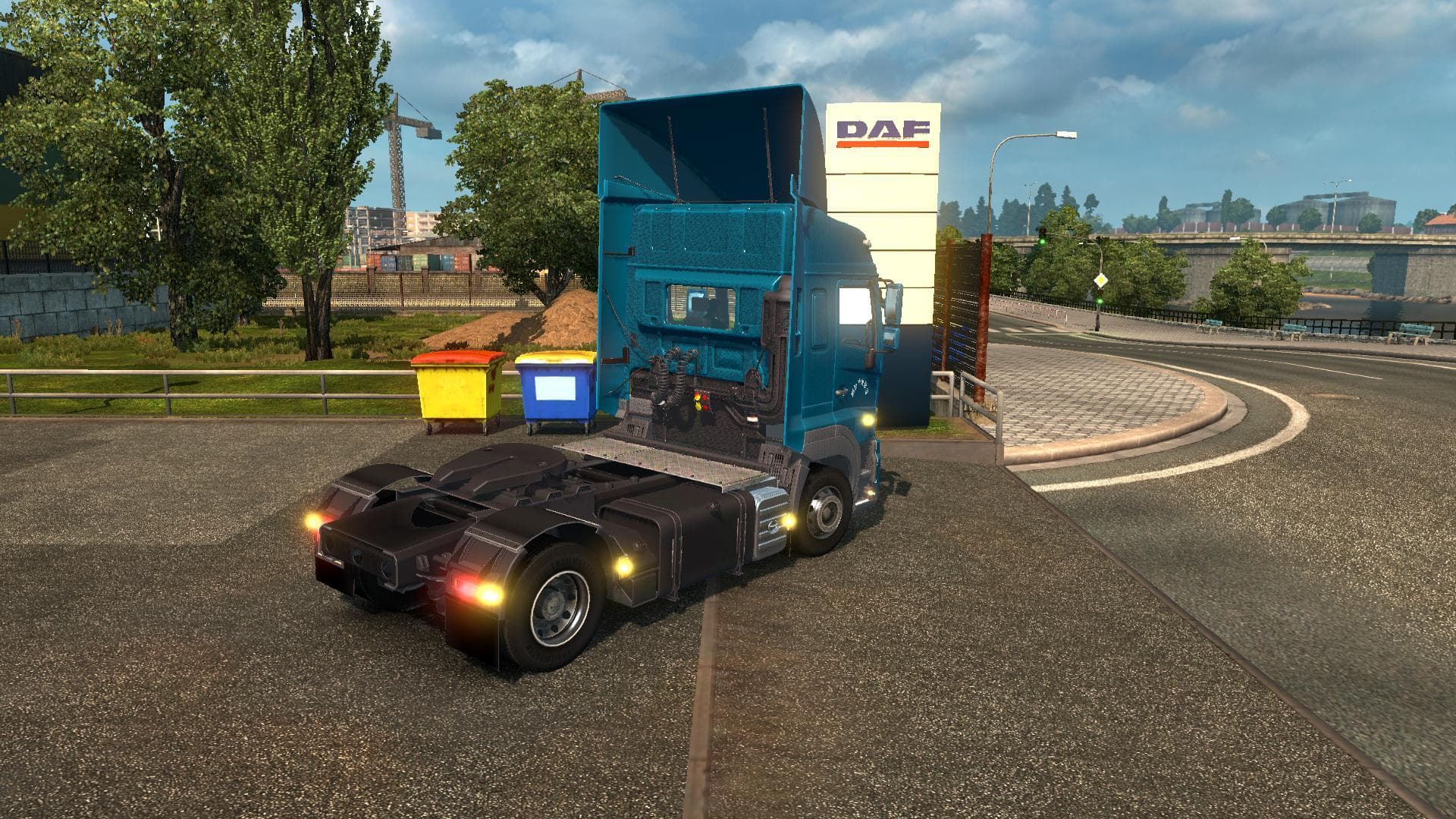
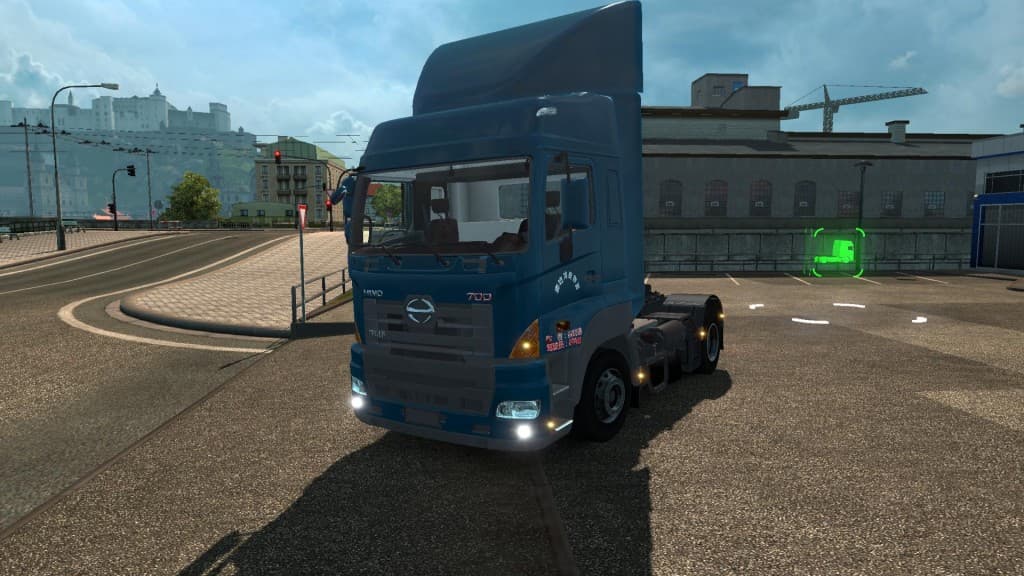
The HINO 700 mod brings a new truck to Euro Truck Simulator 2, adding a drivable cab and chassis that players can purchase from the DAF dealer in-game. Truck mods like this one typically offer their own unique interiors, engine options, and paint jobs, allowing you to expand your fleet with different styles and performance setups. This particular mod is compatible with ETS2 version 1.18.3 and comes in three separate files that need to be loaded together.
Adding a truck mod such as the HINO 700 fits well into a heavily modded setup where variety is key. Since it appears alongside other trucks at the DAF dealer, it blends into the existing dealer network rather than creating a separate vendor. This makes it easier to access without disrupting your usual buying routine. However, as with all truck mods, you should be mindful of load order so that this new vehicle integrates smoothly without conflicts.
Truck mods generally don't modify game mechanics but focus on adding new driving experiences by introducing fresh models with custom interiors and engines. The HINO 700 offers another option if you're looking for something different from the default ETS2 lineup or want to try out trucks not normally available in the base game.
Players who enjoy customizing their garage or want to explore different trucks beyond those included in standard ETS2 will find this mod useful. It's particularly appealing if you prefer collecting trucks that can be bought directly from existing dealers rather than installing standalone additions.
Since the creator and file size are unknown, it's wise to test the mod carefully before including it in your main profile, especially alongside other large mods. Compatibility checks help avoid crashes or visual glitches during gameplay.
Overall, this mod suits drivers seeking variety through new truck models accessible within familiar dealership settings while maintaining compatibility with ETS2 version 1.18.
How to install
1. Download the .scs file from the original source linked above. 2. Copy the file to `Documents/Euro Truck Simulator 2/mod/`. 3. Launch ETS2, open the Mod Manager from the main menu, enable the mod, restart the game. 4. Visit any truck dealer to spawn the new truck.
After the mod loads, save your game inside a safe area (parking lot or service) before deciding whether to keep it. If the game refuses to load with the mod enabled, check that all required DLCs are installed and that the supported ETS2 version chips on this page include your installed game patch.
Reviews
No ratings yetNo reviews yet — be the first to rate this mod.





![Fuso Supergreat Hi Cab Truck [1.50 – 1.60] – Trucks mod for Euro Truck Simulator 2](/_next/image?url=https%3A%2F%2F802software.s3.us-east-1.amazonaws.com%2Fets2modspot%2Fscreenshots%2F7494%2F0.jpg&w=3840&q=75)