Harsh Russian Map R11
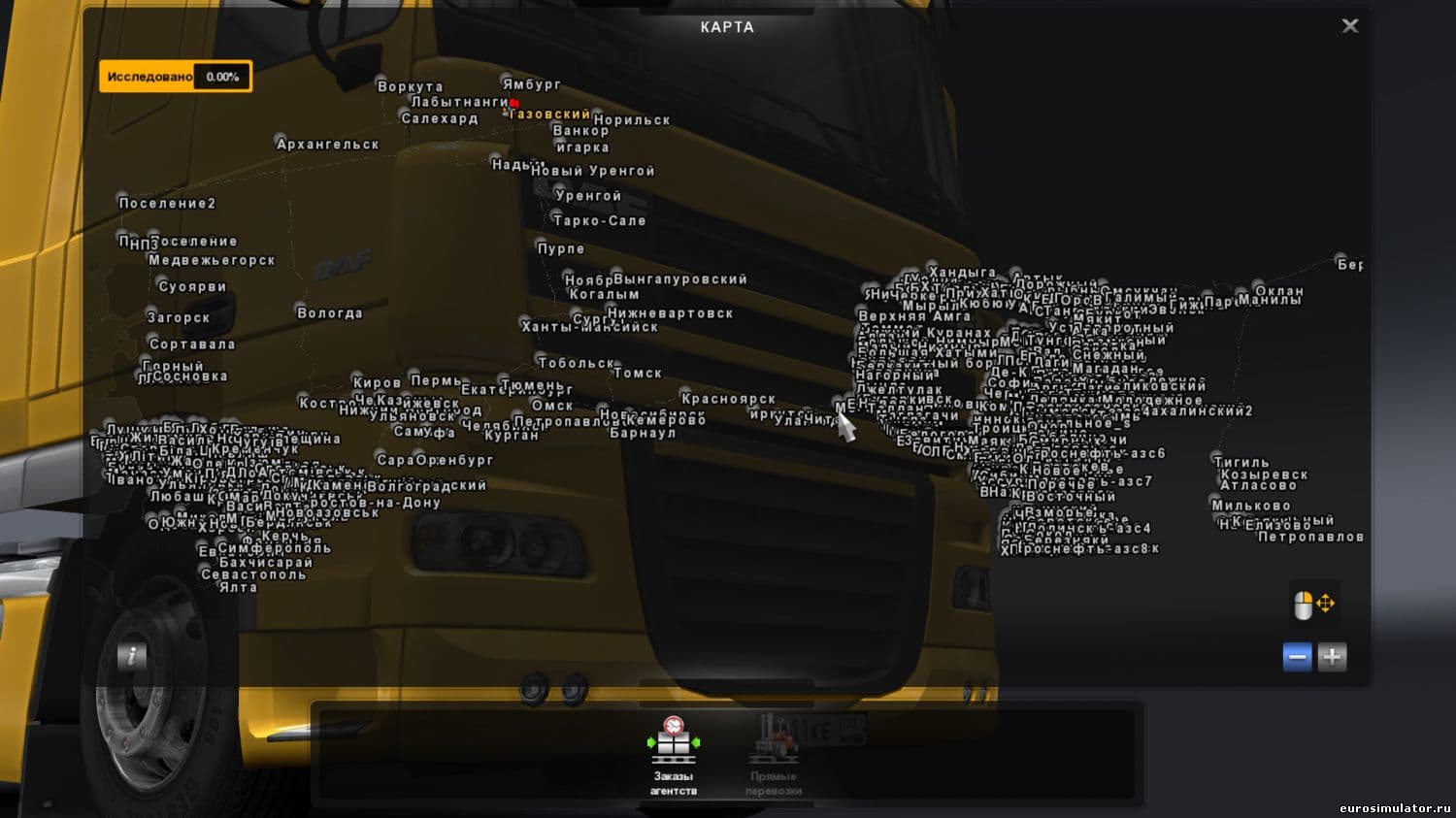
Harsh Russian Map R11 is an intense offroad map for ETS2, designed for players who enjoy a challenging experience. Created by Euro Truck Simulator 2, this mod i
Harsh Russian Map R11 is a map mod that overhauls parts of the Russian landscape within ETS2, targeting players who want a challenging offroad experience. Unlike standard maps focused on smooth highways and urban routes, this one adds rough terrain and difficult driving conditions that test your skills and patience.
Map mods like this expand the game world by introducing new roads, cities, or regions. They come as .scs files that you add to your mod folder and require careful load-order management to avoid conflicts with other map expansions. Since they often depend on specific base-map DLCs, starting a fresh profile might be necessary for everything to work correctly.
In a heavily modded setup, Harsh Russian Map R11 fits in by providing a more rugged alternative to typical routes through Russia. Players who already have multiple map mods should pay close attention to how this one loads relative to others to prevent issues such as missing textures or inaccessible roads.
This mod is suited for truckers looking for an intense offroad challenge within Russia’s environment. If you enjoy navigating difficult landscapes where your nerves are tested, it adds a layer of realism and excitement not found in the vanilla game or smoother map mods.
Given its focus on harsh terrain and offroad driving, Harsh Russian Map R11 appeals to those wanting something different from usual city-to-city hauls. It offers a unique take on map expansion by emphasizing endurance and skill over straightforward delivery runs.
How to install
1. Download every .scs file from the source page (map mods often ship multiple files). 2. Copy all files to `Documents/Euro Truck Simulator 2/mod/`. 3. Enable each file in Mod Manager **in the order documented by the modder**. Load order matters for maps. 4. Start a new save or use an existing save that already supports the map's base regions.
After the mod loads, save your game inside a safe area (parking lot or service) before deciding whether to keep it. If the game refuses to load with the mod enabled, check that all required DLCs are installed and that the supported ETS2 version chips on this page include your installed game patch.
Known conflicts
No conflicts reported for this mod yet. Running a big mod list? Check your whole setup for conflicts →
Reviews
No ratings yetNo reviews yet — be the first to rate this mod.





