HALF LIFE MODELS TO ETS 2
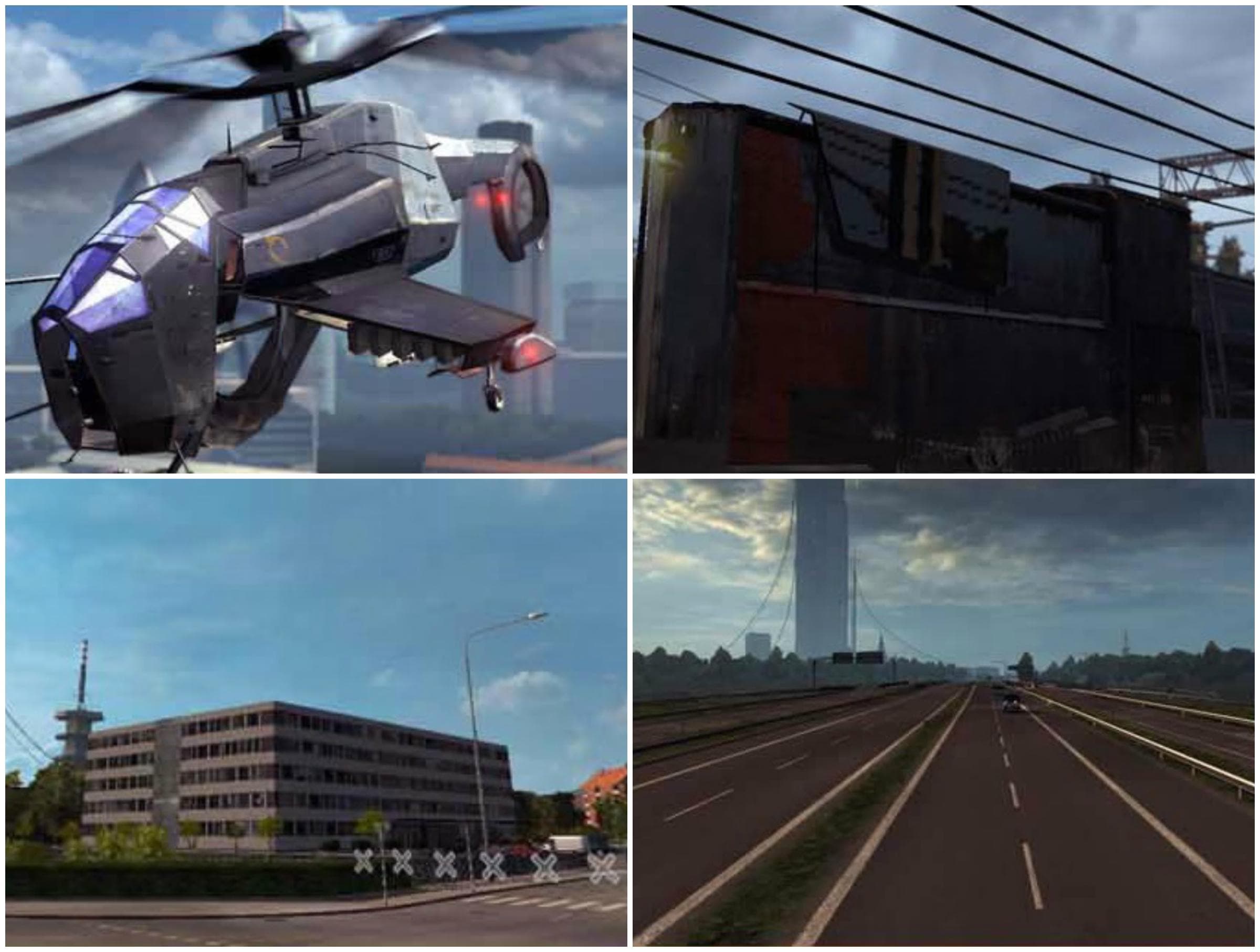
This mod adds the Citadel model from Half Life 2 to the city of Malmo in Scandinavia in Euro Truck Simulator 2. Players can also spot the train in the game.
This mod brings models from the Half Life universe into Euro Truck Simulator 2, specifically adding the iconic Citadel structure to the city of Malmo in Scandinavia. It falls under the maps category, meaning it alters or adds to the drivable environment rather than just textures or vehicles. Map mods like this one typically introduce new landmarks, roads, or areas that give fresh points of interest during long hauls.
Map mods expand the game world by reshaping existing locations or inserting recognizable features, which can change your driving experience quite a bit. Since this mod places a well-known sci-fi element into an otherwise real-world setting, it offers a unique blend of gaming worlds for players familiar with Half Life and ETS2 alike.
Using map mods usually requires careful attention to load order because they might conflict with other map expansions or require starting a new profile to avoid save corruption. While specific compatibility details for this mod are unknown, it’s wise to run it alongside compatible base-map DLCs and check community feedback if you’re mixing multiple large-scale map modifications.
Players who enjoy both ETS2 and classic first-person shooters might appreciate this crossover detail. It adds a splash of sci-fi atmosphere without drastically changing gameplay mechanics but enriches exploration in Scandinavian regions like Sweden.
Integrating such themed landmarks can complement a heavily modded setup that includes diverse map packs and visual enhancements. It’s ideal for those wanting some narrative flavor on their routes without sacrificing immersion in truck simulation.
If you’re looking for something that stands out from typical map additions, this Half Life inspired feature provides a subtle but memorable landmark near Malmo. It’s not about new roads or cities here; it’s about adding character to familiar terrain.
How to install
1. Download every .scs file from the source page (map mods often ship multiple files). 2. Copy all files to `Documents/Euro Truck Simulator 2/mod/`. 3. Enable each file in Mod Manager **in the order documented by the modder**. Load order matters for maps. 4. Start a new save or use an existing save that already supports the map's base regions.
After the mod loads, save your game inside a safe area (parking lot or service) before deciding whether to keep it. If the game refuses to load with the mod enabled, check that all required DLCs are installed and that the supported ETS2 version chips on this page include your installed game patch.
Known conflicts
No conflicts reported for this mod yet. Running a big mod list? Check your whole setup for conflicts →
Reviews
No ratings yetNo reviews yet — be the first to rate this mod.





