GOOD YEAR HD TEXTURE FOR 50 KEDA’S WHEELPACK
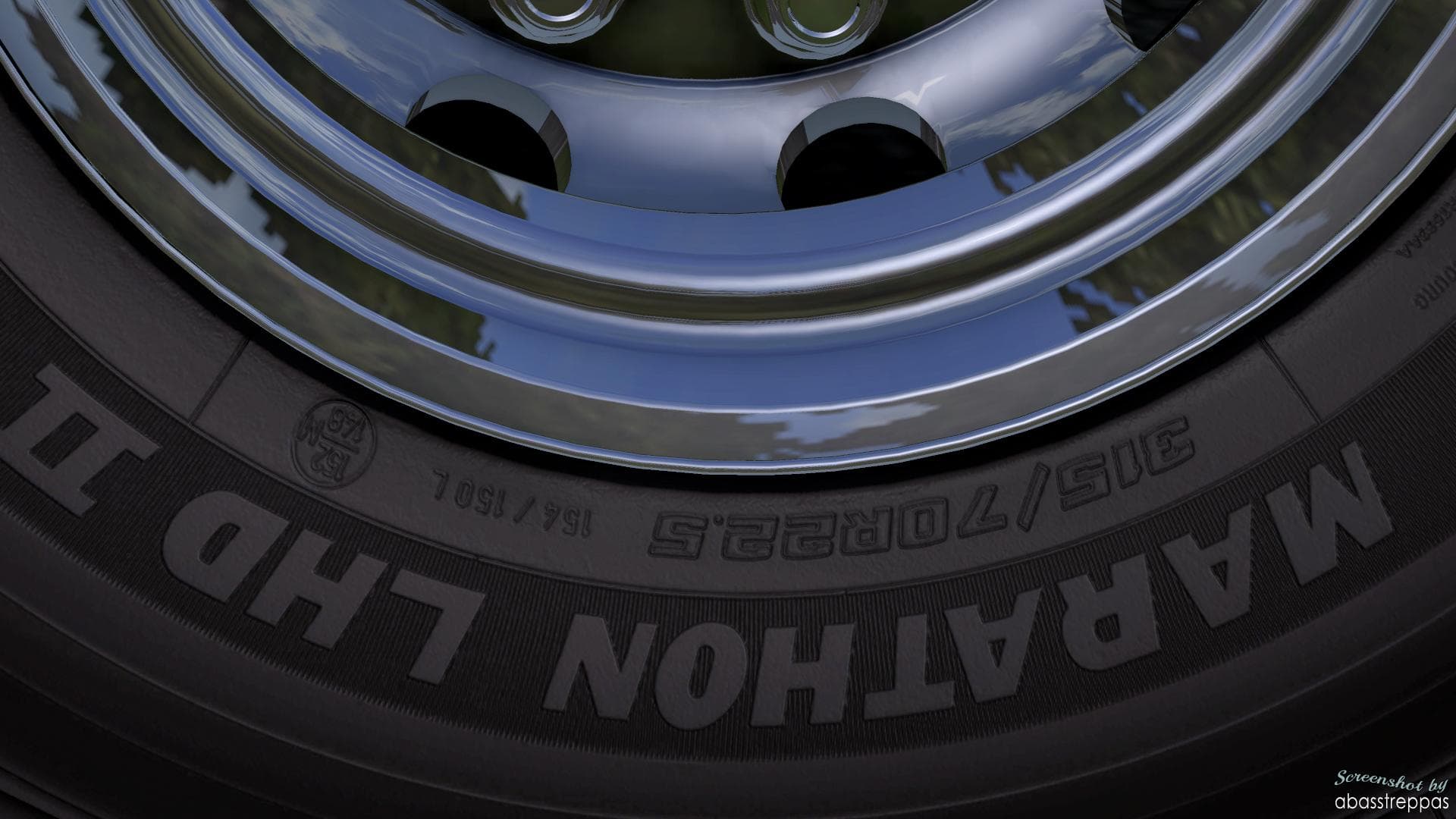
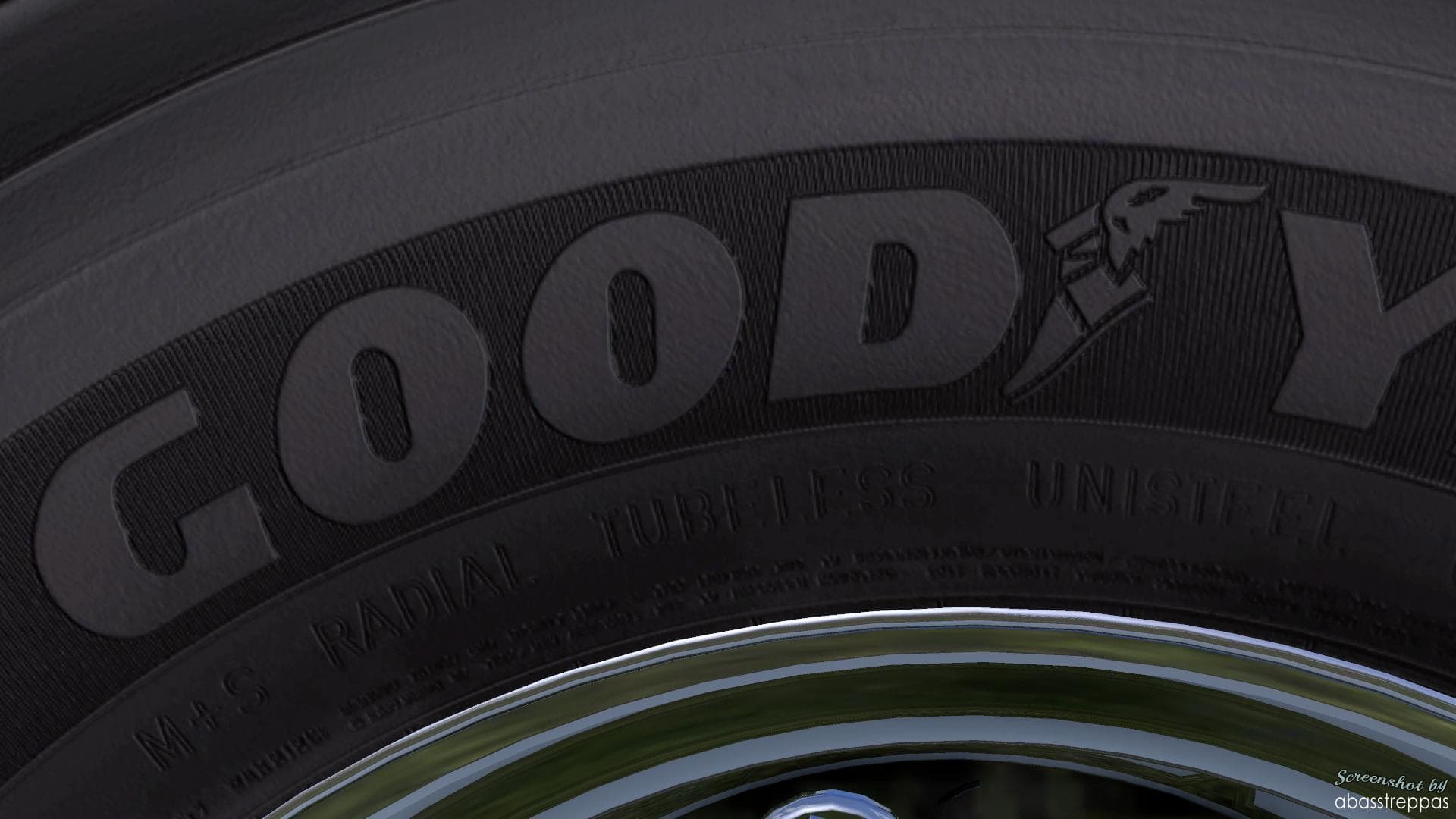
This mod offers HD textures of the GoodYear Marathon for 50Keda's wheel pack in Euro Truck Simulator 2. The textures are large, so it may not be suitable for us
This mod offers a high-definition texture upgrade for the GoodYear Marathon tires included in 50 Keda’s wheel pack. Instead of introducing new parts, it focuses solely on enhancing the visual quality of these specific wheels, making them look more detailed and realistic within the game. Since it's a texture mod, it improves how the tires appear during gameplay without altering any functionality or performance aspects.
In Euro Truck Simulator 2, parts mods like this one typically provide additional customization options through accessories such as wheels, lights, or mirrors that you can apply to your truck in the customization menu. Texture enhancements fit neatly into this category by refining existing components rather than adding new ones. Players who enjoy tuning their rigs with specific brands or styles often use these mods to add a layer of visual authenticity.
When it comes to integrating texture mods into a setup with other wheel packs or parts, load order can matter but generally texture files will override default game assets if placed correctly in the mod manager. Users should be mindful that HD textures tend to consume more video memory and may impact performance on lower-end systems. It's recommended to test compatibility especially if multiple wheel or texture mods are installed simultaneously.
This particular mod suits players who want better-looking tires without changing the overall design of their wheels from 50 Keda’s pack. If you already use 50 Keda’s wheels and appreciate higher resolution details for your truck's parts, this texture upgrade could enhance your visual experience. However, those with limited system resources might want to consider whether the larger texture size aligns with their hardware capabilities.
How to install
1. Download the file(s) from the original source linked above. 2. Drop them into `Documents/Euro Truck Simulator 2/mod/`. 3. Enable in Mod Manager and restart the game.
After the mod loads, save your game inside a safe area (parking lot or service) before deciding whether to keep it. If the game refuses to load with the mod enabled, check that all required DLCs are installed and that the supported ETS2 version chips on this page include your installed game patch.
Reviews
No ratings yetNo reviews yet — be the first to rate this mod.