Gazel 3302 Biznes + New Addon 1.22
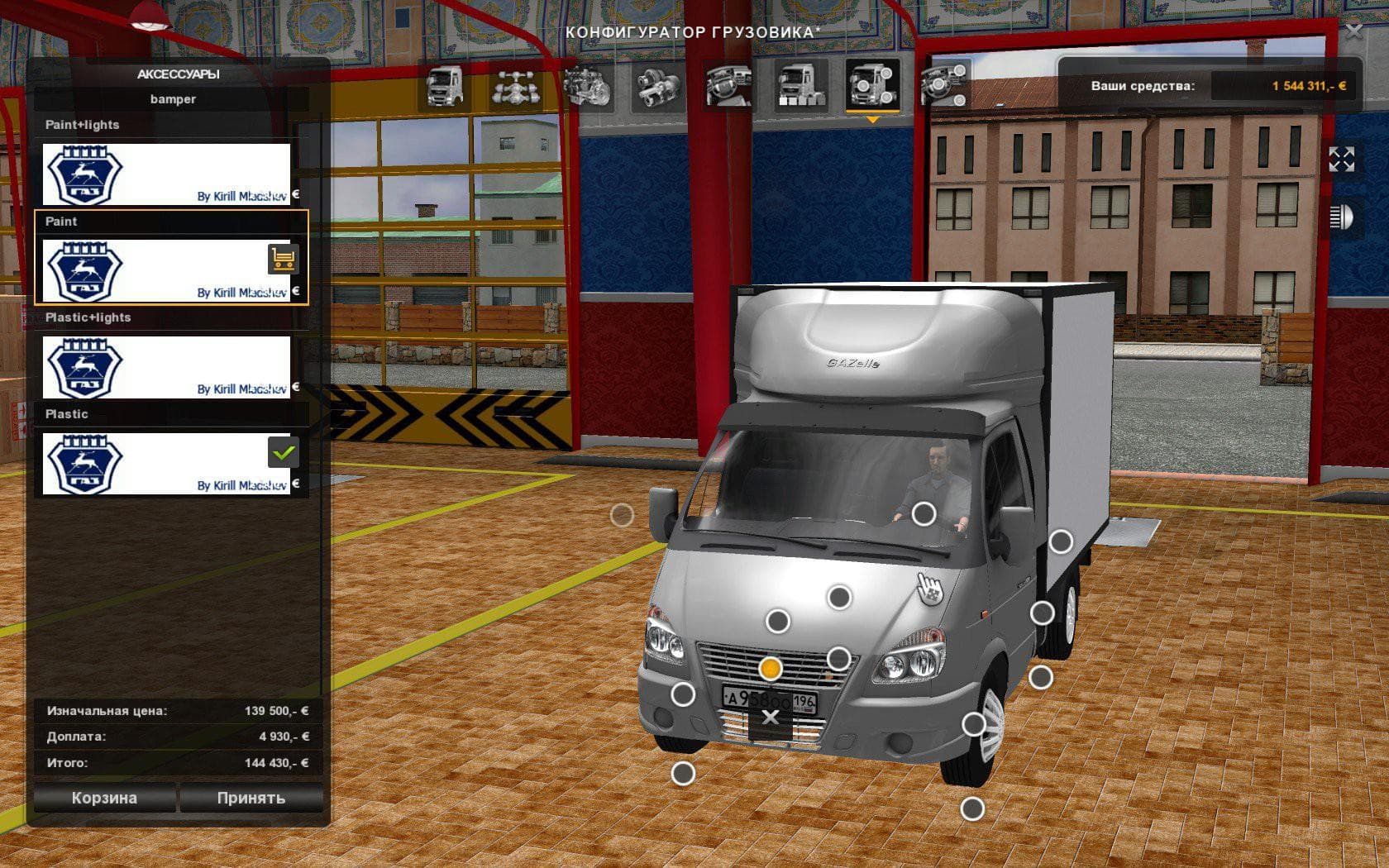
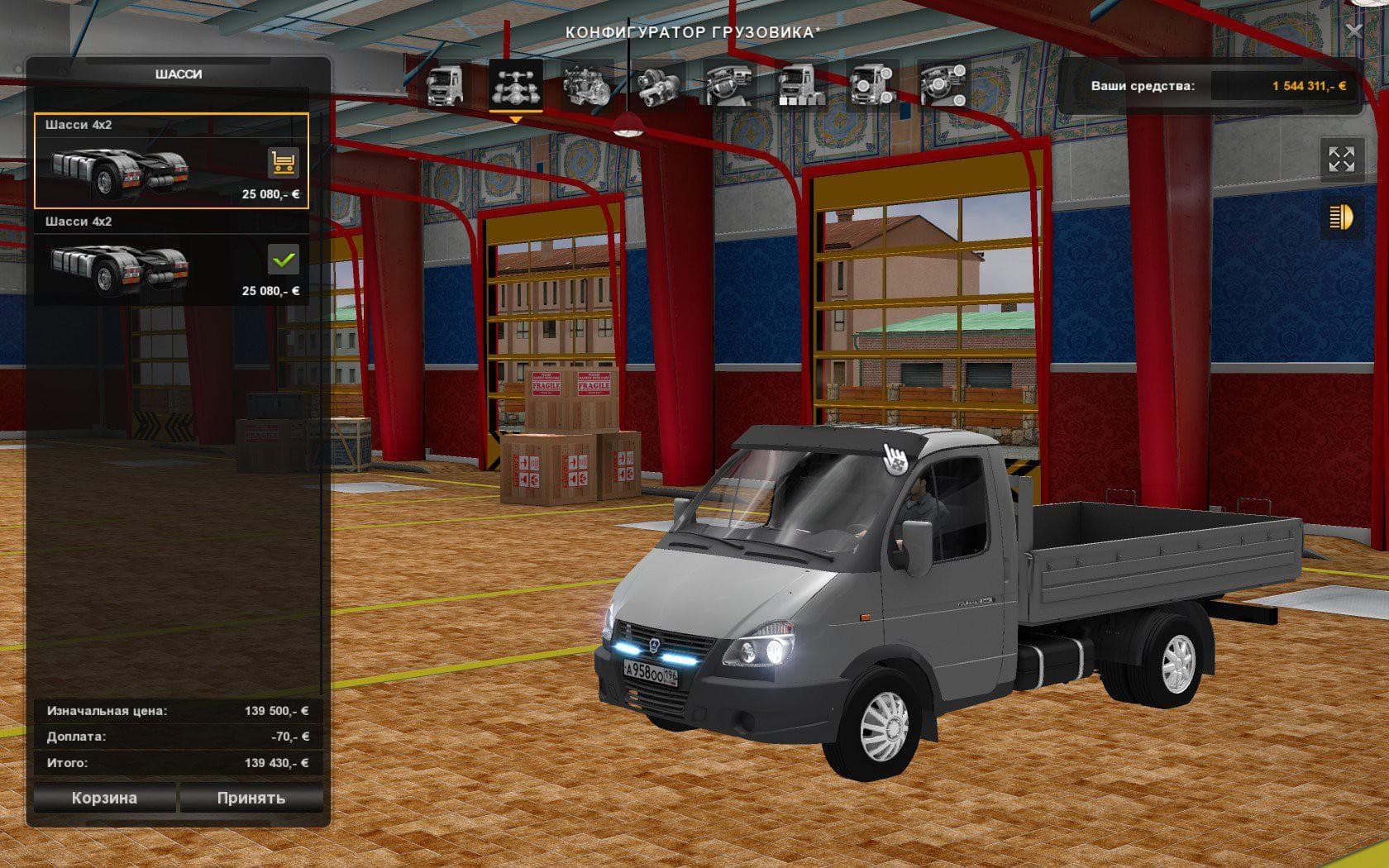
The Gazel 3302 Biznes + New Addon 1.22 mod for ETS2 is a standalone truck model available in Volvo showrooms. It features an interior, wheels, sound, and includ
The Gazel 3302 Biznes + New Addon 1.22 is a standalone truck mod compatible with ETS2 version 1.22. It introduces a new drivable vehicle that can be purchased from Volvo dealerships within the game, adding variety to your garage beyond the base game trucks. This mod comes complete with its own interior, wheel options, and sound effects, giving it a distinct feel compared to stock vehicles.
Truck mods like this one typically add new cabs and chassis configurations to ETS2, allowing players to experience different driving dynamics and aesthetics. The Gazel 3302 Biznes includes a self-contained trailer that is transparent and designed for transporting goods, which integrates well into the simulation without requiring additional trailers.
When adding this kind of truck mod to a modded setup, it's advisable to consider load order carefully because standalone trucks usually need priority over skins or tuning packs. Compatibility should generally be smooth if you’re running ETS2 version 1.22 since this mod targets that specific version, but conflicts can occur if other truck mods modify the same dealership or truck IDs.
This Gazel model fits nicely for players who want something less common than typical Western European trucks featured in ETS2’s standard lineup. It suits those interested in expanding their fleet with vehicles that reflect different regions or styles, offering fresh options for both delivery jobs and casual driving.
Since it shows up in Volvo showrooms, it doesn’t require manual spawning through console commands or external tools. That makes it straightforward to access once installed correctly. Players who enjoy exploring diverse truck selections and appreciate authentic interiors will find this mod adds some interesting flavor without complicating gameplay.
How to install
1. Download the .scs file from the original source linked above. 2. Copy the file to `Documents/Euro Truck Simulator 2/mod/`. 3. Launch ETS2, open the Mod Manager from the main menu, enable the mod, restart the game. 4. Visit any truck dealer to spawn the new truck.
After the mod loads, save your game inside a safe area (parking lot or service) before deciding whether to keep it. If the game refuses to load with the mod enabled, check that all required DLCs are installed and that the supported ETS2 version chips on this page include your installed game patch.
Reviews
No ratings yetNo reviews yet — be the first to rate this mod.





![Fuso Supergreat Hi Cab Truck [1.50 – 1.60] – Trucks mod for Euro Truck Simulator 2](/_next/image?url=https%3A%2F%2F802software.s3.us-east-1.amazonaws.com%2Fets2modspot%2Fscreenshots%2F7494%2F0.jpg&w=3840&q=75)