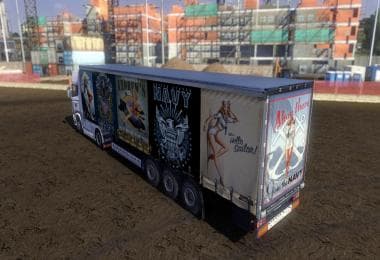
FRUEHAUF MAXISPEED NEW TRAILERS SKIN PACK
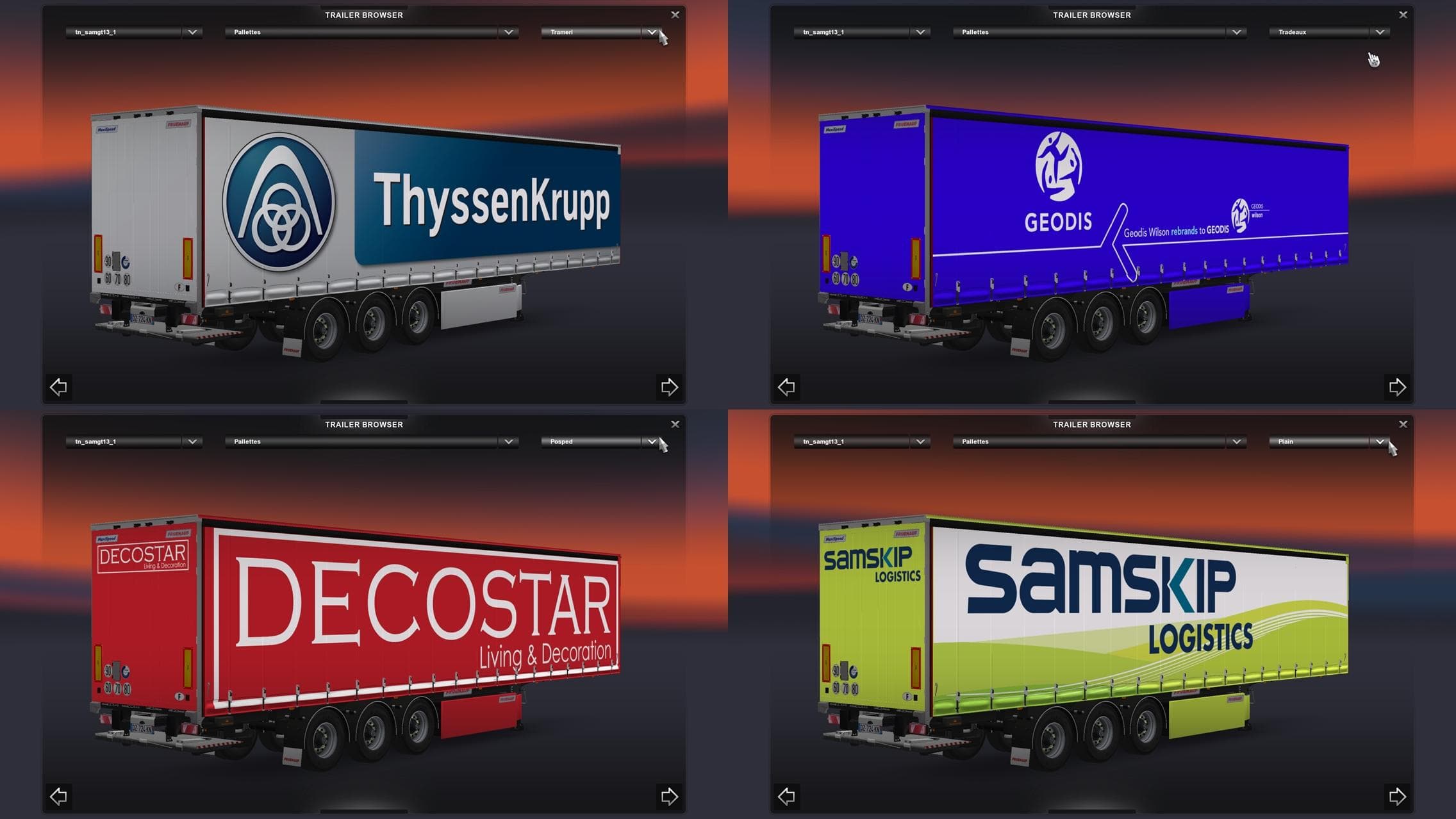
FRUEHAUF MAXISPEED NEW TRAILERS SKIN PACK adds new skins for trailers in ETS2 version 1.21. It is standalone and compatible with Scandinavia DLC, with credits t
The FRUEHAUF MAXISPEED NEW TRAILERS SKIN PACK is a collection of repaint designs tailored for trailers in Euro Truck Simulator 2. Instead of altering the trailer models, it simply changes their exterior appearance, giving players more variety without affecting gameplay mechanics. Skins like this one are typically applied through the in-game paint shop and require the base trailer model to be present for them to work properly.
In ETS2, skin mods provide a fresh look for vehicles by modifying textures rather than models. They can also appear in AI traffic if supported, adding to the game's immersion. This particular skin pack works with version 1.21 of ETS2 and is compatible with standalone expansions such as the Scandinavia DLC, ensuring it fits well within expanded game environments.
When adding skin mods to a setup that includes other trailers or truck customizations, it's good practice to pay attention to load order and compatibility. Since skins only alter visuals, they usually don't conflict heavily with other mods but should be loaded after any model-changing mods. This helps prevent texture overrides from being unintentionally replaced or broken.
This pack suits players who want more visual variety in their trailer fleet without changing driving dynamics. It’s especially useful for those running modded setups focused on realism or thematic consistency across different regions represented by various DLCs. The inclusion of AI traffic support means you might spot these trailers on the roads even when not directly controlled.
Overall, FRUEHAUF MAXISPEED NEW TRAILERS SKIN PACK adds subtle but noticeable diversity to trailer appearances for ETS2 enthusiasts who enjoy customizing their haulage experience visually while keeping their game stable and compatible with existing expansions.
How to install
1. Download the .scs file. 2. Drop it into `Documents/Euro Truck Simulator 2/mod/`. 3. Enable in Mod Manager. 4. Apply the skin in the truck/trailer paint shop.
After the mod loads, save your game inside a safe area (parking lot or service) before deciding whether to keep it. If the game refuses to load with the mod enabled, check that all required DLCs are installed and that the supported ETS2 version chips on this page include your installed game patch.
Reviews
No ratings yetNo reviews yet — be the first to rate this mod.