FreigthLiner Argosy CAT 8x4 – 1680 and 1996 HP New Engines
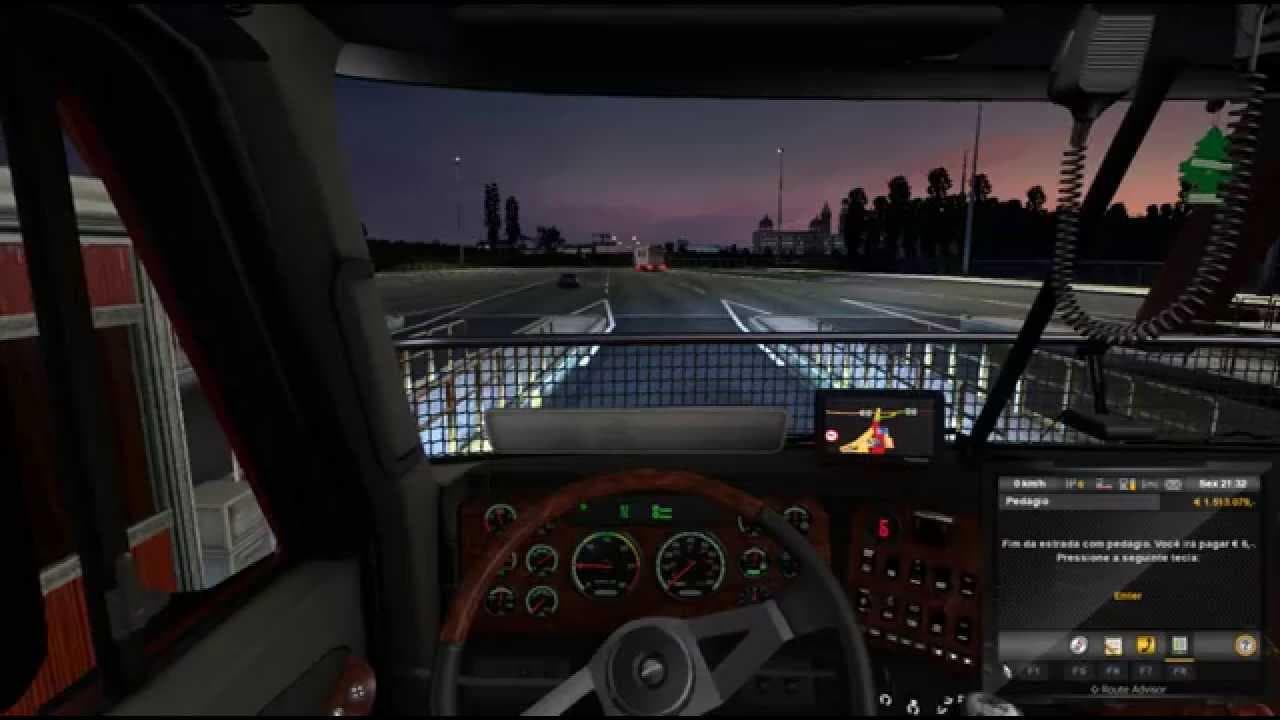
The FreigthLiner Argosy CAT 8x4 mod for ETS2 offers two new engines, 1680 and 1996 HP, created by an unknown modder. This parts mod enhances the truck with addi
The FreightLiner Argosy CAT 8x4 mod introduces two new engine options for the iconic truck model, offering power outputs of 1680 and 1996 horsepower. This addition expands the available configurations for the FreightLiner Argosy, letting players customize their rigs with more potent engines. Parts mods like this one typically enhance trucks by adding or upgrading components through the in-game customization menu, allowing for a more personalized driving experience.
In Euro Truck Simulator 2, parts mods are designed to integrate smoothly with existing truck models, often focusing on specific brands or variants. Engine upgrades such as these provide not only increased power but can also influence the truck's performance and fuel consumption. Installing such mods generally requires placing them in the correct mod folder and activating them via the game’s mod manager. Since this is an engine mod, it should be loaded after any general truck model changes to avoid conflicts.
When building a heavily modded setup, users should pay attention to load order since engine mods need to override base truck files without interfering with other tuning parts like exhausts or interiors. Compatibility depends on whether other mods alter the same engine slots or core vehicle data. It’s wise to test different combinations carefully and keep backups of your profile to prevent issues.
This mod is suited for players who enjoy customizing their FreightLiner trucks beyond stock capabilities and want to experiment with higher horsepower engines for hauling heavy loads across expansive maps such as California or Texas. It fits well within setups aiming for realism or increased challenge due to altered driving dynamics.
Overall, if you’re looking to add some serious grunt under the hood of your FreightLiner Argosy CAT 8x4, these new engine options provide a straightforward way to boost performance while keeping your build modular and compatible with other parts enhancements.
How to install
1. Download the file(s) from the original source linked above. 2. Drop them into `Documents/Euro Truck Simulator 2/mod/`. 3. Enable in Mod Manager and restart the game.
After the mod loads, save your game inside a safe area (parking lot or service) before deciding whether to keep it. If the game refuses to load with the mod enabled, check that all required DLCs are installed and that the supported ETS2 version chips on this page include your installed game patch.
Reviews
No ratings yetNo reviews yet — be the first to rate this mod.